

First Impressions and Interface
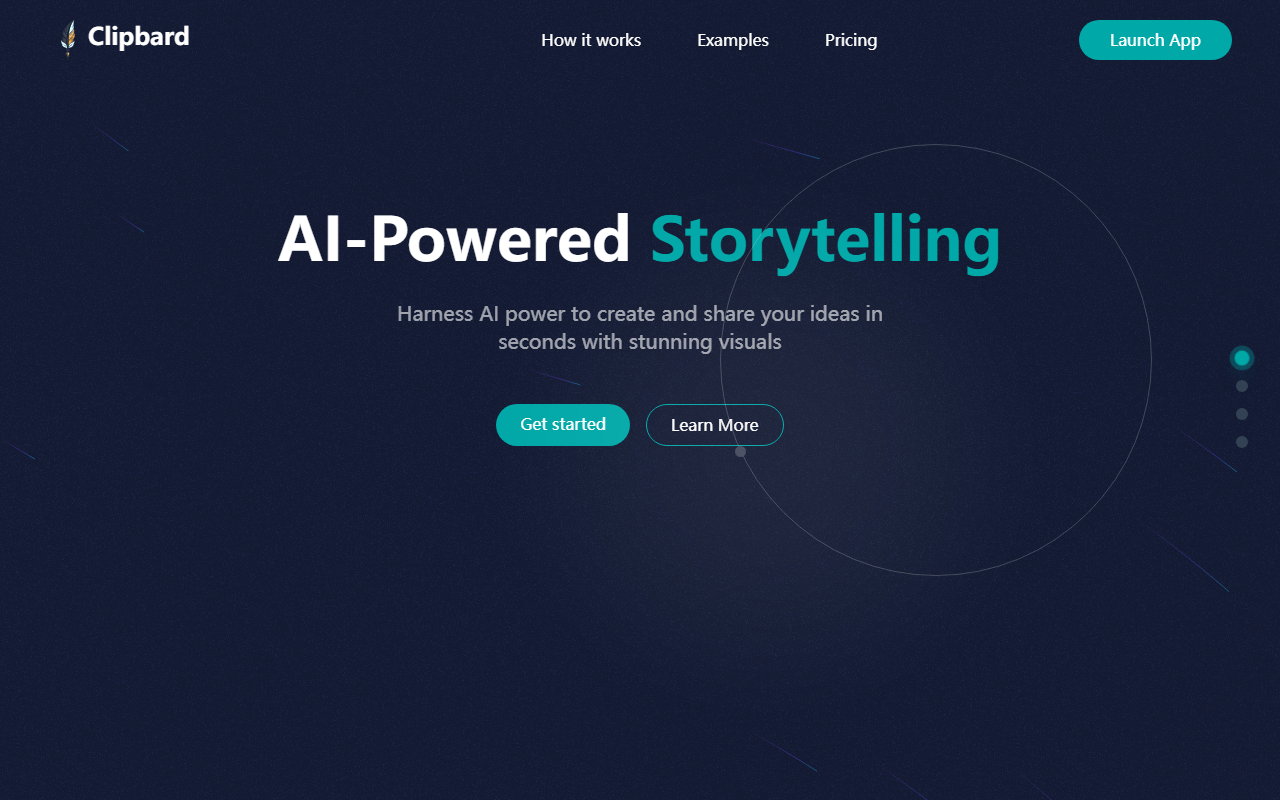
Upon visiting Clipbard's website, I was greeted with a clean, minimalist landing page that immediately communicates its core promise: harnessing AI power to create and share ideas in seconds with stunning visuals. The hero section offers two calls to action—'Get started' and 'Learn More'—alongside a brief description of its 4-step process. Scrolling down, I found a carousel of user-created video examples (though the browser didn't support the video tags, so I couldn't preview them) and the pricing plans. The dashboard itself wasn't accessible without signing up, but the onboarding flow seems straightforward: select a mode (write your own script or let AI generate one), then presumably proceed through storyboarding, visual generation, and final export. The simplicity is appealing, but I noticed a lack of detailed documentation or a visible free tier beyond the '2 free credits' mentioned in the Starter plan.
How Clipbard Works and Key Features
Clipbard is positioned as an AI writing and video creation tool rolled into one. The '4-Step Process' is outlined: Step 1 lets you choose between manually writing a script or having AI generate one from scratch. The remaining steps (2-4) are not explicitly detailed on the landing page, but the flow hints at storyboard creation, visual asset generation, and final video assembly. The tool claims to produce 'stunning visuals' and includes voiceovers, no watermark (on paid plans), unlimited stories, queue up to 3 stories, regenerate images, select image resolutions, and high-quality image generation. However, technical specifics are sparse—Clipbard does not reveal which AI models power its script and image generation, nor does it mention API availability or integrations with other platforms. For context, competitors like Lumen5 and InVideo offer similar AI-driven video creation but provide more transparent model information and template libraries. Clipbard's focus on storytelling with AI-generated scripts may appeal to users who want a fully automated, hands-off approach, but creators who need granular control over visuals and audio may find it limiting.
Pricing and Credit System
Clipbard offers five pricing tiers, all with a 'limited time offer' discount and no long-term commitments. The Starter plan is $1.99 (50% off $3.99) for 12 credits, described as 'create 1 professional video'—implying 12 credits per video. The Creator plan is $5.99 for 42 credits (up to 4 videos), which equates to about 10.5 credits per video. Growth ($12.49 for 100 credits) yields ~10 credits per video, Pro ($24.99 for 200 credits) yields 10 credits per video, and Studio ($49.99 for 400 credits) yields 10 credits per video. This inconsistency in credit-to-video ratio is confusing—Starter claims 12 credits for one video but other plans offer 10 credits per video. Additionally, all plans except Creator include '2 free credits' (Starter lists 2 free credits, but the others do not mention it). Pricing seems affordable for casual use, but the credit math needs clarification. Importantly, there is no free tier beyond those two free credits; you must pay to start. The website also notes that final prices may fluctuate based on exchange rates and exclude taxes.
Strengths, Limitations, and Final Verdict
Clipbard's primary strength is its simplicity and low entry price. For content creators who want to quickly transform a blog post or idea into a narrated video without diving into complex editing software, Clipbard offers a frictionless experience. The no-watermark policy on all paid plans is a plus. However, the tool has real limitations: the credit system is ambiguous, there is no transparent information about the underlying AI models or voiceover quality, and the inability to test a full free trial (aside from two credits) makes it hard to evaluate before purchasing. Advanced users will miss features like custom branding, detailed timeline editing, or export to multiple aspect ratios. Clipbard is best suited for beginners, small business owners, and social media managers who need quick, automated video storytelling. If you require more control or higher production values, consider Lumen5 or Pictory instead. Visit Clipbard at https://clipbard.com/ to explore it yourself.













Comments