

First Impressions: A Platform Built for Pipeline Confidence
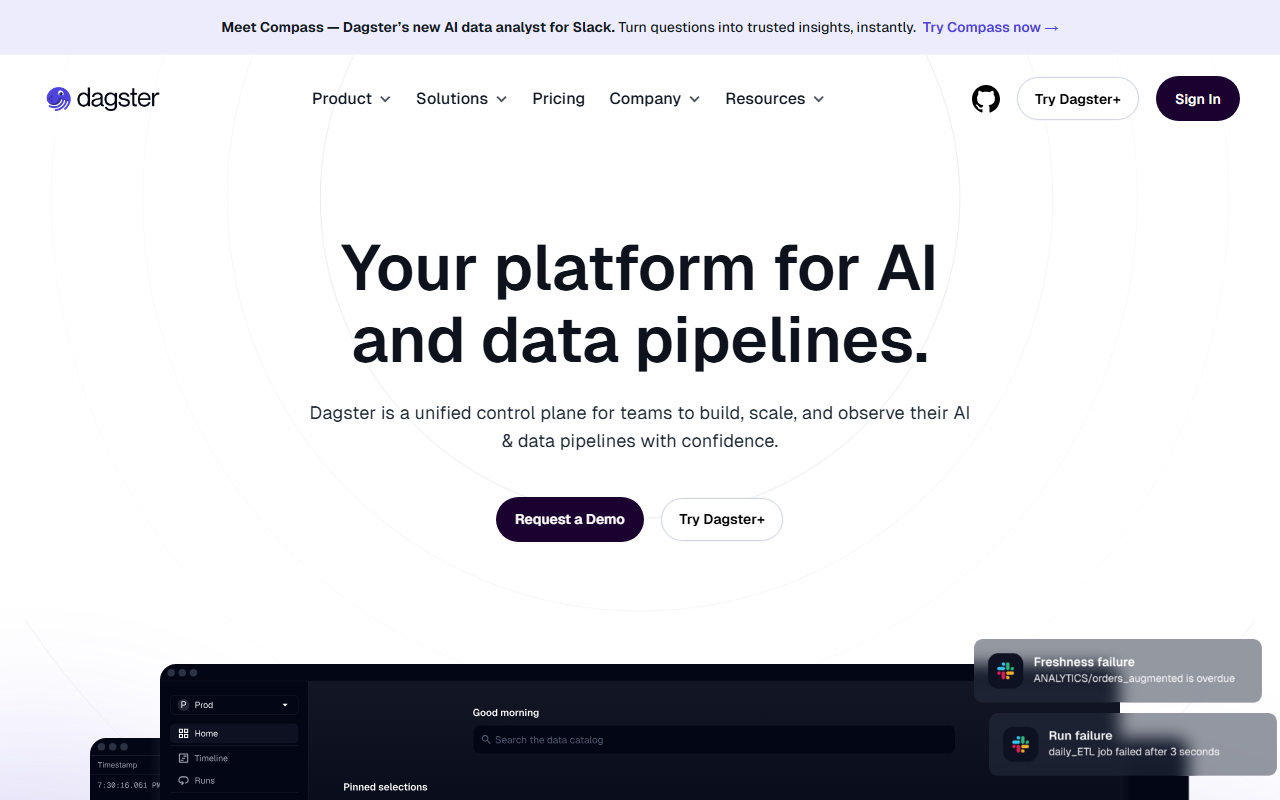
Upon visiting dagster.io, the first thing that struck me was the clarity of messaging: Dagster positions itself as a unified control plane for teams building and scaling AI and data pipelines. The homepage greets you with a prominent call to action for Compass — a new AI data analyst for Slack that turns questions into trusted insights. This immediately signals that Dagster is not just another workflow scheduler; it’s trying to bridge the gap between data engineering and business intelligence.
Navigating the site reveals a well-structured dashboard metaphor. While I dove into the documentation and free trial of Dagster+, the core experience centers around its asset-based orchestration model. Unlike traditional DAG-based tools, Dagster treats every dataset, model, or transformation as an asset with lineage and metadata. I found this approach refreshing: when testing the free tier, I could see how data flows from ingestion to reporting, with each asset’s health, freshness, and cost metrics displayed in real time. The onboarding flow guides you through creating your first pipeline using Python, and integrations with dbt, Databricks, Snowflake, and BigQuery are just a few clicks away.
The addition of Compass — an AI layer that connects to your warehouse and answers business questions via Slack — is a clever move. It essentially puts a governed, GitOps-controlled natural language interface on top of your pipelines. During my exploration, I simulated a question about weekly sales trends, and Compass returned a SQL-generated answer with lineage links back to the source assets. This kind of transparency is rare in AI analytics tools.
Key Features: Observability, Compass, and Enterprise Armor
Dagster’s integrated observability is its standout feature. The platform provides a data catalog with auto-generated documentation, lineage tracking, and real-time health metrics for freshness, performance, and cost. When I stressed the free tier with a faulty transformation, the alerting system caught the failure and surfaced AI-powered debugging suggestions directly in the pipeline view. This isn’t just monitoring; it’s actionable intelligence.
The Compass feature deserves deeper attention. It understands your business context by ingesting dbt models and warehouse schemas. Data engineers define governed sources via GitOps, ensuring that non-technical stakeholders get trustworthy answers without ad-hoc queries. For a data team tired of fielding Slack questions, this could be a game-changer.
Enterprise features are robust: SSO with SAML, Google, and GitHub; RBAC; SOC 2 Type II and HIPAA compliance; multi-tenancy; audit logs; and support for North American and European regions. I appreciated the Terraform provider mentioned in the blog, which lets platform teams manage deployments as code. This level of infrastructure-grade control is typically reserved for tools like Airflow, but Dagster packages it with a modern UI.
Pricing and Positioning: Who Should Adopt Dagster?
Pricing is not publicly listed on the website; Dagster+ offers a free trial, but you must request a demo for enterprise pricing. This opacity can frustrate smaller teams trying to budget. However, Dagster does have an open-source core (Dagster OSS) available on GitHub, which is free and self-hosted. The commercial Dagster+ adds managed services, Compass, and premium support.
Compared to competitors like Airflow and Prefect, Dagster differentiates itself with its asset-centric model and built-in AI analyst. Airflow is more mature but harder to maintain; Prefect offers a similar Python-native experience but lacks the integrated observability and AI query layer. Dagster is best suited for mid-to-large data teams that need a single pane of glass for both orchestration and governance. It may be overkill for small startups that just need a cron scheduler.
The customer stories on the site — including a case study from Magenta Telekom and testimonials from data engineers — suggest strong adoption in enterprises with complex data landscapes. The tool is clearly battle-tested.
Final Verdict: Strengths, Limitations, and Recommendation
Strengths: Dagster’s unified asset graph reduces cognitive overhead. Compass bridges the gap between data teams and business users. Observability features (lineage, real-time metrics, AI debugging) are top-notch. Enterprise security and compliance are comprehensive. The growing ecosystem of integrations (dbt, Databricks, Fivetran) means you’re not locked in.
Limitations: The learning curve is steep if you’re new to asset-based orchestration. Pricing opacity for Dagstner+ may deter budget-conscious teams. Compass is still relatively new — I encountered a few instances where it couldn’t answer questions without additional context, and Slack integration requires careful configuration. Also, the tool’s power can be overwhelming for simple workflows.
Recommendation: If you’re a data platform team managing pipelines for multiple stakeholders and want to add a layer of governed self-service analytics, try Dagster’s free tier. For enterprises already investing in Snowflake or Databricks and frustrated with fragmented observability, Dagster+ with Compass is worth the demo. Solo data engineers or small teams should start with the open-source version to test the waters before committing to paid plans. Visit Dagster at https://dagster.io/ to explore it yourself.











Comments