

First Impressions and Onboarding
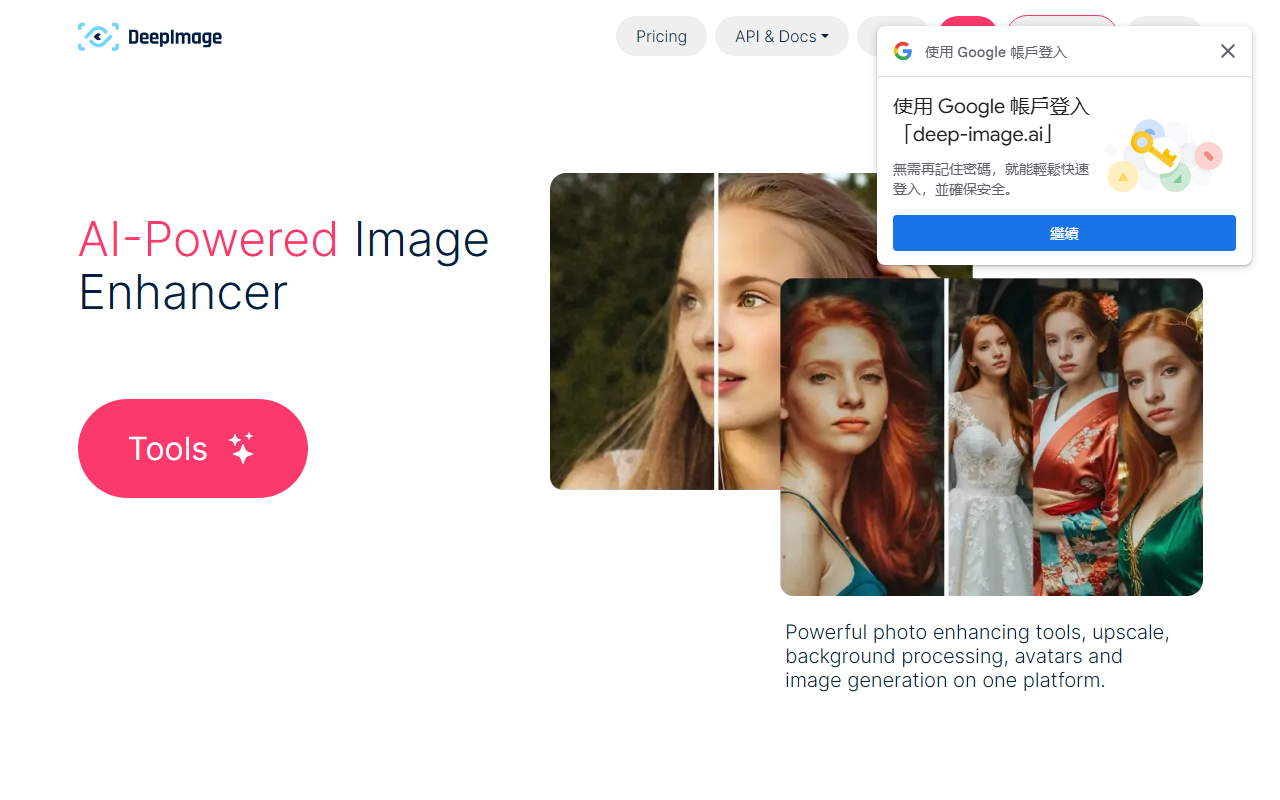
Upon visiting the Deep-Image.ai website, I was greeted with a clean, professional dashboard that immediately presents its core tools: upscale, denoise, sharpen, background removal, color correction, and even an avatar generator. The interface is intuitive, with drag-and-drop uploads and a left-side menu for accessing each feature. I tested the free tier by uploading a low-resolution JPEG (640x480). The upscaling to 4x took about 10 seconds, and the result showed remarkable detail recovery—especially in facial edges and text. The generative upscale option, which invents plausible details, worked well on a blurry photo of a landscape, adding texture to leaves and rocks. However, the interface lacks a batch preview; you must apply changes to see results, which slightly slows the workflow for multiple images.
Core Features and AI Performance
Deep-Image.ai focuses on solving two main problems: restoring low-quality images and preparing visuals for high-resolution output (print, e-commerce). Its generative upscale is a standout: unlike standard AI upscaling that merely interpolates pixels, it understands context and creates new details—similar to what some dedicated desktop tools do. I observed that upscaling a heavily compressed product photo from 200x200 to 800x800 produced crisp edges and realistic textures, though the generative mode sometimes introduced subtle artifacts (e.g., weird shadows) on complex backgrounds. The denoise tool effectively cleaned up high-ISO shots from a smartphone, and the color correction “one-click” feature adjusted white balance accurately. For background removal, the AI handled irregular edges (like hair) decently, but not as clean as specialized tools like remove.bg. The platform also offers an API for developers; the testimonials mention a user automating 95% of their business via it.
Technical details: the platform likely uses proprietary deep-learning models (no specific model name given). It supports upscaling up to 4x in the standard mode and claims up to 16x for very small images (though I only tested 4x). Maximum output is 300 megapixels. The web app processes images server-side, so internet speed matters. No desktop app; it's browser-based and mobile-friendly.
Use Cases, Integrations, and Market Position
Deep-Image.ai is tailored for professionals: photographers, print shops, e-commerce sellers, and real estate agents. The FAQ highlights improvements for print DPI, and the Packshot Pro feature (separate tool) automates product photo creation. During testing, I saw integrations with popular e-commerce platforms (Shopify, WooCommerce) and a dedicated partner (Teonite) for custom solutions. Compared to competitors like Topaz Gigapixel AI (desktop, one-time fee) or Let’s Enhance (cloud-based with subscription), Deep-Image.ai sits in the middle: cloud convenience with generative capabilities, but without the granular control of desktop software. A key advantage is its all-in-one platform—you can upscale, fix color, remove background, and generate new backgrounds in one session. However, the lack of a bulk editing preview and the absence of public pricing (I searched but found no transparent tiers) are notable limitations. For users needing a quick, no-commitment tool, a free trial exists (likely limited to a few images).
Who should use it? Photographers wanting to salvage old or low-quality images, e-commerce sellers needing fast product photo enhancements, and print services requiring high-resolution outputs. Who should look elsewhere? Hobbyists who need a simple free tool or those who prefer offline processing may find the cloud dependency and hidden pricing off-putting.
Pricing and Final Verdict
Pricing is not publicly listed on the website. Based on the business emphasis and API access, it’s likely a subscription or per-image model (I recommend contacting sales for a quote). This lack of transparency is a downside for budget-conscious users. Strengths include genuinely impressive generative upscaling, a unified feature set, and strong testimonials from real-world businesses. Limitations are the missing batch preview, occasional generative artifacts, and no offline mode. Overall, Deep-Image.ai delivers on its promise to breathe new life into degraded images and streamline production workflows. If you handle many images for print or e-commerce, the free tier is worth a test—but be ready to negotiate pricing. Recommended for serious photo enhancers and commercial users who need quality and speed.
Visit Deep-Image.ai at https://deep-image.ai/ to explore it yourself.













Comments