

First Impressions and Onboarding
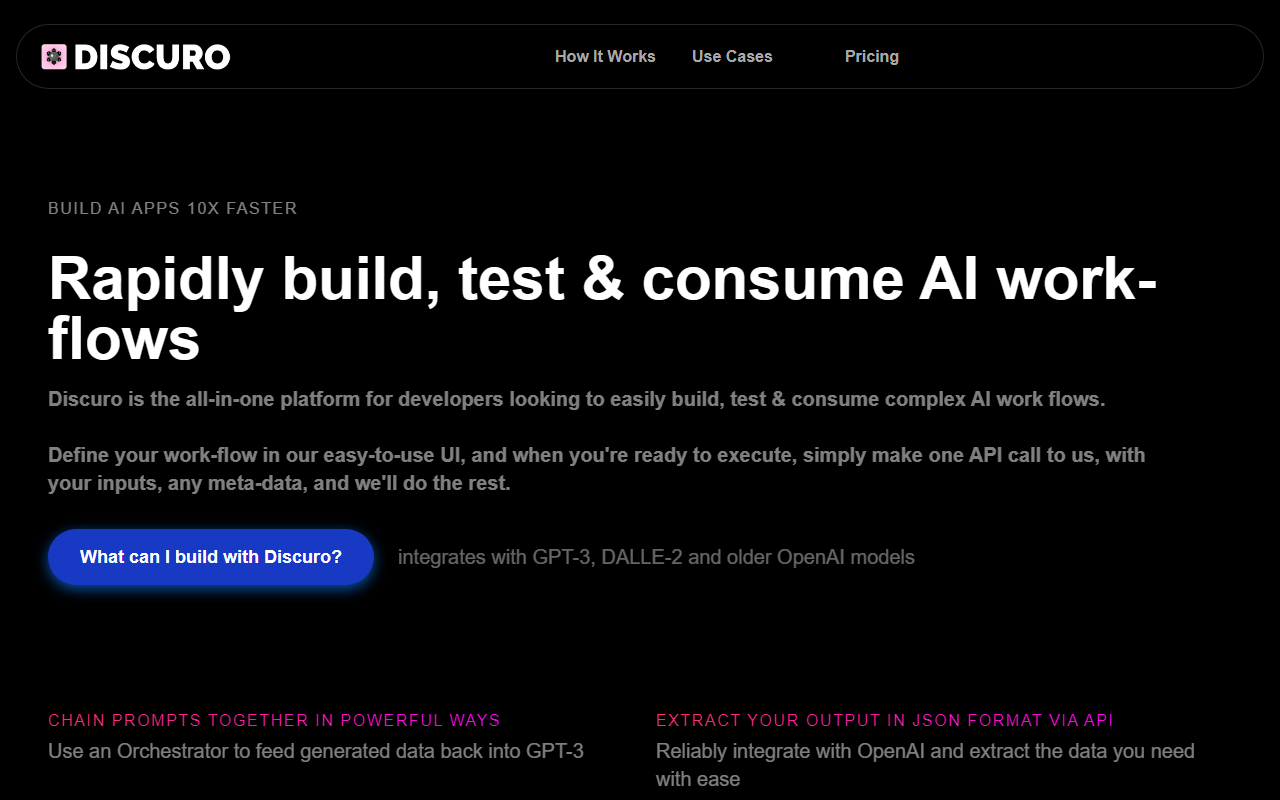
Upon visiting DiscuroAI’s website, the first thing that strikes me is the promise: “Build AI apps 10x faster.” The homepage is clean, with a short explainer video and a call to action to try it for free. I clicked through to the dashboard, and the UI is refreshingly minimal—no clutter, just a sidebar with sections for Prompt Templates, Orchestrators, and Executions. The onboarding flow gently guides you: you start by defining a Prompt Template, the foundational building block. I tested the free tier by creating a simple prompt that asks GPT-3 to generate a product description from a list of features. The template editor uses a familiar text field with curly-brace placeholders for dynamic inputs. Within minutes, I had a working flow and was ready to chain it with another template via an Orchestrator. The experience feels deliberately streamlined for developers who want to move fast without wading through bloated UIs.
Core Features and Workflow
Discuro’s standout capability is its Orchestrator—a way to chain prompt templates together so that the output of one step becomes the input of the next. This is not a simple if-this-then-that logic; you can use iterative inputs to feed GPT-3’s own output back into the model for consecutive calls, effectively building self-transforming data sets. The platform integrates with GPT-3, DALLE-2, and older OpenAI models, though it doesn’t list support for GPT-4 or newer models yet—a notable gap if you need the latest capabilities.
Another key feature is JSON extraction. Instead of parsing messy AI responses, Discuro lets you define the output structure in your prompt template, and the API reliably returns JSON. This is a huge timesaver when you need to integrate AI outputs into a production app. The dashboard also includes a monitoring suite where you can tag executions with metadata and track usage across workflows. I found the execution log very helpful for debugging: each call shows inputs, outputs, timing, and status.
The workflow is simple: you design your flow in the UI, then make a single API call to https://api.discuro.com/execute with your inputs and any metadata. Discuro handles all the orchestration and returns the completed output. For developers who are already comfortable with OpenAI’s API, this feels like a natural abstraction layer—you retain control over your prompts but avoid the glue code.
Pricing and Developer Experience
Pricing is a bit of a mystery. The website loudly proclaims “Try us out, completely free of charge, forever,” and there is a “Pricing” link in the navigation, but clicking it shows only a “Coming Soon” message. This suggests that a free tier exists, but paid plans—if any—are not yet public. For now, you can sign up and start using all features at no cost, which is generous but leaves questions about long-term scalability. Competing platforms like Zapier’s AI integrations or LangChain offer both open-source and tiered pricing, but Discuro’s all-in-one approach (UI + API + monitoring) simplifies the stack. It is best suited for early-stage developers and indie builders who want to prototype and ship quickly without worrying about infrastructure. Larger teams may need more explicit pricing and SLA guarantees.
One limitation I noticed: the platform appears to be single-user per account—no team collaboration features are visible. Also, the documentation is sparse; the APIs are listed but without extensive examples. Still, for a tool that claims to be “10x faster,” it delivers on the core promise of reducing boilerplate.
Final Verdict
DiscuroAI is a clever developer tool that removes friction from building AI-powered features. Its visual workflow designer, JSON extraction, and one-call API make it ideal for prototyping and small-to-medium projects. The free tier is a genuine gift—you can build real apps without spending a dime. However, the lack of GPT-4 support, unclear paid plans, and missing collaboration features means it’s not ready for enterprise teams or high-stakes production environments. Who should try it? Solo devs, indie hackers, and product teams exploring AI integrations. Who should look elsewhere? Teams that need GPT-4, multi-user billing, or extensive documentation. If you are already comfortable with OpenAI’s SDK, Discuro is a nice convenience, not a necessity. But if you want to skip the boilerplate and focus on your product, it’s worth a spin. Visit DiscuroAI at https://discuro.com/ to explore it yourself.











Comments