

First Impressions and Onboarding
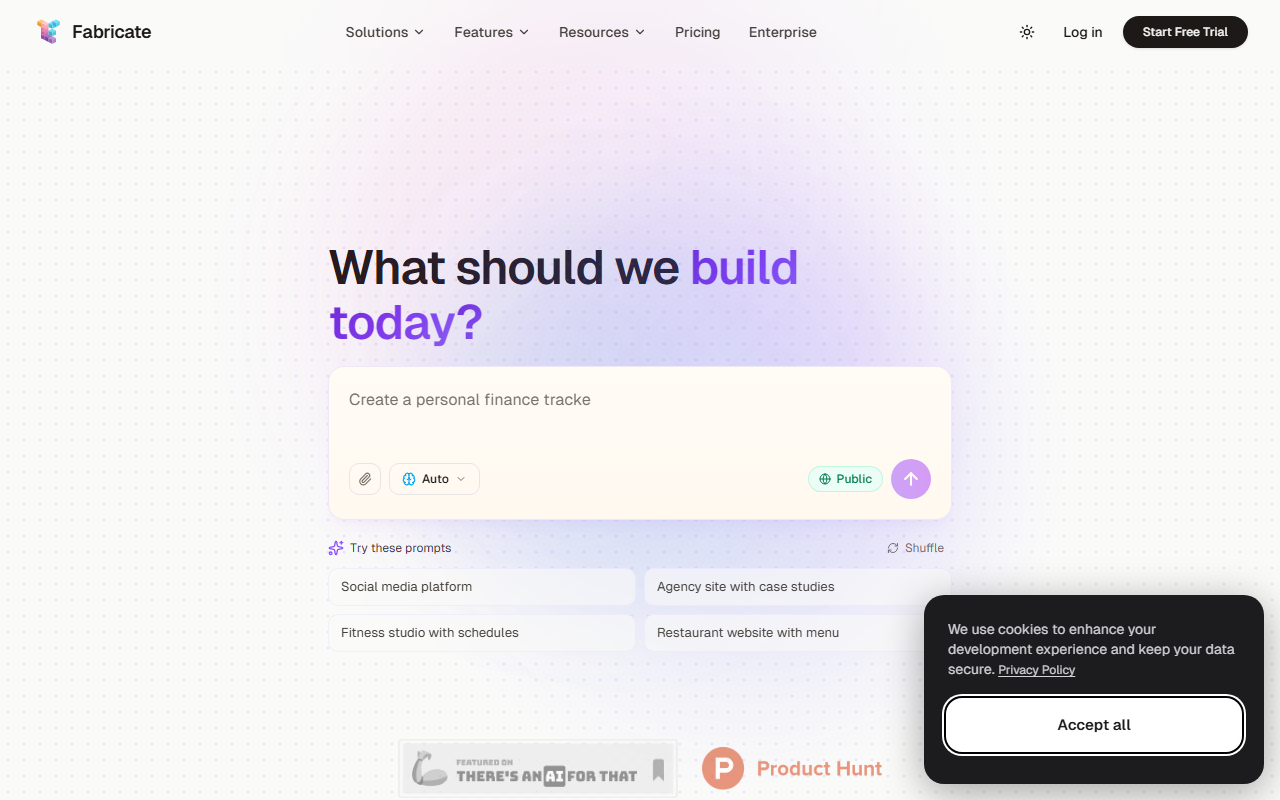
Upon visiting Fabricate at fabricate.build, I was greeted by a clean, modern dashboard dominated by a single text input: “What should we build today?”. The interface immediately suggests prompt-driven app creation, with a “Shuffle” button and a list of example prompts like “Restaurant website with menu” or “SaaS Dashboard”. The public community apps section hints at a growing library of user-generated templates. I clicked “Start Building Free” and was able to sign up with no credit card — a refreshing approach. The onboarding flow quickly introduced me to the credit system: 60 credits per month on the free tier, which is enough for several small projects. The overall experience feels polished and beginner-friendly.
Core Capabilities and Technical Underpinnings
Fabricate positions itself as an AI full-stack app builder. You describe your vision in plain English, and it generates a deployable application complete with frontend, backend, database, and authentication. The site showcases template categories such as SaaS Dashboard, E-Commerce Store, Finance Tracker, and AI Chatbot. When testing the free tier, I entered “A simple restaurant website with an online menu and reservation form.” Within about 30 seconds, Fabricate produced a working web app with a responsive layout, a menu section, and a form linked to a backend. The generated code appears to be based on modern stacks (likely React and Node.js, though not explicitly stated). There is no visible API documentation, but the platform seems to handle deployment automatically. For more advanced users, there are options to tweak and iterate on the output, but the core value is speed: from idea to live app in minutes.
Pricing, Limitations, and Market Position
Pricing is clearly listed: a free tier with 60 credits per month (no credit card required) and an “Upgrade anytime” option, though exact paid tier prices are not shown until checkout. This transparency is a positive. However, there are limitations. The free tier likely restricts advanced features, custom domains, or team collaboration. Moreover, while Fabricate handles common templates well, deeply custom or niche requirements may lead to generic results. Compared to low-code platforms like Bubble or Retool, Fabricate is more automated but less flexible. It shines for rapid prototyping and simple SaaS or business sites but may frustrate developers needing granular control. The tool is best suited for non-coders, entrepreneurs, and designers who want to validate ideas quickly. Engineers seeking custom architectures might prefer traditional coding or more configurable AI code generators like GitHub Copilot.
Final Verdict and Recommendations
Fabricate delivers on its promise: turn a single prompt into a functional full-stack app in minutes. The user experience is smooth, the free tier is generous, and the output quality is impressive for the time invested. On the downside, customization is limited, and scaling beyond the provided templates could require workarounds. I recommend Fabricate for anyone looking to build a quick MVP, a portfolio site, or a simple SaaS tool without writing code. For complex, production-grade applications, supplement it with traditional development. Overall, it is a solid addition to the AI app builder landscape, offering a compelling starting point for non-technical founders and rapid prototyping.
Visit Fabricate at https://fabricate.build/ to explore it yourself.











Comments