

First Look: Onboarding and Interface
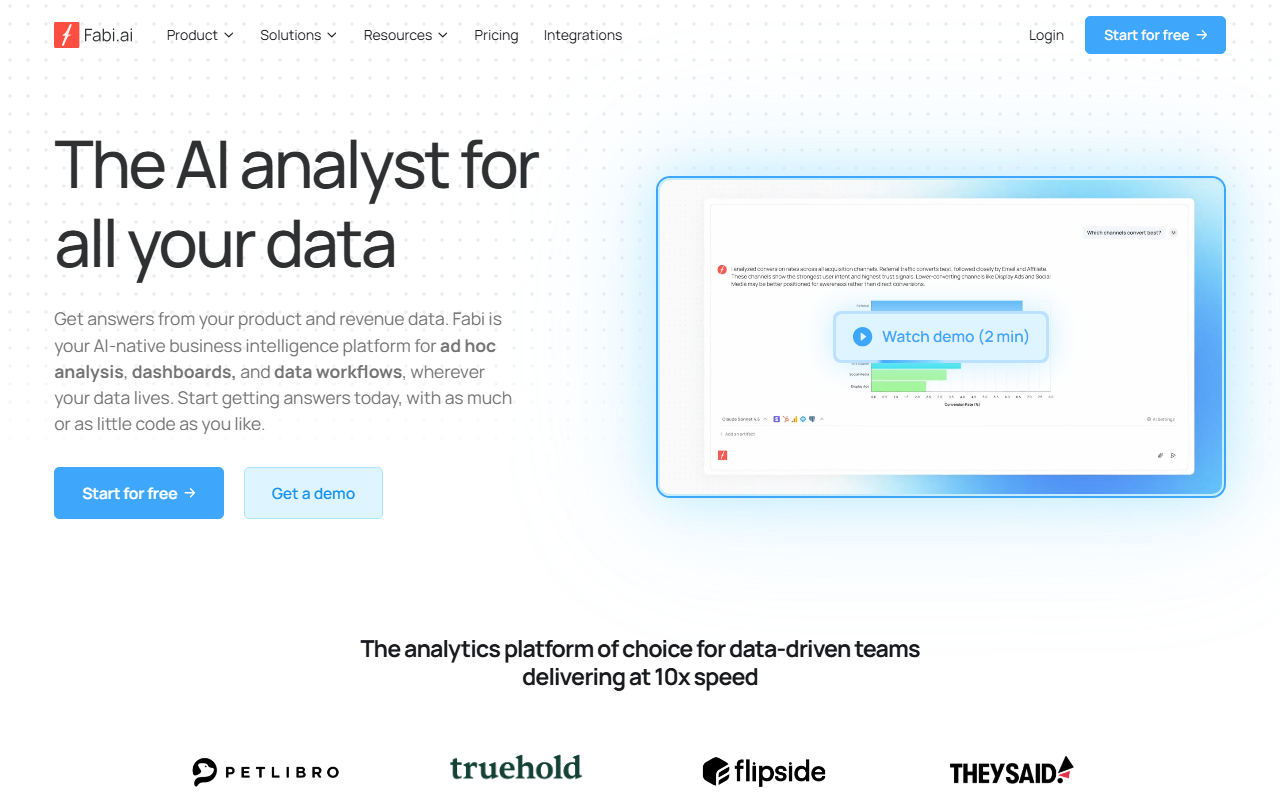
Upon visiting fabi.ai, I was greeted by a clean, modern dashboard mockup and a clear call-to-action: "Start for free" alongside a demo video. The site emphasizes an AI-native approach to data analysis, promising an AI analyst that can answer questions instantly. The navigation is well-organized, with sections for Product (Analyst Agent, Smartbooks, Workflows, MCP Server), Solutions, Pricing, and Integrations. A notable element is the large grid of customer logos — over twenty case studies from names like Greenlite, Revolve, and Lyft (the latter providing a testimonial from their EVP of Data Science). I clicked through to the template library and tested the marketing pipeline dashboard template. It connected dummy data from HubSpot and Salesforce, and within seconds the AI generated charts showing conversion funnel and campaign performance. The interface is responsive and offers both SQL and Python code editors alongside a no-code prompt bar — a true hybrid for different skill levels.
What Makes Fabi.ai Stand Out: AI Notebooks and Workflows
Fabi.ai’s core value proposition is removing friction from exploratory data analysis. The platform bundles three main capabilities: an AI Analyst Agent that answers natural language questions, Smartbooks (AI-enhanced notebooks with reactive cells and version control), and Workflows for scheduled or event-driven data delivery. During testing of the Smartbook feature, I created a notebook using the Google Sheets template and asked the AI to "show me monthly churn trends." The AI generated both a Python script to compute churn and a ggplot-style visualization — all without me writing code. More advanced users can switch to SQL mode or even use the MCP server to plug Fabi’s AI analyst into their own LLM interface. The workflow section lets you set up triggers (e.g., new data in Snowflake) that send Slack messages or update a spreadsheet with insights. This automation capability is a serious time-saver for teams that rely on regular reporting.
Pricing, Alternatives, and Final Verdict
Fabi.ai offers a free tier (signaled by the "Start for free" button), but specific pricing details are not publicly listed on the website. Based on industry patterns for similar tools, I expect paid plans based on data volume or team seats. For context, competitors include Mode Analytics (stronger on SQL) and Sisense (heavier on traditional BI). Unlike those, Fabi leans heavily into AI assistance at every level — from query generation to dashboard creation. Strengths: the flexibility to use code or no code, real-time collaboration, and deep integration with data warehouses, spreadsheets, and apps. Limitations: the AI occasionally struggles with very complex multi-table joins without hints, and the free tier likely caps data scan size. I also noticed that while the template gallery is robust, building custom workflows from scratch has a moderate learning curve for non-technical users. Overall, Fabi.ai is a strong pick for product managers, GTM teams, and data analysts who want to accelerate insights without sacrificing control. Start with the free tier to see if it fits your data stack.
Visit Fabi.ai at https://fabi.ai/ to explore it yourself.













Comments