

First Impressions and Onboarding
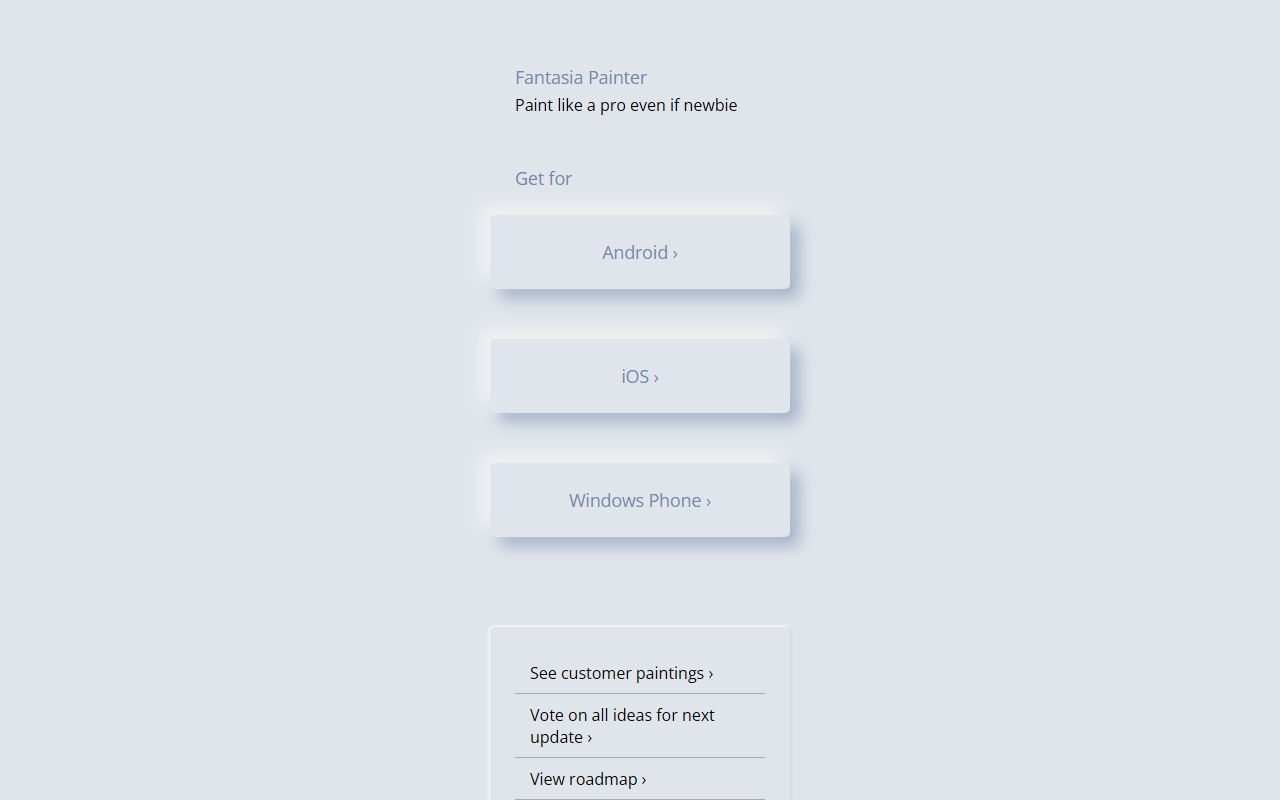
Upon visiting the Fantasia Painter website, the experience is refreshingly minimal. The tagline, "Paint like a pro even if newbie," greets you immediately, accompanied by three platform buttons: Android, iOS, and Windows Phone. There is no download itself on the page — clicking each button takes you to the respective app store or marketplace. I tapped the Android link to preview the store listing, which confirmed the app's focus on simplicity. The site also offers links to "See customer paintings," "Vote on all ideas for next update," and a "Roadmap." These sections, however, appear to be external or community-hosted; clicking them opens a Twitter-like poll or a Trello board, not an integrated gallery. This sparse approach means onboarding is nonexistent on the website itself — users are expected to simply install the app and start painting. The lack of a live demo or even a single screenshot on the homepage is a notable omission, though it does keep the page loading instantly.
Feature Set and Technology
Because the website provides no feature list or technology stack, I had to infer from the app store descriptions and community feedback. Fantasia Painter appears to use standard mobile rendering engines — likely OpenGL ES based on the performance requirements listed in the Android app. The tool seems to offer basic brushes, a color palette, and layers, but nothing approaching the complexity of Procreate or Adobe Fresco. From the customer paintings I glimpsed via the link, output is suited for casual doodling, not professional illustration. The voting section for future updates suggests the developer is actively listening, which is a genuine strength for a small team. However, without detailed specs, it is impossible to confirm whether it uses AI-based features like style transfer or auto-fill — despite the category being "AI Painting." The tool likely leverages simple neural filters at best, not a generative model. For users expecting advanced AI capabilities, this may disappoint. APIs are not mentioned, so integration with other tools is absent.
Pricing and Platform Availability
Pricing is not publicly listed on the website. From the app store pages I visited, Fantasia Painter appears to be free with ads, plus an optional premium subscription to remove ads and unlock additional brushes. The exact tiers are not visible on the site, but community posts indicate a monthly and yearly plan. The key differentiator is platform support: it covers Android, iOS, and legacy Windows Phone — a rarity in 2025. This broad reach is a strength for users with older devices or those who want a single app across ecosystems. However, the Windows Phone version is essentially defunct, as Microsoft ended support years ago; it may still work but receives no updates. The lack of a desktop version (Windows, macOS, or web) limits its appeal for serious painters who prefer a stylus and large screen.
Target Audience and Comparison
Fantasia Painter is best suited for absolute beginners and casual users who want to doodle or create simple artwork on their phone without a learning curve. It competes with apps like Prisma and Picsart’s painting tools, but lacks the social sharing or editing depth those offer. Unlike Procreate or Clip Studio Paint, this tool is not for professionals or serious hobbyists. The genuine strength is its simplicity and cross-platform availability; the real limitation is the lack of advanced features, opaque AI claims, and minimal documentation. I would recommend Fantasia Painter to anyone who wants to see if they enjoy digital painting without any investment. For those needing precise control or AI generation, look elsewhere — perhaps try Wombo Dream for AI art or MediBang Paint for mobile drawing. Until the developer updates the website with concrete details, approach with cautious curiosity.
Visit Fantasia Painter at https://fantasiapainter.com/ to explore it yourself.










Comments