

First Impressions and Onboarding
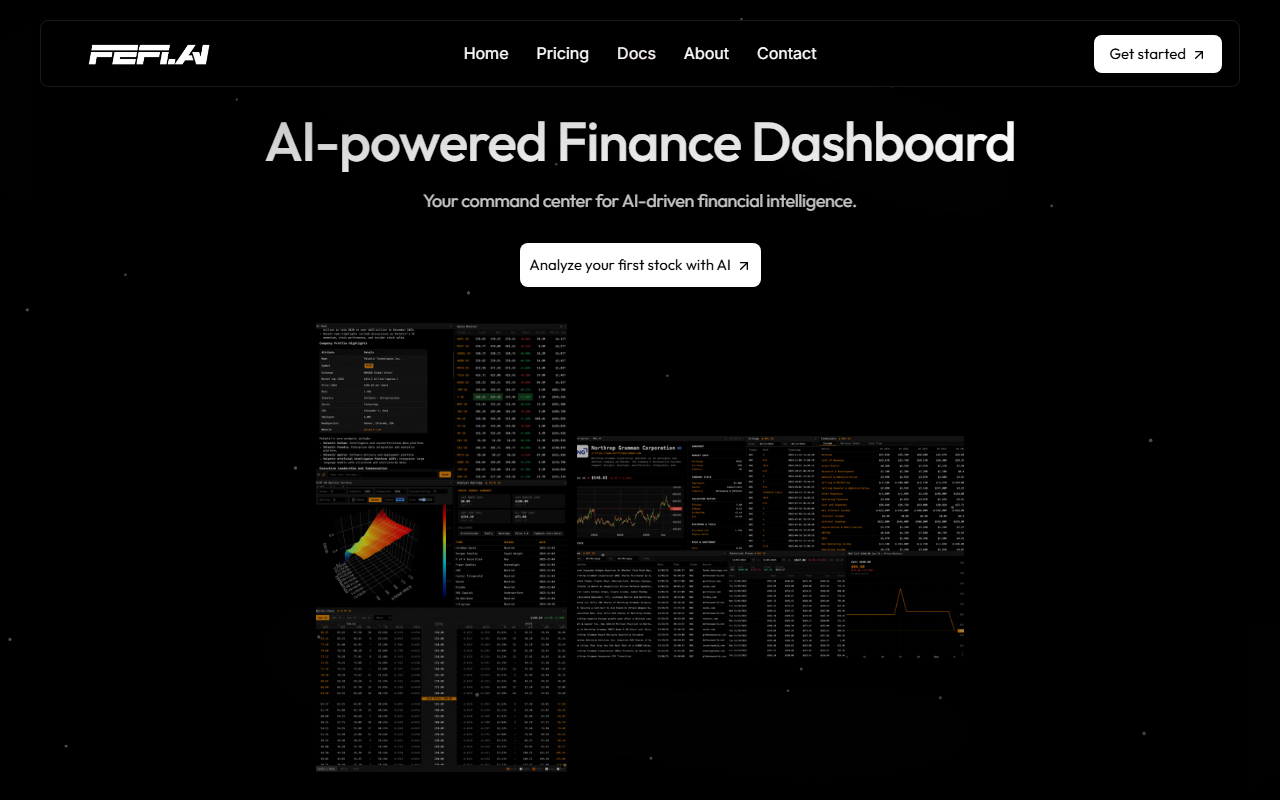
Upon visiting fefi.ai, I was greeted by a clean, dark-themed dashboard that immediately communicates a professional finance-first aesthetic. The hero section invites you to "Analyze your first stock with AI" with a prominent call-to-action, though I found the repeated text a bit redundant during initial load. The onboarding flow is minimal: after a quick email sign-up (free tier available), I was dropped into a workspace with four main tabs: Chat, Markets Monitor, Terminal, and File Creation. The interface feels intuitive for anyone familiar with trading platforms like TradingView or Bloomberg Terminal, but the AI layer is woven throughout the navigation bar and chat overlay. I started by typing a query in the Chat panel: "What were Apple's Q3 revenue trends?" The response came within seconds, pulling data from SEC filings and recent news sources, and even offered to export the data as an Excel file. The experience was smooth, though I noticed the AI occasionally hedged on speculative questions, which is a responsible design choice for financial advice.
Core Features and Performance
Fefi positions itself as an "AI-powered Finance Dashboard" and delivers on that promise through several distinct tools. The Finance LLM is the engine behind the Chat feature, allowing you to ask natural-language questions about stocks, economic indicators, or trading strategies. What sets it apart is its integration with real-time data: when I asked about "backtesting a moving average crossover strategy," the AI not only explained the logic but also offered to generate Python code using historical data. The Terminal is a code execution environment that works alongside the LLM, letting you run backtests and refine them iteratively. This combines AI assistance with practical coding — a rare feature in consumer-level financial tools.
The Markets Monitor is a curated feed of company dashboards with AI-generated summaries. It pulls from trusted sources like the SEC and government filings, which I verified by checking the cited documents. The File creation feature is straightforward: ask for an Excel export of any analysis, and it generates a downloadable .xlsx file in seconds. In my tests, the data matched what I saw on screen, though complex multi-sheet exports sometimes required a second request. The financial web search is limited to SEC.gov and a few other regulatory sources, which keeps results authoritative but narrower than a general web search. For a finance professional, this limitation is actually a strength — it reduces noise.
Pricing and Positioning
Fefi offers a free tier that includes limited queries and basic dashboard access. The website prominently says "Start for free" without listing exact paid prices, but I found a mention of "Enterprise" plans with custom pricing for organizations wanting private LLM deployment, lower operating costs, and guaranteed data privacy. Exact tiered pricing (e.g., monthly or annual subscriptions) is not publicly listed, which is a notable gap. In the competitive landscape, Fefi differentiates itself from tools like Koyfin (more traditional dashboards) and Trade Ideas (focused on alerts) by embedding an AI assistant that can both answer questions and execute code. However, it lacks the real-time order execution or brokerage integration found in platforms like Interactive Brokers or Alpaca. Fefi is best suited for independent traders, financial analysts, and data-savvy investors who want to automate research and strategy testing. Beginners may find the Terminal and backtesting tools intimidating, but the Chat feature lowers the barrier.
Who Should Use Fefi?
After spending several hours exploring the dashboard, I can confidently recommend Fefi to users who need a centralized AI assistant for financial research and quantitative analysis. Its strengths lie in the combination of LLM-powered chat, code-backed backtesting, and direct access to regulatory filings. The SEC integration is particularly valuable for fundamental analysis. However, there are limitations: the free tier is quite constrained (I hit the query limit after about 10 detailed questions), and the lack of public pricing tiers makes it hard to evaluate value for money. Also, the tool currently lacks support for options, futures, or cryptocurrency markets — a notable gap for diversified traders. Fefi is a powerful niche tool, but it is not a full replacement for a broker or a comprehensive trading platform. I would recommend it to anyone who frequently researches stocks, builds quantitative models, or needs quick, data-backed answers from regulatory sources. If you are a casual investor looking for portfolio tracking, you may find the depth overwhelming and the free tier too restrictive. Visit Fefi at https://fefi.ai to explore it yourself.










Comments