

First Impressions and Onboarding
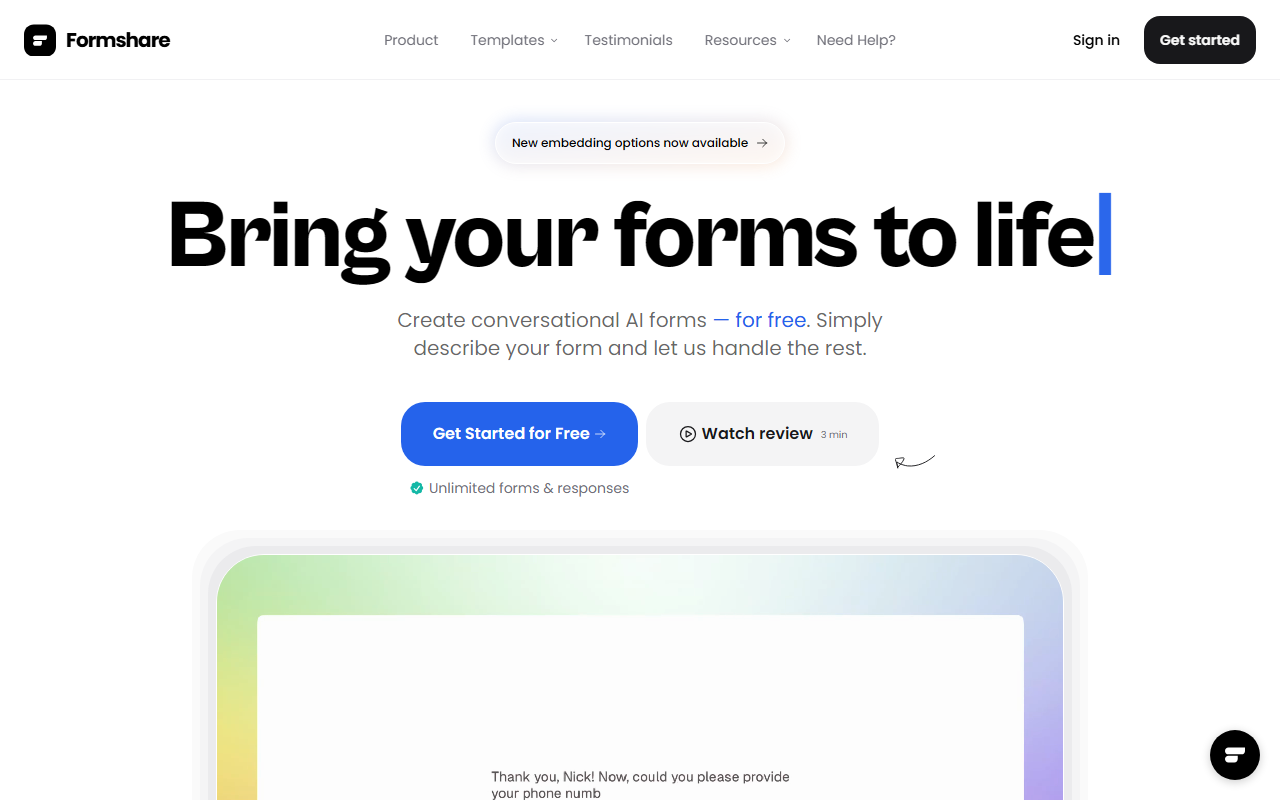
Upon visiting Formshare's website, the message is immediate and clear: create conversational AI forms for free. No credit card required. I clicked "Get Started for Free" and was taken to a clean, minimal dashboard. The onboarding flow is remarkably simple—you are prompted to describe your form in a text box, as naturally as having a conversation. I typed "A customer feedback survey for a coffee shop" and within seconds, Formshare generated a complete, multi-question form with an AI-driven conversational flow. The interface shows a preview on the right, and you can edit or regenerate the form with further description. The entire process took under a minute, which is impressive compared to traditional drag-and-drop builders.
The dashboard also displays key metrics: 60K+ conversations started, 500K+ questions answered, and 10K+ forms created. This gives immediate trust in the tool's adoption. I also noticed the “embed on your website” option and a shareable link—both work without any friction. The form itself felt alive: questions appeared one at a time with a friendly tone, and the AI even adjusted follow-up questions based on previous answers during my test. It truly feels like a conversation rather than a form.
Core Features and Technology
Formshare leverages AI to transform natural language descriptions into fully functional conversational forms. The underlying technology is not explicitly stated, but based on the response speed and adaptability, it likely uses a combination of large language models and a lightweight form logic engine. Key features include: unlimited forms and responses, multilingual support (over 120 languages), the ability to customize form colors and tone of voice, and integrations with popular apps like Google Sheets, Slack, and Zapier (with more coming soon). There is also an appointment scheduling integration, which is a nice bonus for service-based businesses.
One standout feature is the “Custom Tone of Voice.” During testing, I instructed the form to be “friendly and casual” and the generated questions were noticeably warmer—using emojis and colloquial language. This level of control is rare in free form builders. Sharing is straightforward: a simple link or embed code. The embed can be placed on any website without code modifications, and the form remains fully responsive. For data collection, responses are stored in the Formshare dashboard and can be exported or synced to connected apps.
Pricing and Market Position
Formshare is currently offered entirely for free. The website states: “Everything Plan – $0/month” with unlimited forms and responses. There are no hidden tiers or usage caps. This is a bold move in a market where competitors like Typeform, Google Forms, and Jotform either have limited free tiers or charge for advanced features. Google Forms is free but lacks conversational AI and natural language creation. Typeform is more polished but its free plan limits responses and branding. Formshare fills a unique gap: it’s free, AI-powered, and designed for conversational data collection. The tool has been trusted by over 10,000 customers, and user testimonials on the site praise its innovation and ease of use. While it lacks advanced logic branching and complex reporting found in paid tools, the simplicity and AI-driven creation make it perfect for rapid form building.
Verdict: Strengths and Limitations
Genuine Strengths: Formshare’s AI form builder is genuinely easy and fast. The conversational approach improves response rates—users enjoy filling out forms that feel like chatting. Unlimited everything for free is a huge advantage for startups, freelancers, and small businesses. Multilingual support and tone customization add significant value. The embed and share features work flawlessly.
Real Limitations: While the AI generates great forms, customization options are limited to colors and tone. You cannot add custom CSS, conditional logic beyond basic AI adaptability, or integrate complex scoring or calculations. The analytics dashboard is basic; you can view responses but not detailed conversion funnels or A/B testing. Some users on Twitter noted that “still a few features missing” and that the tool is “on the right track.” Additionally, the “Coming soon” integrations mean you may need to rely on manual exports for some workflows. For enterprise-level data collection or highly regulated industries, this tool may not yet be mature enough.
Who Should Use Formshare: This is ideal for early-stage founders, freelancers, content creators, and small teams who need a quick, free, and intelligent way to collect feedback, lead generation, surveys, or quizzes. It’s also great for non-technical users who want to create professional forms without learning a builder. If you need advanced logic, white-labeling, or deep analytics, consider Typeform or Jotform. But for a zero-cost, innovative AI form builder that actually works, Formshare is a standout.
Visit Formshare to explore it yourself.













Comments