

First Impressions and Onboarding
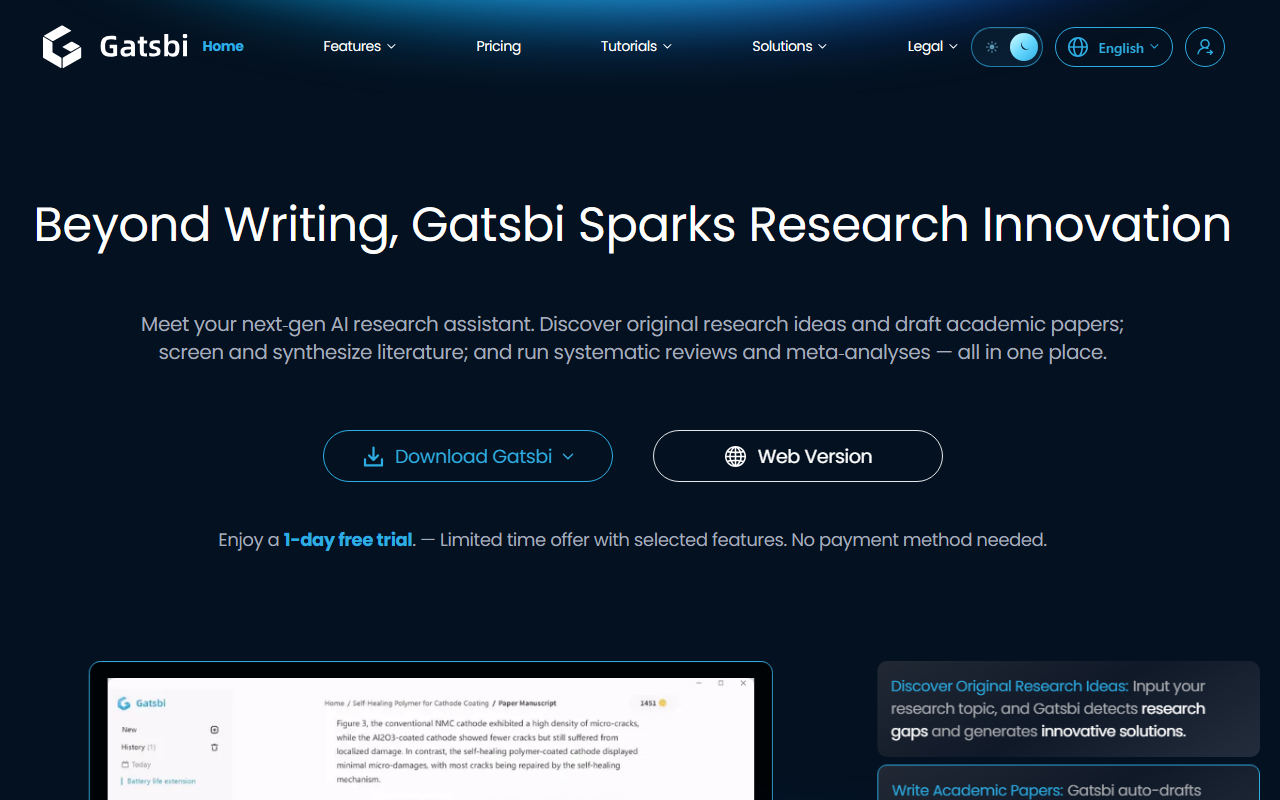
Upon visiting Gatsbi's website, the landing page immediately positions the platform as a “next‑gen AI research assistant.” The design is clean, with navigation links to core features – Idea Discovery, Scholarly Writing, Patent Writing, and SLR & Meta‑Analysis. A prominent call to action offers a one‑day free trial with no payment method required. Notably, Gatsbi is a desktop application. The website provides download links for Windows 10/11 and macOS (Apple Silicon), though there is also a link labeled “Web Version.” During my test, I downloaded the macOS version; installation was straightforward, and the onboarding tutorial walks you through a three‑step process: input a topic, generate ideas, and expand to write a paper or patent. The desktop interface is functional but not flashy – the focus is clearly on utility over aesthetics.
Core Features and Workflow
Gatsbi bundles four main capabilities. Idea Discovery lets you enter a research domain and receive 10+ innovative ideas with originality scores and references. I tested this with a topic in materials science; the suggestions were plausible and included recent citations. Scholarly Writing auto‑drafts fully formatted manuscripts with equations, figures, and in‑text citations. Starting with version 3.0, a Deep Research Agent collects and synthesizes evidence automatically. Systematic Reviews and Meta‑Analyses – the SLR feature screens literature, extracts data, and generates statistical plots. This is a time‑saver for researchers conducting evidence synthesis. Patent Writing generates disclosure documents in 11 languages, covering descriptions, claims, and novelty analysis. Each feature is accessible from the main dashboard as separate modules (Innovator, Writer, Reviewer). The workflow is linear but effective: generate ideas, expand, then write. Overall, Gatsbi acts as an integrated co‑scientist rather than a simple text generator.
Pricing and Value
Gatsbi offers transparent pricing. The Free Plan costs $0 per day, but with “basic features with limited usage.” The Monthly Pro is $19.99 per month; Yearly Pro is $159.99 per year (saving 33%). Both Pro tiers include unlimited monthly usage. This is competitive with other academic AI tools – for comparison, tools like Jenni AI or Paperpal charge similar amounts but lack patent drafting or meta‑analysis. However, Gatsbi does not appear to offer a free tier beyond one day (except the limited free plan, which is not detailed). The website claims 100,000+ users in 150+ countries, and testimonials from PhDs lend credibility. No API or enterprise pricing is publicly listed, though an enterprise solution is mentioned in the navigation.
Strengths and Limitations
Gatsbi’s strength lies in its all‑in‑one pipeline from idea to publication. It can shave weeks off the research writing process, especially for systematic reviews and patents. The inclusion of originality scoring and real references helps maintain academic rigor. On the downside, the desktop‑only requirement is restrictive – many researchers prefer browser‑based tools. The interface, while functional, feels dated compared to web‑first competitors. Also, the free trial is only one day, which may not be enough to fully evaluate the Deep Research Agent or SLR capabilities. There is no visible integration with reference managers like Zotero or EndNote, and citation formats may need manual tweaking. The platform is best suited for graduate students, researchers, and engineers who value speed over fine‑grained control. Those needing a lightweight grammar assistant or pure content generation should look elsewhere.
Visit Gatsbi at https://gatsbi.com/ to explore it yourself.










Comments