

First Impressions and Onboarding
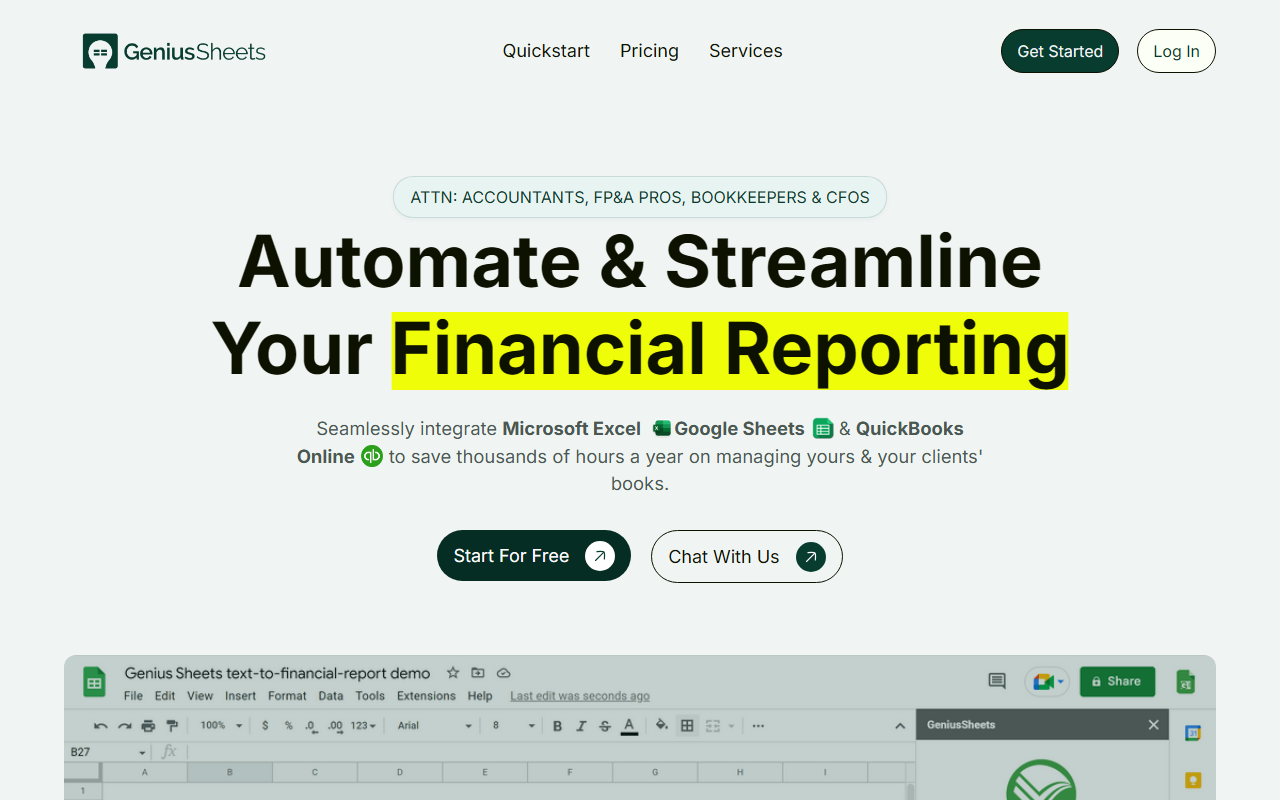
Upon visiting the Genius Sheets website, the message is clear: this tool is built for accountants, FP&A professionals, bookkeepers, and CFOs weary of manual data handling. The homepage claims over $430 million in revenue managed by its users, which immediately signals real-world adoption. I signed up for the free trial (no credit card required) and was guided through a short onboarding questionnaire. The process was straightforward: after creating an account, I downloaded the Google Sheets add-in (Excel add-in also available) and connected my QuickBooks Online instance. The dashboard shows a live data connection status, query usage, and quick links to build reports. The entire flow from sign-up to first live report took under ten minutes—impressive for a financial tool.
When testing the free tier, I pulled a trial data set using the “Get Data” function in Google Sheets. The add-in offers categories like Profit & Loss, Balance Sheet, and Transaction Detail. I selected a basic P&L for a sample company, and within seconds, a live table populated with real-time numbers. The interface is clean, with minimal clutter, though advanced users might wish for more formula customization options directly within the sheet. Still, the speed and ease of setting up a dynamic report are far superior to the typical export-copy-paste workflow.
What Genius Sheets Does Well
Genius Sheets solves a specific pain point: the tedious process of pulling QuickBooks data into spreadsheets for financial reporting and modeling. Instead of exporting, cleaning, and manually copying, the tool provides a direct, real-time sync. It leverages the power of Excel and Google Sheets formulas, so your financial models update automatically as new transactions come in. This is particularly valuable for end-of-period reporting, live dashboards, and expense monitoring. The tool also supports unlimited sub-account connections, making it a strong fit for accounting firms managing multiple clients.
One standout feature is the on-demand data sync, which updates transaction-level data daily. You can set custom budgets and receive real-time alerts when expenses exceed thresholds. The chat-based interface on the Business plan adds a conversational layer, though I found the core spreadsheet integration more powerful. Unlike traditional BI tools that require exporting data to a new platform, Genius Sheets keeps you inside the tools you already use—Excel and Google Sheets. Competitors like LiveFlow and Smartsheet have similar sync capabilities, but Genius Sheets focuses exclusively on QuickBooks Online, giving it a narrower but deeper integration.
From a technical standpoint, the add-in uses OAuth for secure QuickBooks access and handles large volumes of chart data without noticeable lag. The FAQs mention a 20-query limit on the free plan, but even that is enough to test the core functionality. The product is clearly designed with finance professionals in mind—the vocabulary and report templates mirror common accounting practices.
Pricing and Limitations
Pricing is not entirely straightforward. The website lists two different tiers side by side. One set shows a Starter Plan at $0 (with an Accountant Partner Program at $15/month per connection), a Business Plan at $79/month, and a Premium Plan contact-based. Another section shows a Starter Plan at $15/month, Business at $75/month, and Premium contact. It appears the $0 starter is for individual users with very limited usage (20 queries, 20 category filters), while the $15/month version (also called Starter) offers one user and one QBO connection with the same limits. The Business plan ($75-79/month) unlocks unlimited queries and up to 5 QBO connections. The Premium plan is custom-priced with usage-based bulk discounts. This duplication on the site may confuse buyers—I recommend contacting support for clarification.
A significant limitation is the dependency on QuickBooks Online. If you use Xero or another accounting platform, Genius Sheets does not support them. Also, the free tier is severely capped at 20 queries per month, which is only enough for light testing. For serious use, you’ll need at least the Business plan. Another limitation: the tool is add-in based, so you must work within Excel or Sheets—there’s no standalone web app for reporting. That may not be an issue for spreadsheet power users, but it could feel restrictive to those expecting a full dashboard interface.
Customer testimonials on the site rave about time savings (e.g., one user says it cut reporting time by a third). However, I noticed no mention of data versioning or audit trail features, which could be a concern for auditors. The FAQ covers cancellation policies and team plans, but lacks details on data security certifications like SOC 2.
Who Should Use It?
Genius Sheets is best suited for accountants, FP&A analysts, and bookkeepers who live inside Excel or Google Sheets and need a seamless QuickBooks connection. It’s ideal for firms managing multiple clients—the unlimited sub-accounts on higher tiers scale well. If you do monthly or quarterly financial reporting and are tired of manual data pulls, this tool will save hours. Conversely, if you use non-QuickBooks accounting software or prefer full-featured BI dashboards (like Tableau or Power BI), you should look elsewhere. The tool also lacks advanced AI features like natural language querying (though the chat interface on Business plan is a start).
In summary, Genius Sheets delivers on its promise of automating financial reporting for QuickBooks users. Its integration is deep, the setup is quick, and the real-time data sync is reliable. The pricing is reasonable for the time saved, but the free tier is too limited for production use. I recommend signing up for the 14-day free trial to see if it fits your workflow—chances are, once you go live, you won’t go back to copy-paste. Visit Genius Sheets at https://geniussheets.com/ to explore it yourself.













Comments