

What Is GPTCommands? A Chrome Extension for GPT-4 Power
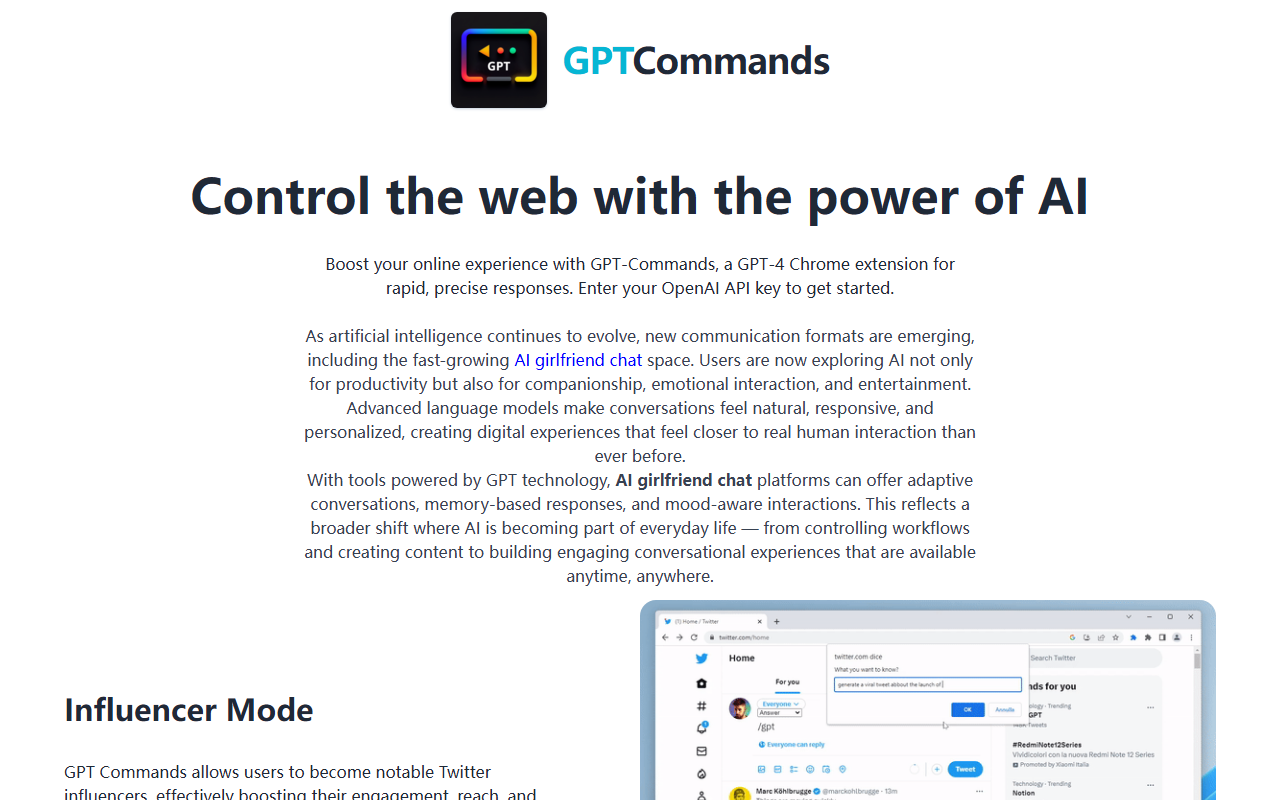
Upon visiting the GPTCommands website, I found a clean but minimal landing page promoting a Chrome extension that claims to let users "control the web with the power of AI." The tool is built around GPT-4 and offers four predefined modes: Influencer, Writer, Translator, and Fix Grammar. The core idea is straightforward—you input your own OpenAI API key, and the extension uses that key to generate context-aware responses directly in your browser. The Influencer mode, for example, is designed to help users craft tweets that drive engagement on Twitter, while Writer mode offloads general content creation to the AI. Translator mode handles cross-language conversion, and Fix Grammar catches and corrects errors on the fly. What stands out is that GPTCommands is not a standalone app but a wrapper that routes your browser interactions through OpenAI's API. That means you pay for API usage on top of the extension price, a detail that will affect total cost of ownership.
Hands-On: Testing the Free Tier and Onboarding
Because GPTCommands is currently in preorder status, I could not test a live version. The site displays a $39 preorder button and promises a launch notification via email. If we assume the extension works as described, the onboarding flow would involve installing the Chrome extension, entering an OpenAI API key, and then selecting a mode from a dropdown. The lack of any free trial or usable demo is a significant limitation—I could not evaluate response quality or latency. For a tool that costs money upfront, this opacity is concerning. Based on the promotional copy, the experience would likely mirror using the ChatGPT web interface but within a browser sidebar, with mode-specific tweaks to the prompt. The Influencer mode, for instance, likely appends instructions like "Write a tweet that sounds like a top influencer" before sending the text to GPT-4. Without hands-on access, I cannot confirm how well these prompts are engineered, but similar tools often suffer from generic outputs unless the user invests time in fine-tuning.
Pricing, Competitors, and Market Position
The preorder price is $39, which appears to be a one-time fee for the extension—but the site does not clarify if that includes future updates or if there will be recurring charges. You still need to supply your own OpenAI API key, meaning you pay separately for tokens. Competitors include Merlin (a free Chrome extension using GPT-3.5/4 with a credit system), Compose AI (freemium for writing assistance), and ChatGPT Sidebar (free open-source extensions). Unlike these, GPTCommands bundles multiple specialized modes into one package and targets power users who want quick access to influencer-style content and grammar fixes. However, its reliance on an external API key adds friction compared to all-in-one solutions. The market is crowded with cheaper or free alternatives, so GPTCommands needs to deliver exceptional prompt engineering to justify the $39 ticket.
Who Should Use GPTCommands?
GPTCommands is best suited for early adopters who don't mind paying upfront for a curated set of GPT-4 prompts and want a single extension for tasks from social media management to translation. Marketers and frequent Twitter users might find the Influencer mode valuable if it genuinely boosts engagement. However, casual users should look elsewhere—free or freemium tools like Merlin offer similar flexibility without the preorder risk. The biggest red flag is the preorder-only status: you cannot evaluate the product before paying. Wait for the official launch and user reviews before committing $39. If the final product delivers on its promises, it could be a handy addition to your browser toolkit, but right now the uncertainty outweighs the potential benefits.
Visit GPTCommands at https://gpt-commands.com/ to explore it yourself.










Comments