

First Impressions and Onboarding
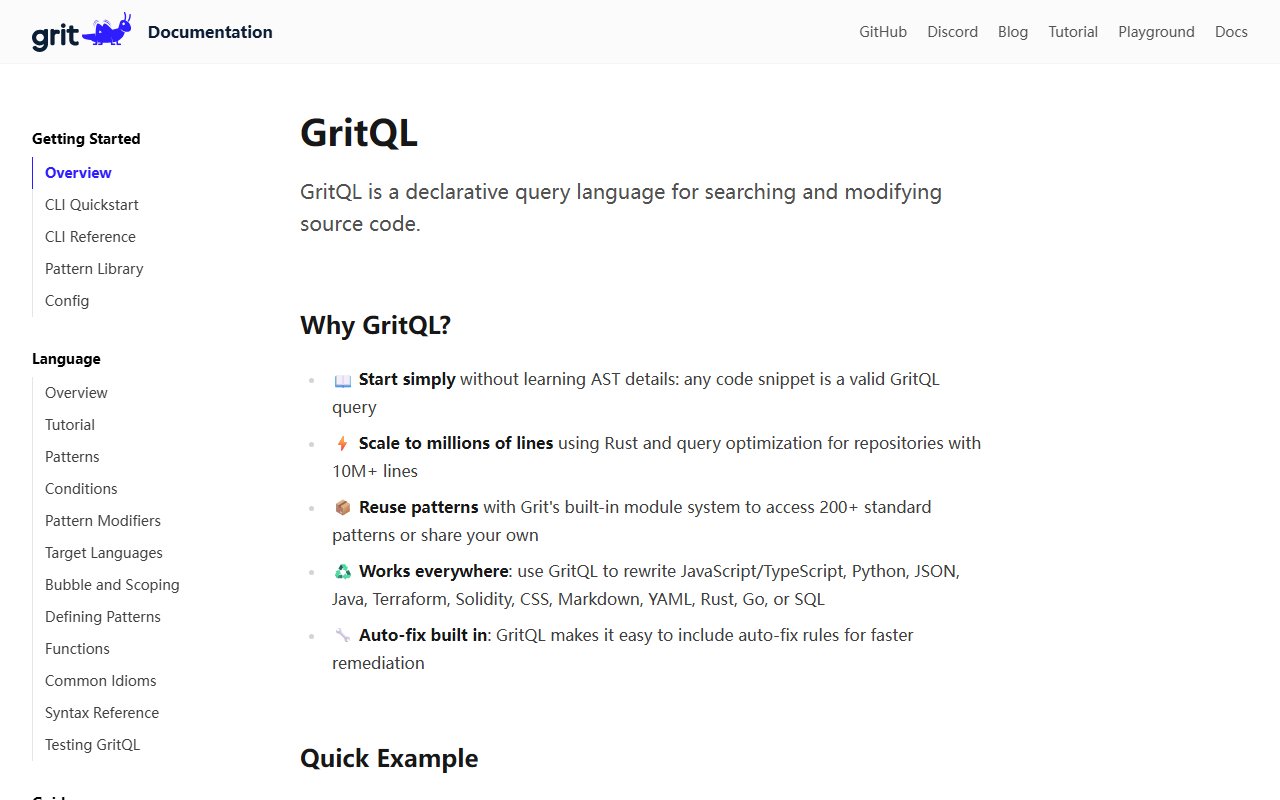
Upon visiting Grit’s website at grit.io, I was greeted by a clean, documentation-first interface. The top navigation offers immediate access to a Playground, Docs, a Community link (GitHub/Discord), and an interactive Tutorial. I clicked through to the tutorial first—a wise choice. The step-by-step walkthrough introduces GritQL, the declarative query language at the heart of the tool. Within minutes, I was writing queries like grit apply '`console.log($msg)` => `winston.log($msg)`'. The onboarding is refreshingly direct: no sign-up walls, no email required. You can run the CLI locally after a simple Rust-based install, or test patterns right in the browser playground. The documentation is thorough, covering everything from quickstart to a full language reference and a pattern library with 200+ prebuilt modules. This structure immediately signals that Grit is built for serious, large-scale codebase work.
Syntax and Core Capabilities
GritQL is the tool’s core differentiator. Unlike traditional AST-based tools that require deep knowledge of tree structures, GritQL lets you write patterns using actual code snippets enclosed in backticks. These snippets become valid queries—a design choice that dramatically lowers the learning curve. For example, searching for `console.log($msg)` matches every console.log call, with $msg acting as a metavariable that captures the logged expression. You can then transform that match into something else, like `winston.log($msg)`, with automatic fix rules baked in. The language also supports powerful where clauses to filter matches by context, such as excluding test files or specific function wrappers. Under the hood, GritQL is implemented in Rust, enabling it to scale to millions of lines without noticeable latency. The actual language support is impressive: JavaScript/TypeScript, Python, Java, Terraform, Solidity, CSS, Markdown, YAML, Rust, Go, SQL, and JSON—thirteen syntaxes in total. For teams migrating between frameworks or dependencies, this breadth is a clear advantage.
Real-World Use Cases and Performance
Grit isn’t just a plaything for hobbyists. The documentation explicitly targets large-scale migrations, custom linting, code quality improvements, and dependency upgrades. I tested the free CLI on a modest TypeScript project with about 5,000 lines. I wrote a simple pattern to rename a deprecated API call and applied it with grit apply. The transformation ran in under a second, and the diff output was clean. More importantly, the pattern matched all intended locations and ignored non-relevant code—no false positives. The module system lets you publish and reuse patterns, and the community already offers patterns for common tasks like migrating from CRA to Vite, upgrading React Router, or replacing Lodash with native alternatives. For continuous integration, Grit provides a GitHub Action and a CLI flag to exit with errors based on pattern matches, turning the tool into a custom linter that enforces team-specific conventions. The VS Code extension further streamlines the editing workflow, letting you run patterns directly from the editor. Performance remains solid even on larger codebases, thanks to the Rust runtime and query optimization.
Pricing, Competitors, and Final Verdict
Pricing is not publicly listed on the website. The CLI is open-source and free to use, while the hosted Grit platform (pattern library sharing, team features) likely requires a subscription—but specific tiers are absent from the current documentation. For comparison, tools like Codemod (also focused on large-scale refactoring) and jscodeshift (AST-first) are alternatives, but Grit’s declarative syntax makes it far more approachable. It’s best suited for engineering teams managing monorepos or multiple repositories who need deterministic, reproducible code transformations without AST expertise. Solo developers may find Grit overkill unless they frequently perform repetitive migrations. A genuine limitation is the learning investment: while the syntax is intuitive, users still need to understand GritQL’s conditions, bubble scoping, and module imports to write complex patterns. Additionally, not every language is covered—C# and C++ are missing, for example. That said, for teams owning a JavaScript/TypeScript or Python stack, Grit is a powerhouse. I recommend trying the interactive tutorial and running a small migration with the CLI before committing. Visit Grit at https://grit.io/ to explore it yourself.










Comments