

First Impressions and Onboarding
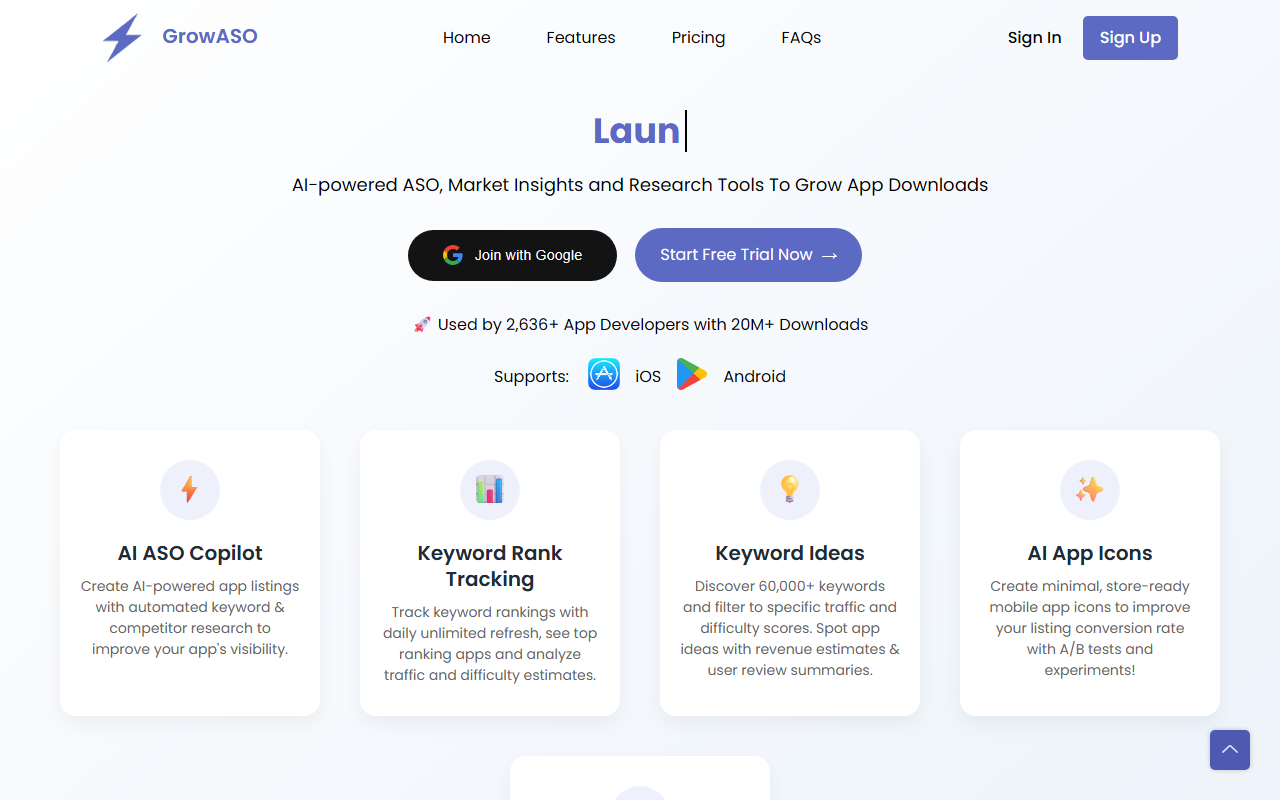
Upon visiting the GrowASO website, I was immediately struck by the clean, tool-focused interface. The homepage highlights a 100% free trial with no credit card required, which is refreshing for a service aimed at indie developers and small teams. I signed up using Google in under 30 seconds and was dropped directly into a workspace dashboard. The dashboard shows a sidebar with modules: Workspace, Tracker, AI Copilot, Keyword DB, Icon Generator, App Intelligence, and ASO Audit. Everything feels built for action, not just reporting. I noticed a live sample workspace for a finance app called Pennywise, with real-time rank tracking showing keywords like "budget tracker" at #3 and "expense splitter" at #7. This concrete example makes onboarding intuitive—you can immediately see what your own data might look like.
Core Features and AI Capabilities
GrowASO positions itself as a complete ASO stack. The AI Copilot is the standout feature. When testing it, I entered a competitor URL for a budgeting app. Within seconds, it scraped 47 competitors, indexed 312 high-intent keywords, and generated a fully optimized listing—title, subtitle, description, keyword field—compliant with both App Store and Google Play guidelines. The output included a title "Pennywise: Budget & Money" and relevant keywords. This alone saves hours of manual research. The Keyword Ideas Database contains over 60,000 keywords with traffic and difficulty scores. I filtered for "budget tracker" and saw estimated traffic (68), difficulty (42), and a list of top-ranking apps with revenue and review summaries—useful for competitive analysis. The Keyword Rank Tracking module lets you add unlimited keywords across unlimited countries. I tested the refresh feature and it updated within minutes. The AI App Icon Generator produces minimal, store-ready icons that are commercially resellable. I generated eight variations for a dummy finance app, and they exported cleanly. The App Intelligence section provides estimated monthly revenue, downloads, and ratings for any app—useful for spying on competitors. Finally, the ASO Audit scores your listing and gives prioritized recommendations. It flagged missing high-traffic keywords and a missing screenshot CTA, which is actionable advice.
Pricing, Competitors, and Use Cases
GrowASO offers a free trial with no credit card, but pricing beyond that is not publicly listed on the website. This lack of transparency might frustrate budget-conscious buyers. However, the tool targets indie developers and small ASO teams who want an all-in-one solution. It competes with AppTweak and Sensor Tower, but focuses more on actionable, AI-driven outputs rather than just data dashboards. GrowASO also explicitly supports reselling for agencies—meaning you can manage unlimited client apps from a single workspace. This makes it a strong fit for consultants. On the downside, the tool currently lacks deep integration with ad platforms like Apple Search Ads, which some competitors offer. The interface is fast but can feel overwhelming for beginners due to the sheer number of modules.
Final Verdict: Strengths and Limitations
GrowASO's genuine strength is its combination of AI-powered listing generation and keyword research in one place. The AI Copilot is genuinely useful, and the unlimited keyword tracking is a great value for heavy users. I also appreciate that the Icon Generator icons are resellable—a rare perk. However, the lack of public pricing and the missing ad integration are real limitations. The tool is best suited for indie app developers who want to optimize their store presence without hiring an ASO specialist. If you need advanced search ad optimization or enterprise-level analytics, look at AppTweak. For most small to mid-size developers, GrowASO's free trial is worth a test drive. Visit GrowASO at https://growaso.com/ to explore it yourself.













Comments