

First Impressions of the Hemingway Editor Interface
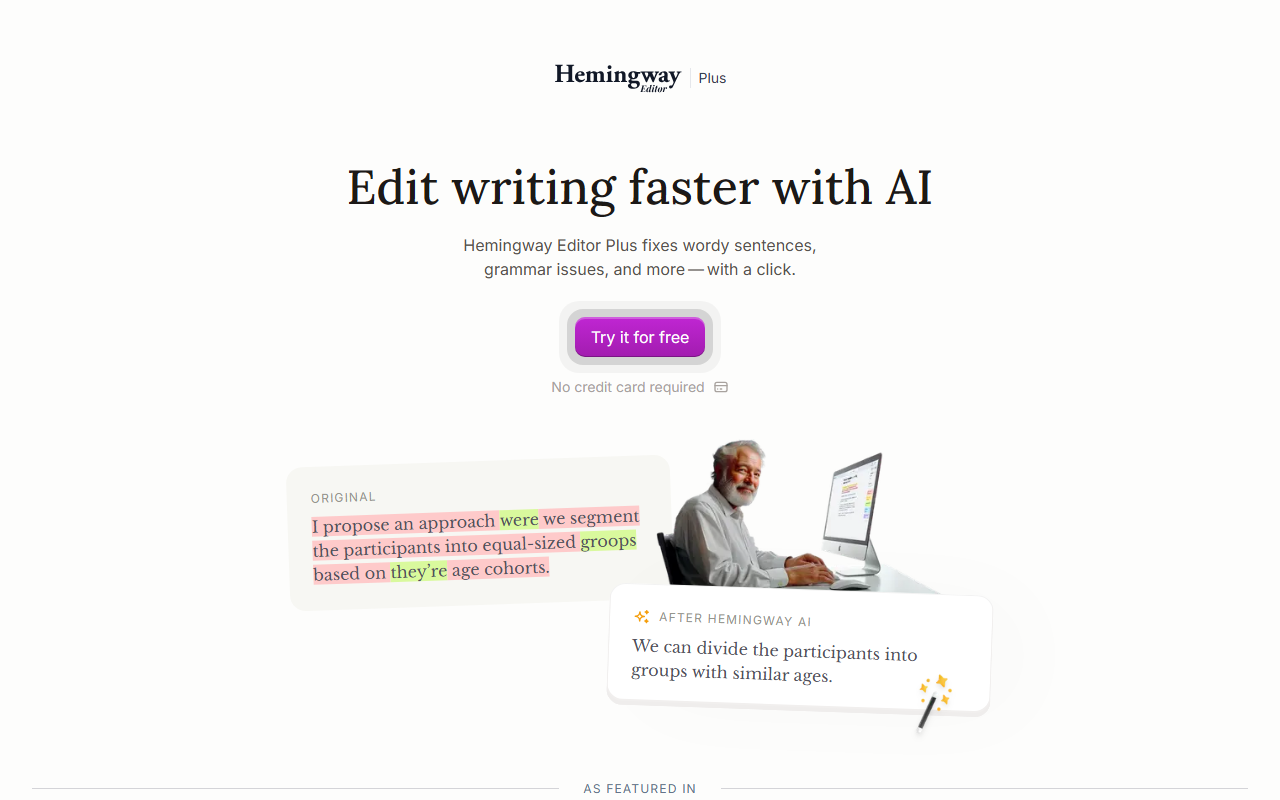
Upon visiting the Hemingway App site, I was greeted with a clean, distraction-free editor that instantly reminded me of a typewriter’s simplicity. The dashboard shows a large text area on the left, with a real-time readability panel on the right. The panel displays a grade level indicator, word count, and sentence difficulty counts. Right away I noticed the “Hard to Read” and “Very Hard to Read” sentence tallies, which update as I type. The interface uses color-coded highlights — yellow for sentences that are hard to read, red for very hard, purple for adverbs, etc. This visual feedback is immediate and intuitive. I tested the free tier, which highlights these issues but does not offer fixes. A subtle upgrade banner appears, nudging you to try the Editor Plus trial for grammar and spelling corrections, plus tone adjustments.
What Hemingway Editor Plus Does and How It Works
The core problem Hemingway solves is making writing clearer and more concise. It focuses on readability, encouraging short sentences, strong verbs, and plain language. The Plus subscription adds AI-powered grammar and spelling checks, as well as tone detection. When I typed a convoluted sentence, the tool flagged it as “very hard to read” and suggested a simpler rewrite. The tone tool identified whether my text was formal, neutral, or informal — useful for adjusting voice for different audiences. Unlike Grammarly, which is a more comprehensive grammar plugin, Hemingway is laser-focused on readability and style. It lacks integrations with Google Docs or Microsoft Word, but it does offer a downloadable desktop app. The AI appears to use a combination of rule-based heuristics and a modern language model for grammar correction, though the exact model is not disclosed. No API is visible for developers.
Pricing, Alternatives, and Market Position
Hemingway Editor is free for basic readability checks, with no account required. The Plus subscription costs $10 per month or $100 per year, after a 2-week free trial. Pricing is clearly listed on the website. For context, Grammarly Premium costs $12/month and ProWritingAid Premium is $10/month. Hemingway’s unique selling point is its singular focus on readability and style, not an all-in-one writing assistant. It is best suited for bloggers, journalists, students, and anyone who values concise, impactful prose. It is less suited for business professionals who need advanced tone analysis or deep integration with email and documents. The tool is built by Boondoggle Studio and has been around for over a decade, earning a loyal user base among writers. One real limitation I observed: the tone checker is less nuanced than Grammarly’s; it sometimes misclassified formal academic text as neutral.
Strengths, Limitations, and Final Recommendation
Hemingway’s greatest strength is its unparalleled clarity in highlighting readability issues. The color-coding is instantly understandable, and the suggestions for simpler alternatives are often spot-on. The 2-week free trial of Plus is generous and allows thorough testing. However, the tool lacks contextual grammar correction compared to competitors; for example, it flagged a correctly used passive voice as weak without explaining the context. Also, there is no native mobile app or team collaboration features. That said, for any writer who wants to tighten their prose and lower their grade level, Hemingway Editor Plus is a worthy investment. I recommend it for authors, students, and content creators who prioritize readability above all. For those who need full-sentence rewrites or integration, try Grammarly or ProWritingAid instead. Visit Hemingway App at https://hemingwayapp.com/ to explore it yourself.










Comments