

First Impressions of Iliad's Procedural Approach
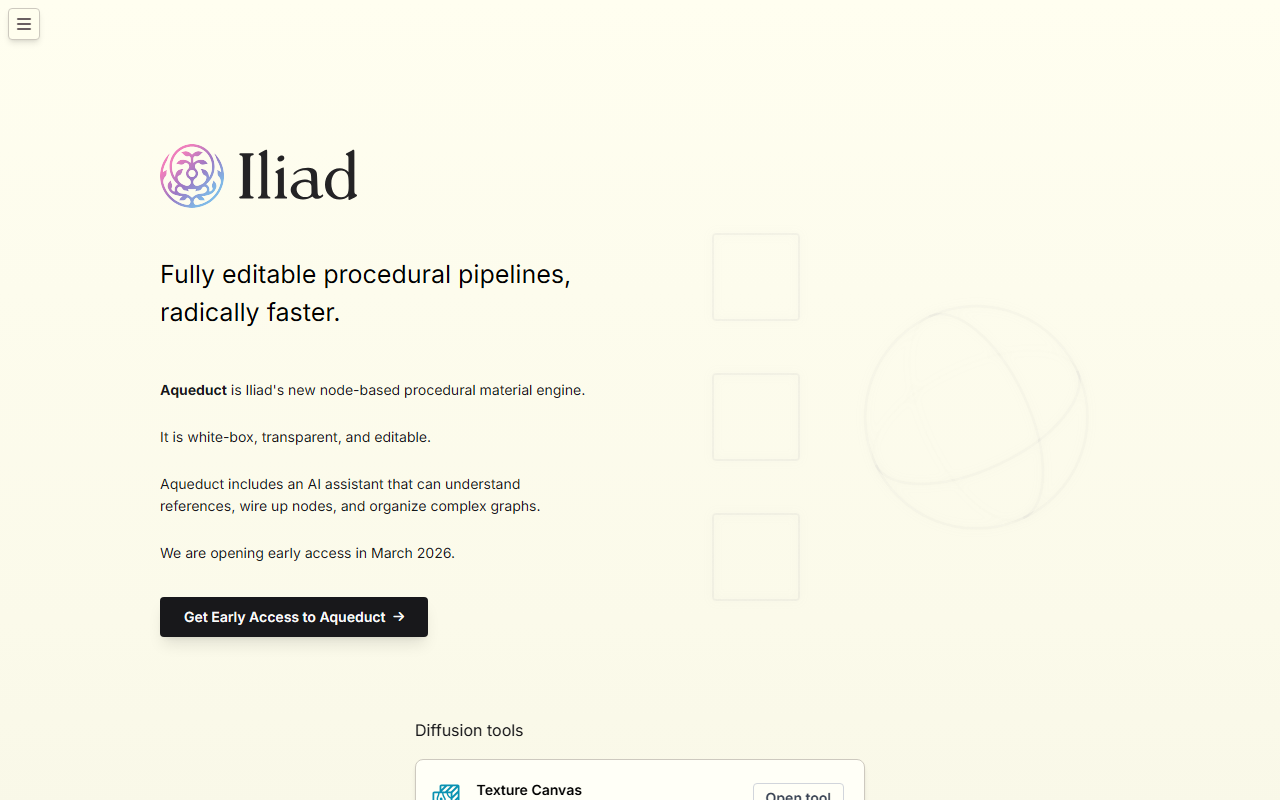
Upon visiting iliad.ai, the first thing that struck me was the focus on procedural pipelines. The headline "Fully editable procedural pipelines, radically faster" is more than marketing—it reflects a philosophy that sets Iliad apart from many AI texture generators. The dashboard is clean, with a dark theme toggle and clear navigation to four main tools: Texture Canvas, Material Generator, Reference to Texture, and the upcoming Aqueduct engine. I clicked through to the Texture Canvas and was immediately prompted to create a seamlessly tileable texture. The interface is minimalist: a canvas area, a prompt input, and a generate button. I typed "mossy cliff" and within seconds I had a 512x512 tileable output that actually looked decent—no seams, natural color variation. The result is saved to a library that includes a growing gallery of user creations like "Fuji apple" and "Dark iridescent liquid." This hands-on experience confirmed that Iliad prioritizes practical game-ready assets over artistic flair.
Aqueduct and the Core Toolset
The real showstopper is Aqueduct, Iliad's node-based procedural material engine now in early access. It is described as "white-box, transparent, and editable," meaning you can dive into the graph and adjust every node. I was not able to get early access myself, but the promotional material shows a node graph where each operation (noise, blend, color correction) is represented as a block. The AI assistant can understand references, wire up nodes, and organize complex graphs—a remarkable claim for artists who dread node spaghetti. This combines the control of manual procedural editing (think Substance 3D Designer) with the speed of AI generation.
Beyond Aqueduct, Iliad offers three mature diffusion tools: Texture Canvas (texture generation), Material Generator (converts a texture into PBR maps—albedo, normal, roughness, etc.), and Reference to Texture (turns a reference image into a seamless tileable texture). I tested Material Generator by uploading a seamless rock texture I had. It returned a set of PBR maps in under ten seconds. The maps were usable but not production-quality out of the box; you would likely need to tweak the roughness and normal intensity. Still, it is a time-saver for prototyping. The Reference to Texture tool asks for an image and outputs a tileable version with AI blending. I uploaded a photo of a brick wall, and the result removed perspective distortion and created a seamless loop—impressive for quick iterations.
Pricing and Market Position
Pricing is not publicly listed on the website—only a "Pricing" link in the navigation that leads to a page I could not access without logging in (likely a subscription model). Based on the tool's focus on professionals, I expect a monthly subscription comparable to Substance 3D (around $20–$50/month) or a one-time license for the Aqueduct engine. The lack of transparent pricing is a drawback for curious evaluators. Competitors include Substance 3D Designer (industry-standard node-based material authoring) and DreamTextures (Blender add-on for AI textures). Unlike Substance, Iliad is AI-native, meaning you can generate textures from prompts directly, then edit procedurally. This hybrid approach is rare and potentially disruptive. The tool also integrates with Discord for community feedback, and the gallery suggests a growing user base among indie game developers and 3D artists.
Iliad is best suited for technical artists and game developers who need fast, editable procedural materials without the steep learning curve of pure node editors. If you rely on hand-painted textures or offline procedural tools like Substance Designer, Iliad offers a faster initial generation step with fine-grained control. However, it is not yet a full replacement: the AI-generated maps sometimes lack detail for high-resolution hero assets, and the node graph is still in early access. I would recommend it for prototyping, environment art, and material variation rather than final shipping textures.
Verdict: A Promising Hybrid Tool
Iliad's strength lies in its fusion of AI generation and procedural editing. I appreciate that the tool does not treat AI as a black box—the Aqueduct engine lets you see and modify the pipeline. The limitations are clear: limited control over AI output without node tweaking, lack of public pricing, and early-stage node graph that may not yet rival Substance Designer's maturity. For now, I recommend trying the free Texture Canvas and Material Generator to gauge if the workflow clicks with you. If you value speed over manual control and often need tileable textures, Iliad is worth your attention. Visit Iliad at https://iliad.ai/ to explore it yourself.













Comments