

First Impressions and Onboarding
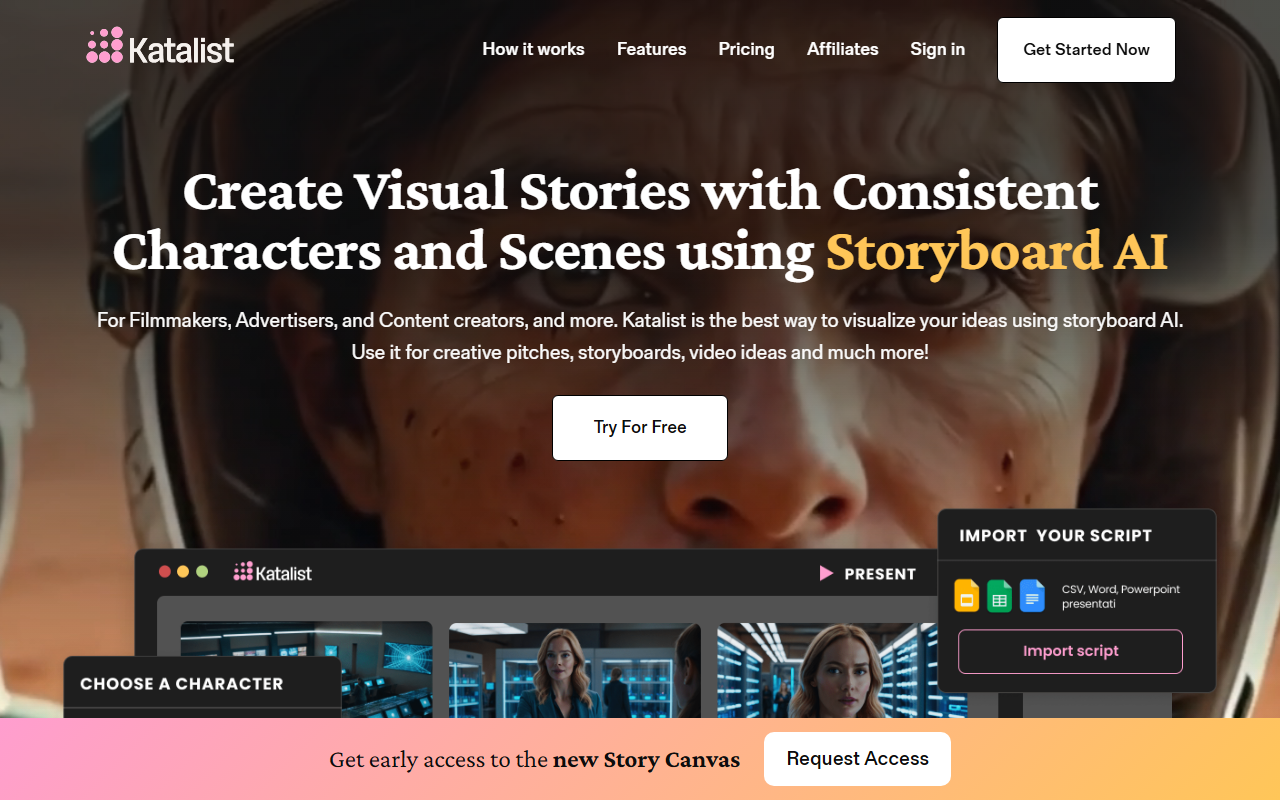
Upon visiting Katalist's website, I was immediately struck by the clear focus on storyboarding. The homepage prominently features a "Try For Free" button and a succinct tagline: "Transform Your Ideas into Visual Stories with Storyboard AI." The interface is clean, with a dashboard that guides you through generating a storyboard from a script. There is no steep learning curve; you can paste a script or upload a CSV, Word, or PowerPoint file within seconds. I tested the free tier by pasting a short script about a detective in a rainy city. Within a minute, Katalist had parsed my text and generated a series of frames with consistent characters—the same trench-coated figure appeared in every scene. The character consistency is a standout feature, addressing one of the biggest pain points in AI-generated visuals.
The onboarding flow includes a brief tutorial that explains how to adjust character poses, framing, and scene composition. A character posing tool lets you select from preset actions like "hand up" or "jump," which is a nice touch for pre-visualization. The interface feels intuitive, even for someone with no AI experience, as promised on the site. After generating a storyboard, I explored the option to turn it into a video with voiceover, music, and sound effects—a feature that sets Katalist apart from traditional storyboard software.
Core Features and Workflow
Katalist's primary hook is its ability to analyze a script and extract characters, scenes, and activities. The workflow is straightforward: import a script, let the AI generate visuals, then tweak each shot using detailed controls for framing, angle, character pose, composition, props, and scene. The dynamic scene generation lets you swap entire settings with a single click—I switched a medieval castle scene to a dinosaur world in seconds, and the character remained the same. This is invaluable for iterative pitching and creative exploration.
Another powerful feature is the AI Video Studio, which converts storyboards into fully produced videos. When I clicked "Try it Now," the browser opened a preview window where I could add a voiceover, background music, and sound effects. The video output was a simple animatic, but it effectively communicated pacing and mood. For filmmakers on a tight budget, this can replace expensive pre-visualization tools. Katalist also offers an affiliate program for those looking to promote the tool, though pricing details are not publicly listed on the website—only a "Join the waitlist" prompt appears after the free trial.
Character consistency is achieved through a custom AI model that tracks visual attributes across frames. I tested this by changing the character from "Nick" to "Maria" after the storyboard was generated; the entire storyboard updated in one click. This level of control is rare in generative AI tools and makes Katalist particularly useful for serialized content like ads, short films, or video series. The platform also supports multiple export formats, including image sequences and video files, though I did not test the full export pipeline.
Target Audience and Market Position
Katalist is designed for filmmakers, advertisers, content creators, and agencies that need rapid visual pitches. It competes with traditional storyboarding software like Storyboard Pro and with AI image generators like Midjourney or DALL-E, but with a critical difference: Katalist preserves character and scene consistency across an entire narrative. For example, an advertising agency pitching a TV commercial can present a consistent visual story without manual redrawing. The tool is also being used by casting directors and independent filmmakers, as shown in the testimonials on the site.
Compared to RunwayML or Pika Labs, Katalist is more specialized—it focuses on pre-production storytelling rather than general video generation. The lack of public pricing may be a barrier for budget-conscious users, but it suggests a premium positioning. The affiliate program and the emphasis on "4x faster production time" indicate that Katalist is targeting professionals who value time savings over cost. For hobbyists or those needing simple image generation, tools like Canva's AI or Midjourney may be more accessible. However, for anyone working with a script and needing a coherent visual narrative, Katalist is a compelling option.
Strengths, Limitations, and Verdict
Strengths: The biggest strength is character consistency across scenes—a technical challenge that Katalist solves elegantly. The one-click script-to-storyboard pipeline saves hours of manual work. The ability to change characters or scenes globally is a game-changer for iterative storytelling. The AI Video Studio adds an extra layer of value for presentations.
Limitations: Pricing is opaque; without publicly listed tiers, users must sign up for a trial and then likely join a waitlist for paid plans. The free tier appears to have limited export options or resolution. Additionally, while the AI handles narrative well, it sometimes struggles with complex scene descriptions or non-standard character poses. The character posing tool is limited to a few presets, which may feel restrictive for detailed storyboards. Finally, the video output is more animatic than full animation—users expecting polished character animation may be disappointed.
Verdict: Katalist is an excellent tool for professionals who need to visualize scripts quickly and maintain visual consistency. Filmmakers, ad agencies, and content creators will find it highly productive. I recommend using the free trial to test its capability with your own scripts. If the pricing aligns with your budget, Katalist can significantly accelerate your pre-production workflow. Visit Katalist at https://katalist.ai/ to explore it yourself.










Comments