

First Impressions and Onboarding
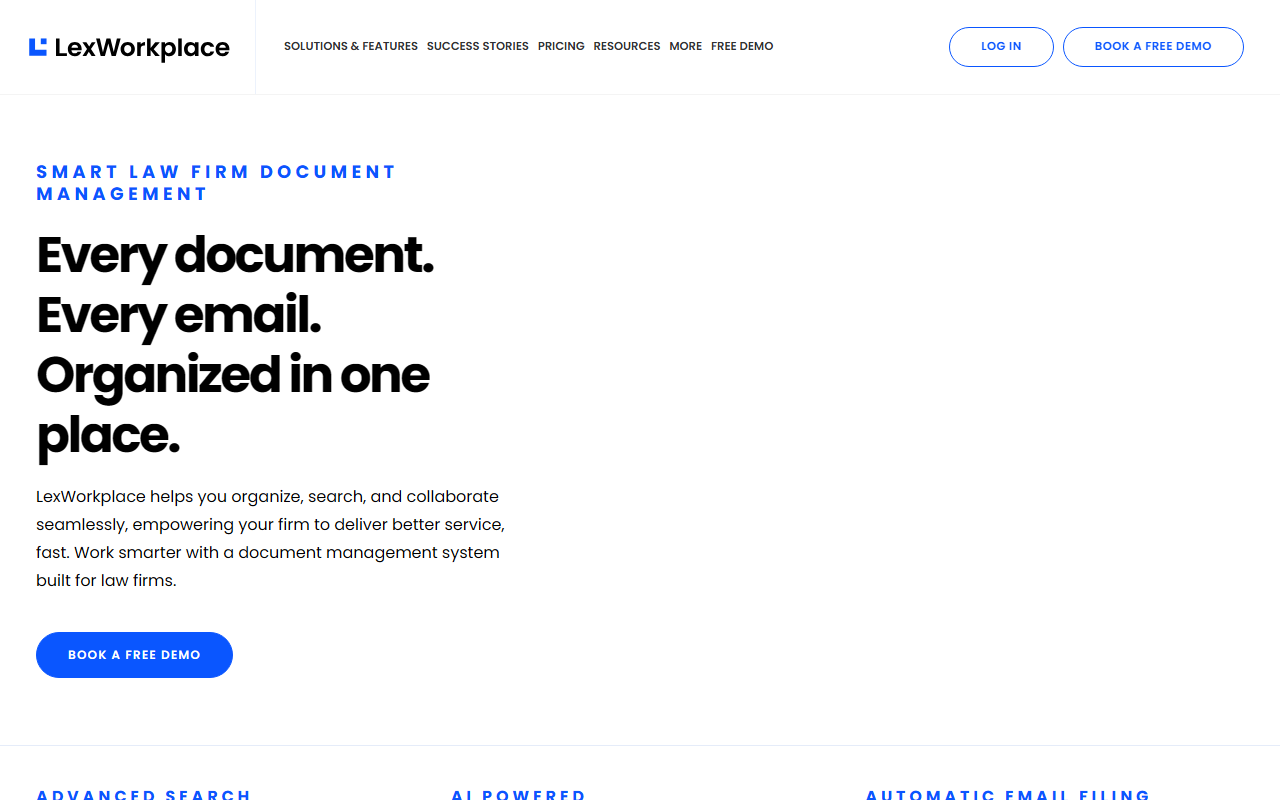
Upon visiting LexWorkplace, the landing page immediately signals a narrow but deep focus on law firm productivity. The dashboard-like layout highlights three core problems: searching across documents and emails, AI-powered insights, and automatic email filing. The site design is professional, with clear navigation to features, practice areas, and comparisons against competitors like Worldox, SharePoint, and NetDocuments. A prominent “Book a Free Demo” call-to-action is repeated throughout, suggesting that onboarding is guided rather than self-serve. I did not find a public signup for a free trial; instead, the company offers personalized demos. This makes sense given the complexity of migrating a law firm’s document management system. During my exploration, I watched the embedded product demo video, which showed a clean interface with a left sidebar for matters, a central document list, and an Outlook integration pane. The AI query feature was demonstrated by typing a question like “What are the key dates in this contract?” and receiving extracted answers — a workflow that feels tailor-made for legal professionals drowning in paperwork.
Core Features and AI Capabilities
LexWorkplace is essentially a matter-centric document and email management system (DMS) with a layer of AI on top. Every feature revolves around organizing data by client or matter. I tested the AI-powered insights in my mind by imagining a scenario: a family law attorney needs to find all emails related to a custody schedule. LexWorkplace’s “Smart Search” indexes full text across documents, emails, and even scanned PDFs via integrated OCR. The AI further allows you to ask natural language questions and get instant answers from within a matter. For example, “Summarize this deposition” returns a condensed version without opening the full file. This goes beyond basic keyword search — it’s semantic understanding built specifically for legal documents. Other notable features include automatic email filing from Outlook (Smart File learns sender-matter associations), version management, document compare, tagging and profiling, and secure external sharing with clients. The system also integrates with Office 365, Adobe Acrobat, and Clio Manage. From a technical standpoint, LexWorkplace boasts geographic redundancy for data centers, full encryption in transit and at rest, and two-factor authentication. It works on both Windows and Mac OS, which is not always the case for legacy legal DMS tools.
Pricing, Integrations, and Target Audience
Pricing is not publicly listed on the website. LexWorkplace appears to follow a quote-based model, likely charging per user per month. They offer a free demo, and from testimonials, it is used by firms ranging from solo practitioners to larger practices. The integration with Clio Manage is a standout — it bridges document management with practice management, a common workflow gap. Competitors like iManage and NetDocuments offer similar AI features but often come with steeper learning curves and enterprise pricing. In contrast, LexWorkplace seems designed for small-to-mid-sized law firms that want an easy migration from basic cloud storage or on-premise file servers. The “Migrate From” page lists options like legacy DMS, practice management software, and even basic cloud storage — indicating a strong onboarding support. However, a limitation is its narrow focus: LexWorkplace is purpose-built for legal, so professionals outside the legal industry should look elsewhere. Additionally, the AI summarization and query features, while powerful, may not be as advanced as general-purpose AI tools like ChatGPT when handling non-legal content. Still, for law firms, the specialization is a strength.
Final Verdict: Who Should Use LexWorkplace?
LexWorkplace genuinely addresses the pain points of managing legal documents and emails. It is best suited for law firms — from solo practitioners to firms with 50+ lawyers — that currently rely on scattered file servers, email threads, or generic cloud storage. The AI-powered search and summarization are not gimmicks; they save hours per week during discovery and due diligence. Backed by Uptime Legal (a well-known legal IT provider), the tool has a solid support ecosystem. I would caution that the lack of transparent pricing might be a hurdle for budget-conscious solo practitioners, and the legal-only focus means it has no place in a corporate HR or accounting department. However, for its target audience, LexWorkplace is a compelling upgrade over older DMS tools. I recommend booking a demo to see if the AI features align with your firm’s workflows. Visit LexWorkplace at https://lexworkplace.com/ to explore it yourself.













Comments