

First Impressions: Onboarding and Interface
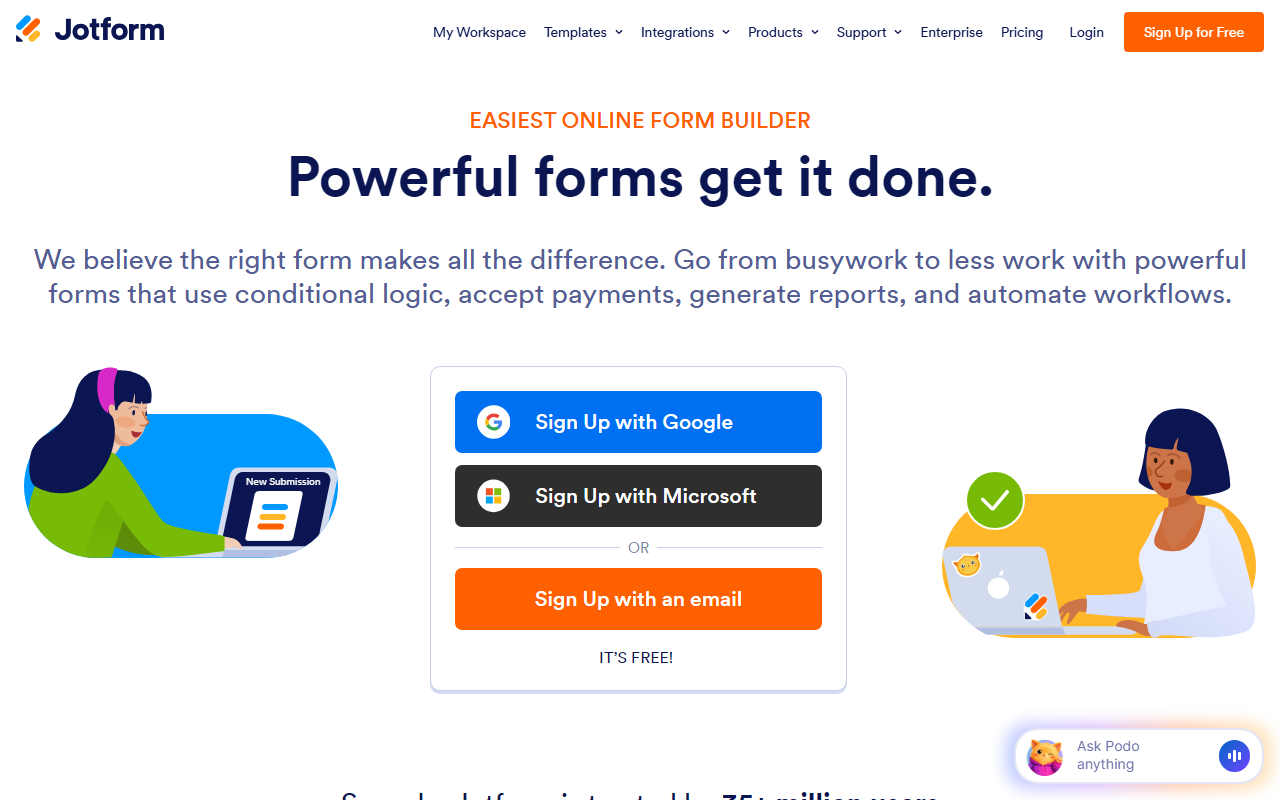
Upon visiting Jotform’s homepage, the first thing I noticed was the clean, modern layout with a prominent call to action to sign up for free. I clicked the Google sign-in button and was instantly taken to the dashboard. The dashboard displays a list of my existing forms (if any) and a big orange “Create Form” button. The onboarding flow is smooth: a short tutorial pops up to guide me through the basics of building a form. The drag-and-drop Form Builder is intuitive – I can add fields like text boxes, dropdowns, and file uploads in seconds. One feature that caught my eye was the conditional logic tab: it lets me show or hide fields based on user answers, which can save a lot of time for complex workflows.
Technical Details and Pricing
Jotform offers a freemium model. The free tier allows up to 100 form submissions per month and 1,000 form views, with basic integrations. Paid plans start at $39/month for the Bronze plan (1,000 submissions, removal of Jotform branding) and go up to $199/month for the Gold plan (10,000 submissions, priority support). There’s also a custom Enterprise plan. The platform integrates with over 150 apps, including Google Sheets, Slack, Mailchimp, and new Microsoft Excel and SharePoint integrations announced on the site. Jotform also supports payment collection via Stripe, PayPal, and Square directly inside forms – no extra plugin needed. While it’s not explicitly marketed as an AI tool, the conditional logic engine uses rule-based automation that feels remarkably intelligent for routing responses and generating reports.
Market Positioning and Alternatives
Jotform competes directly with Typeform, Google Forms, and Wufoo. Unlike Google Forms, which is free but limited in design and integrations, Jotform offers far more customization (custom logos, fonts, colors) and a richer set of integrations. Compared to Typeform, which focuses on conversational forms, Jotform is more of a traditional form builder with advanced power features like payment support and extensive conditional logic. The tool is trusted by over 35 million users as stated on the website, and it has a high rating (4.7 on various platforms). Its strength lies in being a one-stop solution for creating forms that can handle payments, automate workflows, and sync with other business apps.
Strengths, Limitations, and Recommendation
The biggest strength of Jotform is its ease of use combined with powerful features. I was able to create a multi-step form with conditional logic and payment fields in under 10 minutes without any coding. The large integration library means you can connect forms to your existing tech stack instantly. However, a real limitation is the restrictive free tier – only 100 submissions per month may not be enough for even small-scale testing. Additionally, the form builder, while intuitive, does not offer the same modern, conversational feel as Typeform’s interface. For businesses that need a robust form builder that can handle payments and complex automation, Jotform is an excellent choice. Casual users with very limited budgets might prefer Google Forms, but professionals will appreciate Jotform’s depth. I recommend Jotform for anyone who regularly collects data, processes payments, or needs to automate repetitive office tasks. Visit Jotform at https://link.jotform.com/ to explore it yourself.










Comments