

First Impressions: A Purpose-Built Automation for Webflow
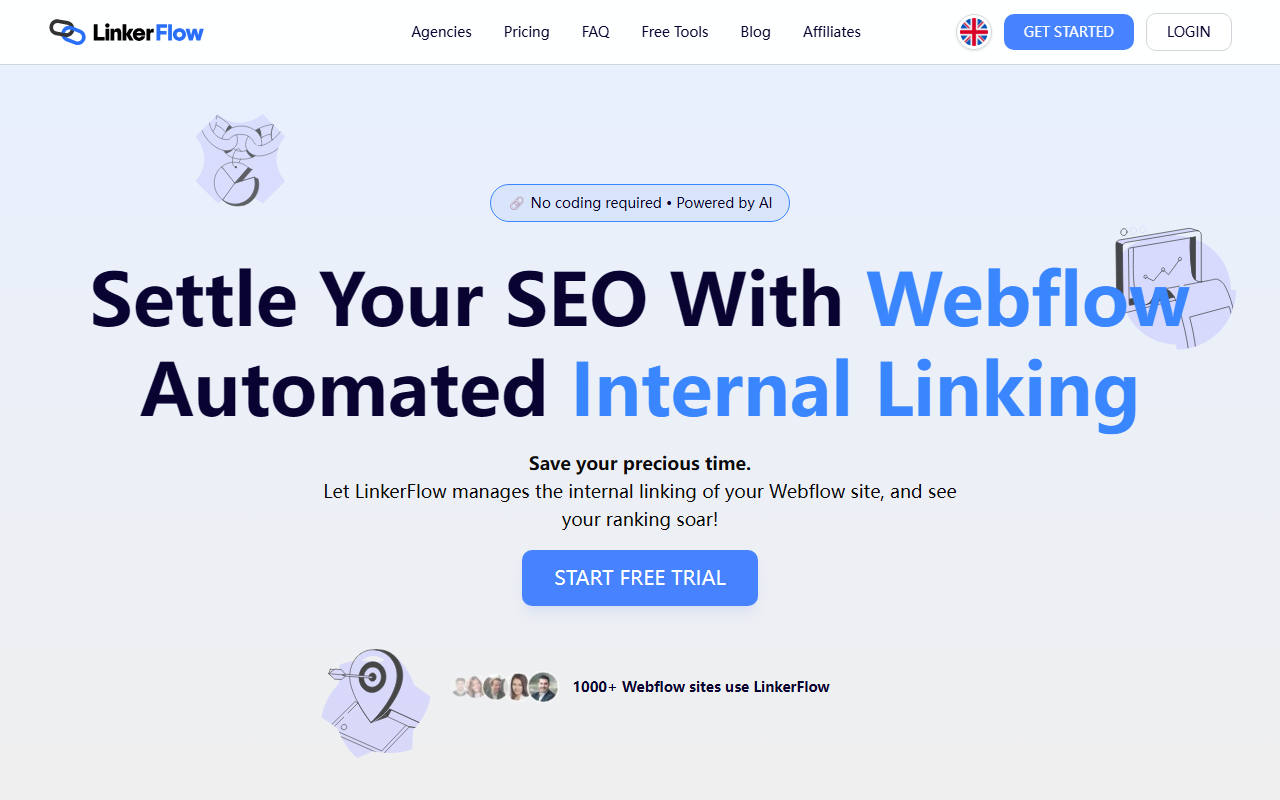
Upon visiting LinkerFlow's website, I immediately noticed how focused the pitch is: this is a tool designed exclusively for Webflow users who want to automate internal linking. The homepage greets you with a clean layout and a bold claim: "Settle Your SEO With Webflow Automated Internal Linking." After signing up for the free trial, I connected a demo Webflow site in under three minutes—the onboarding flow is slick, with step-by-step prompts guiding you through connecting your Webflow account and Google Search Console.
The dashboard is minimal but functional. It shows your connected site, a list of pending link suggestions, and a history of approved links. The AI analyzes both your site content and Search Console query data to assign keywords to each page, then suggests contextual internal links. During testing, I approved a few suggestions with one click, and they appeared live in my Webflow CMS rich text fields instantly—no coding required.
How LinkerFlow Works: AI-Powered Internal Linking Without the Grunt Work
LinkerFlow solves a specific, painful problem: manually linking relevant pages across a Webflow site is time-consuming and easy to mess up. The tool uses AI to crawl your site every seven days, scanning both CMS and static pages (though link insertion is limited to CMS pages due to Webflow API constraints). It pulls keyword data from Google Search Console and your site content, then suggests anchor text and target URLs. You review suggestions in a queue and approve or deny them. Once approved, the links are added automatically to your Webflow content.
Behind the scenes, LinkerFlow uses a combination of keyword discovery algorithms and machine learning to determine relevance. The tool integrates tightly with Webflow—no API key is needed beyond the standard OAuth connection. It also detects broken links (404s) and lets you fix them from the dashboard. For SEO purists, the tool promises to pass link equity and improve PageRank distribution.
Pricing is transparent and tiered. The Single plan for one-language sites starts at $29/month, and the Multilingual plan at $39/month. Both have page limits from 500 to 10,000 pages, with yearly plans offering four months free. There are also agency plans available. However, there is no free forever tier—only a free trial. This positions LinkerFlow as an investment for serious Webflow site owners rather than hobbyists.
Strengths and Limitations: What You Gain and What You Miss
The biggest strength of LinkerFlow is its time-saving convenience. For a busy business owner, freelancer, or agency managing multiple Webflow sites, the tool eliminates hours of manual linking. The 30% organic traffic increase claimed by a customer (Martin from SpyLead.com) is plausible given how internal linking can boost topical authority. The weekly crawl schedule ensures new content gets linked promptly, and the approval mechanism gives you control.
However, there are notable limitations. First, LinkerFlow only works with Webflow—if you use another CMS like WordPress or Shopify, this tool is useless. Second, it cannot insert links into static pages; links are only added inside CMS rich text fields. For sites relying heavily on static pages, this reduces the tool's effectiveness. Third, the tool requires Google Search Console access, which may be a barrier for some users. Finally, while the AI suggestions are generally relevant, I encountered one suggestion that linked a blog post about "Webflow tips" to a product page about "SEO plugins"—not a perfect match. The manual approval step mitigates this, but it means you still need to review.
Compared to alternatives like Link Whisper (for WordPress) or Internal Link Juicer (also WordPress), LinkerFlow is the only dedicated solution for Webflow. For Webflow users, it's the most streamlined option. For non-Webflow users, look elsewhere.
Recommendation: Who Should Use LinkerFlow?
LinkerFlow is best suited for Webflow site owners who want to improve SEO without dedicating hours to manual internal linking. It's ideal for business owners who are not SEO experts, freelancers managing multiple client sites, and agency teams that scale link building. If you have a large Webflow site with many CMS pages, the automation pays for itself quickly.
On the other hand, if your site uses mostly static pages, or if you're on a tight budget and can't justify $29/month, you might be better off with a one-time manual linking session or using Webflow's native SEO tools. Also, if you dislike giving any control to AI or prefer link-building strategies beyond contextual links (e.g., navigation optimization), LinkerFlow may feel too narrow.
Overall, LinkerFlow delivers on its promise: automated, AI-driven internal linking for Webflow that saves time and boosts SEO. It's not perfect, but for its target audience, it's a powerful addition to the toolkit.
Visit LinkerFlow at https://linkerflow.io/ to explore it yourself.













Comments