

First Impressions and Onboarding
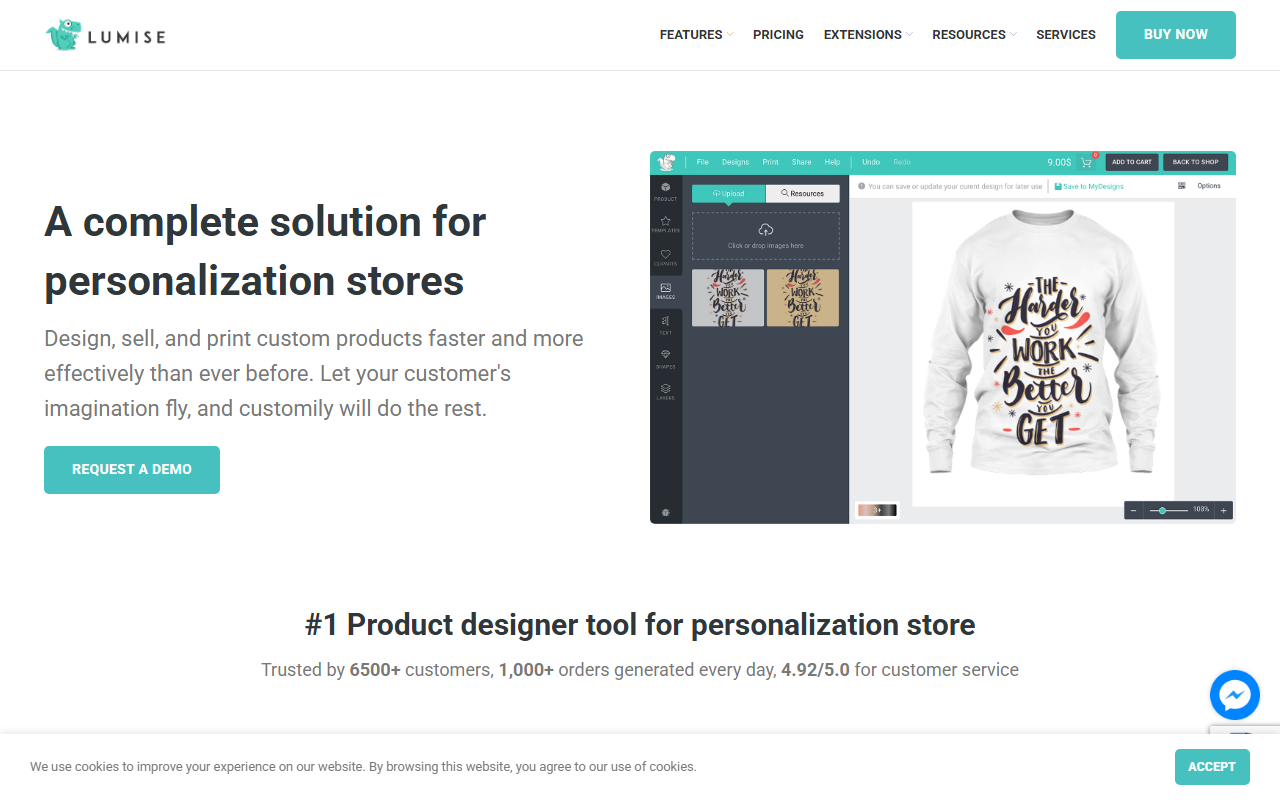
Upon visiting lumise.com, the homepage immediately pitches a Black Friday deal with 40% off, suggesting a direct-to-consumer sales model for a WordPress plugin. The interface is clean but heavily focused on testimonials and feature lists rather than a clear product walkthrough. I clicked into the demo — both admin and frontend demos are available. The frontend demo showed a t-shirt design interface where customers can add text, clipart, and upload images. The experience felt fluid on my desktop, but the site claims full mobile and tablet support, which I verified by resizing the browser. The admin demo revealed a back-end for configuring products, printing technologies, and pricing rules. The onboarding flow is self-guided, with a help center and live chat available. For a WordPress plugin, this is typical, but beginners may need to consult the documentation or tutorials.
Core Capabilities and Technical Details
Lumise is positioned as a complete product designer tool for stores selling decorated apparel, signage, and promotional items. Its key strength is supporting any printable product — from t-shirts to business cards. Behind the scenes, the tool integrates with printing technologies like DTG, silk, sublimation, screen, digital, and embroidery, each with configurable pricing. This is a standout feature for businesses with multiple printing methods. The output is design-ready files at 300 DPI, attached directly to the order. The plugin also offers 330+ templates and clipart sets crafted by the Lumise team, which I found in the "Sync" feature section. The dashboard shows extensions and addons that extend functionality, though I could not test specific addons without purchasing. Notably, Lumise is self-hosted, meaning you install it on your WordPress site. This gives full control over data and customization, unlike SaaS competitors like Printful’s design tool or Fancy Product Designer. However, it requires a WordPress environment and some technical setup.
Pricing and Integrations
Pricing is not publicly listed on the homepage or the scraped content; only a "Pricing" menu item exists, but the exact tiers were not shown in the extracted text. Given the Black Friday 40% discount, I suspect a one-time license fee or annual subscription model. The site states “2,000+ orders generated every day” and “4.92/5.0 for customer service,” indicating a strong user base of over 6,500 customers. Integration-wise, Lumise is a WordPress plugin, so it works with any WordPress theme and WooCommerce or similar e-commerce plugins. There is no mention of API availability or direct integrations with third-party print-on-demand services, which could be a limitation for users who rely on automated fulfillment. The plugin does offer a demo and a 30-day money-back guarantee (implied by common plugin practices, though not explicit on the page). Without transparent pricing, it’s hard to evaluate cost-effectiveness compared to alternatives like InkXE or CustomCat.
Verdict: Who Should Use Lumise?
Lumise excels for small to medium businesses running WordPress-based print-on-demand stores that want a self-hosted designer with detailed printing-option control. Its strengths are the large template library, mobile support, and high-output quality. However, the tool lacks AI-generated design capabilities (despite being in the AI Design category) — it’s more of a manual customization tool than an AI creator. Also, the absence of public pricing and limited out-of-the-box integrations may frustrate larger operations. For beginners, the responsive support and testimonials suggest a safe bet, but I recommend trying the free demo first. If you need AI-powered generative design or a fully hosted solution with no WordPress management, look elsewhere. For store owners already using WordPress who want a reliable, feature-rich designer, Lumise is a strong candidate. Visit Lumise at https://lumise.com/ to explore it yourself.










Comments