

First Impressions and Onboarding
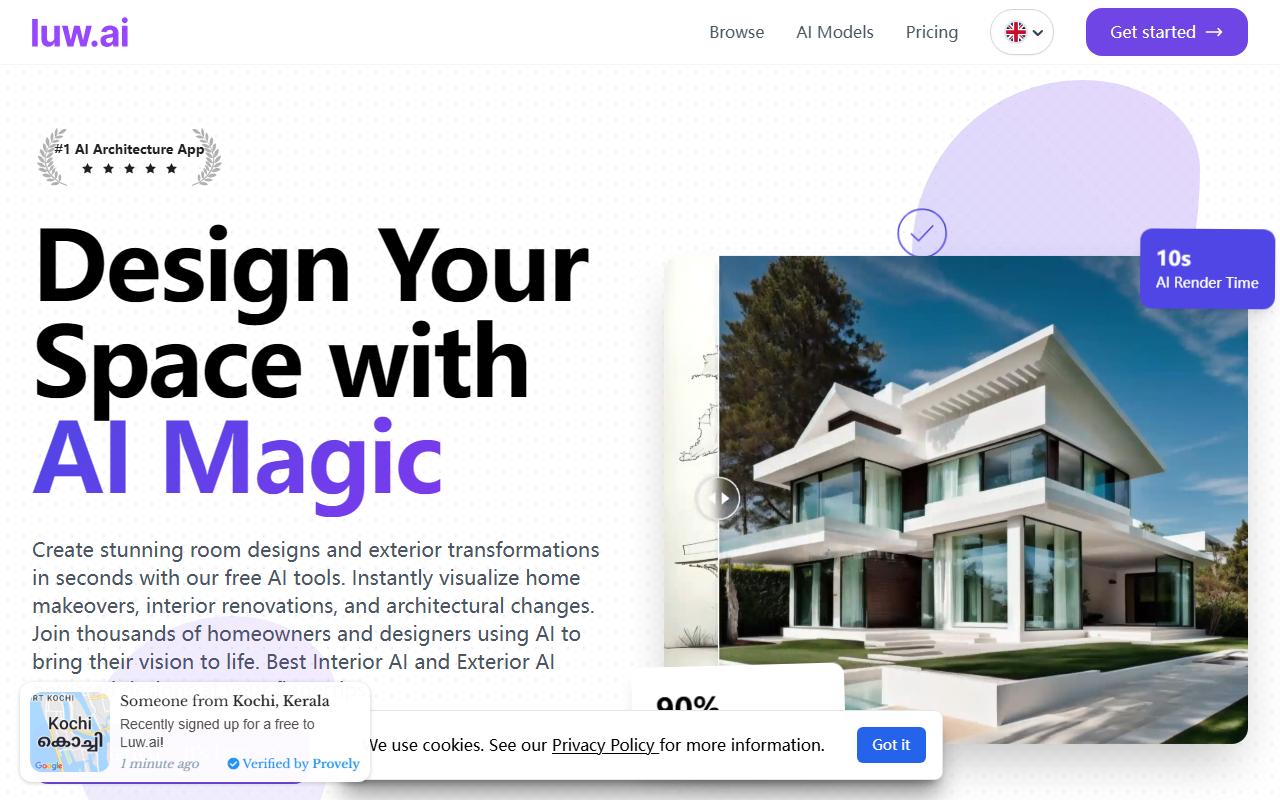
Upon visiting Luw.ai, the first thing that strikes me is the clean, modern interface with a heavy emphasis on before-and-after imagery. The homepage wastes no time showcasing dramatic room transformations generated in seconds. A prominent "Get Started - It's Free" button leads to a quick sign-up flow that requires only an email and password, so you can test the core features almost immediately. The dashboard is neatly organized into a grid of tool cards: Interior AI V2, Exterior AI V2, Sketch AI, Magic Prompt AI, and many more. Each card has a "Launch Tool →" button, making navigation intuitive even for first-time users. I appreciated that the onboarding includes a brief tutorial video and template prompts to help you understand how to describe your vision.
Core Tools and Capabilities
Luw.ai positions itself as an all-in-one AI design suite, and the tool list is genuinely impressive. I tested the Magic Prompt AI, which lets you upload a photo and edit it with simple text commands. For instance, I uploaded a photo of a living room and typed "modern farmhouse style with wooden beams". Within about 10 seconds, the AI generated four variations that convincingly added beams, changed furniture styles, and adjusted lighting. The results were not perfect—some edges were blurry—but the speed and conceptual accuracy are useful for brainstorming. The ArchiGPT feature is a conversational assistant that offers design advice: I asked for layout tips for a small bedroom, and it gave specific suggestions about bed placement and color palettes. Luw.ai also offers 3DGen AI, which generates a 3D model from a text prompt (I typed "coffee table with glass top") and allows export as an OBJ file. Other notable tools include Remove Furniture AI (which effectively emptied a cluttered room sketch) and Landscape AI (which generated a realistic garden design based on my region and style preferences). The platform integrates with external 3D software like SketchUp and Blender, and macOS users can download the Luw Screenshot app for better capture integration. However, I did not see any mention of an API for developers, which limits enterprise use cases.
Strengths and Limitations
The most obvious strength of Luw.ai is its breadth of free functionality. You can generate interior redesigns, exterior facades, mood boards, product mockups, and even vector SVG files without paying a cent. The AI render speed (advertised as 10 seconds) is largely accurate for most tools, though more complex jobs like Video AI (3D flythroughs) take longer and require a Pro subscription. Speaking of pricing: Luw.ai is free to start, but premium features like HD exports, commercial licenses, and the Video AI tool are locked behind a paid plan. The pricing page is not publicly listed on the website—I had to search for FAQ details to find that Pro starts at $19/month. Another limitation is consistency: while the AI is creative, some outputs have jarring artifacts (e.g., weird lighting or disproportionate furniture) that require manual tweaks in a separate editor. The tool also lacks real-time collaboration features that teams might need. Compared to alternatives like RoomGPT or Interior AI, Luw.ai offers more total tools (over 20) but sometimes sacrifices polish for quantity.
Despite these quibbles, the sheer number of integrated design workflows (from sketch to 3D to floor plan to landscape) makes it a compelling starting point for homeowners and freelance designers. The 25 million designs generated and 300,000 joined designers are strong trust signals, and the tool is clearly being actively developed—I noticed several “New” badges on features like Pattern AI and Fluw AI.
Who Should Use Luw.ai?
Luw.ai is best suited for DIY home renovators, interior design hobbyists, and architects who need quick visualizations for client pitches. If you are a professional designer requiring photorealistic, portfolio-ready renders, you may find the free outputs a bit rough and will need to invest in Pro. Students and budget-conscious users will love the zero-cost entry and the ability to experiment with multiple design styles. However, if you need API access or highly polished, print-ready files, you should look at more mature tools like Midjourney or DALL·E combined with a traditional rendering engine. For anyone curious about AI-assisted design without a financial commitment, Luw.ai is well worth a few hours of playtime.
Visit Luw.ai at https://luw.ai/ to explore it yourself.













Comments