

First Impressions & Onboarding
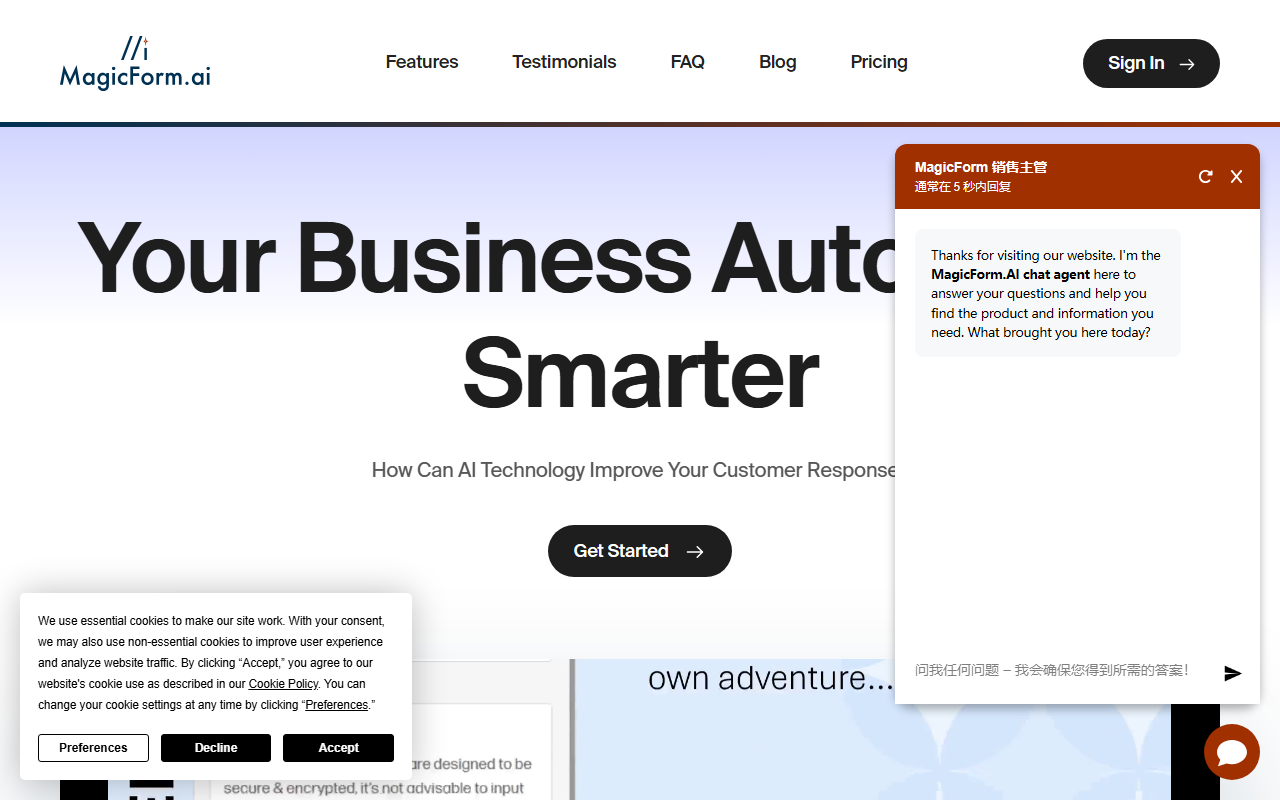
Upon visiting the MagicForm AI site, the clean landing page immediately emphasizes one core promise: automating customer responses. The sign-in button is prominent, and the “Get Started” call-to-action leads to a trial sign-up. I tested the free tier (which is actually a 14-day trial for all plans, not a permanent free tier). The onboarding flow is refreshingly straightforward. You paste a URL, choose from suggested questions or type your own, add personality traits, and then copy a short embed code. Within minutes, you have a live chat agent on your site. The dashboard shows a simple interface: message usage, conversion metrics, and the ability to review and edit each response. This transparency builds trust—you're not handing over your customer interactions to a black box.
Features and Customization
MagicForm uses GPT-4o under the hood, which is a strong model known for its reasoning and conversational ability. The tool excels at making the AI feel like part of your team. You can train it like a new hire: roleplay as a customer, tweak answers, and reorder suggested questions. The “Easy to Instruct” feature lets you prioritize which questions the agent should ask first, which is critical for lead qualification. I also appreciate the built-in webhook integration, which allows you to send follow-up emails or add appointments to a calendar automatically. Compared to competitors like Tidio or Intercom, MagicForm focuses less on live chat handoffs and more on a fully autonomous agent. That’s a differentiator—it’s built to replace a human chat operator, not just supplement one. The interface also tracks how many visitors engage, how many convert into buyers or booked appointments, and the overall success rate. For a small business owner who can’t monitor chats 24/7, this is a practical solution.
Pricing and Value
MagicForm offers three paid tiers. The Starter plan at $49 per month includes 500 messages and one AI agent, which is enough for a solopreneur handling low to moderate traffic. The Pro plan, listed at $149 per month with a crossed-out price showing $99 (likely a launch discount), gives you 1,000 messages, three agents, and three team seats—useful for a small team. Zapier integration is only available on Pro and above. The Premium plan at $399 per month removes all message caps, offers unlimited agents (with a $10 fee over 20), and includes a white-label domain for agencies. Compared to many live chat services that charge per seat plus premium AI add-ons, MagicForm’s pricing is competitive. However, the lack of a free tier (beyond the trial) might deter some users who want to test the chatbot long-term before committing. Another limitation: there’s no mention of multilingual support on the pricing page, though a testimonial mentions two languages. If your business requires deep customization of the AI’s tone or integration with a custom CRM via API, you may find the built-in options somewhat limited.
Who Should Use MagicForm?
Based on my deep dive, MagicForm is best suited for solopreneurs, e-commerce owners, and small service businesses that want to automate after-hours inquiries and lead capture without spending hours on configuration. The tool’s strength lies in its simplicity and the speed of deployment. If you’ve bounced off complex chatbot builders before, MagicForm will feel liberating. However, if you need a full help desk integration, live agent takeover, or a highly customized conversational flow (e.g., branching logic based on user data), you might find the platform too opinionated. Look at alternatives like Drift or ManyChat for more granular control. Overall, MagicForm delivers on its promise: “Your Business Automated Smarter.” The 14-day free trial is risk-free, and the testimonials from real users suggest the product improves rapidly. I recommend it to anyone tired of missed leads after hours.
Visit MagicForm at https://magicform.ai/ to explore it yourself.













Comments