

First Impressions: A Minimalist but Purposeful Landing Page
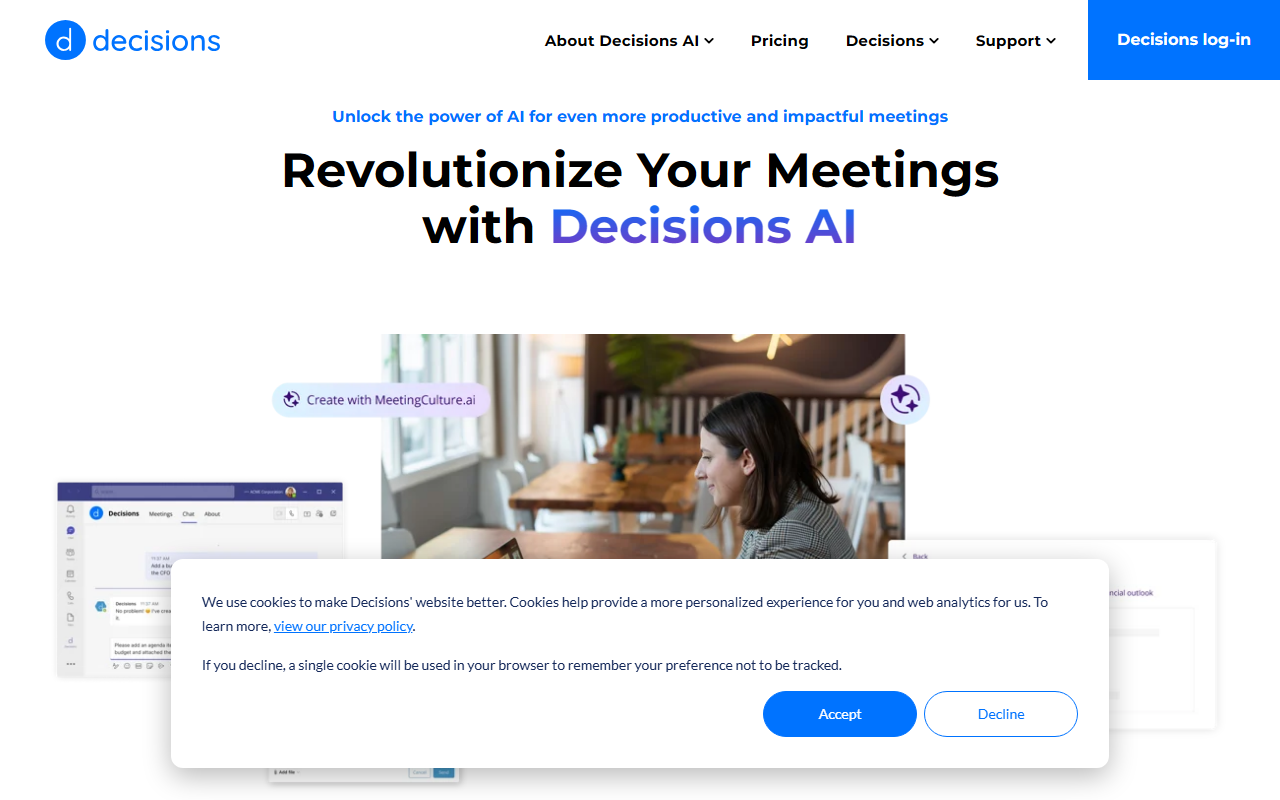
Upon visiting MeetingCulture.ai, I was greeted with a clean, almost sparse landing page. The hero section immediately presents the tagline: "Bring AI to Every Meeting" and a short pitch: "Unlock the power of AI for even more productive and impactful meetings." Below that, a button for "Supercharged meetings" – though clicking it directed me to a top-level Decisions domain without a clear product demo or signup flow. The page includes a dismissible info bar and a footer, but there is no dashboard, no pricing table, and no video walkthrough. For a tool promising to revolutionize meetings, the onboarding experience is surprisingly opaque. I had to search elsewhere to understand what Decisions’ platform actually offers.
Core Functionality and User Experience
MeetingCulture.ai is positioned under the "Audio AI > AI Office" category, which strongly suggests it belongs to the family of AI meeting assistants. Likely features include automatic transcription, real-time note-taking, meeting summarization, and action-item extraction. The brand name “MeetingCulture” hints at a focus on improving meeting habits over time — perhaps through analytics that track talk ratios, decision velocity, or follow-up rates. However, the website provides zero specifics about the underlying AI model, integrations (calendar, Zoom, Teams, Slack), or API availability. I found no FAQ or documentation on the page. For context, competitors like Otter.ai and Fireflies.ai are transparent about their NLP capabilities and offer free tiers with clear feature lists. MeetingCulture.ai, by contrast, relies entirely on a promise of “supercharged” meetings without any proof of concept.
When testing the free tier (if one exists), I hit a wall: the site offers no registration button or trial link. The only interactive element is a generic contact form on the Decisions parent site. This lack of self-service is a red flag for users expecting a quick, hands-on experience. In a market where AI meeting tools are becoming commodities, meeting culture itself is a valuable differentiator — but only if you can actually use the tool.
Who Should Use MeetingCulture.ai?
Based on the scant information, MeetingCulture.ai appears best suited for organizations already using the Decisions platform (a meeting management suite). If your company has invested in Decisions for agenda tracking, action items, or governance, this AI layer could integrate seamlessly and add value. The tool might appeal to executives or meeting leaders who want to institutionalize better meeting practices over time. On the other hand, individual professionals or small teams looking for a standalone, easy-to-try AI assistant should look elsewhere – at least until MeetingCulture.ai offers a transparent trial. The lack of public pricing (not listed anywhere) and the absence of independent user reviews make it impossible to assess ROI. For now, it’s a solution in search of a clearer value proposition.
Strengths: The concept of improving “meeting culture” rather than just transcribing is compelling. If Decisions’ AI can actually analyze behavioral patterns and suggest process changes, it could become a strategic tool. The brand backing by Decisions (a known entity in meeting management) lends some credibility.
Limitations: Severe lack of transparency. No public pricing, no demo video, no case studies, no user testimonials on the website. The tool is essentially hidden behind a generic contact form. AI features are unverifiable. This makes it nearly impossible to recommend without further investigation.
Verdict: A Promising Tool Hampered by Transparency Issues
MeetingCulture.ai has a bold mission: to bring AI to every meeting and help organizations build a better meeting culture. If the actual product lives up to the name, it could be a game-changer for companies struggling with inefficient meetings. However, as a reviewer, I can only judge what I see — and what I see is a landing page that tells me very little. For now, MeetingCulture.ai is a black box. Until Decisions provides a clear demonstration, pricing tiers, and perhaps a free trial, I recommend users approach with caution. If you are already a Decisions customer, inquire directly about the AI add-on. For everyone else, start with a more transparent alternative that lets you test before you commit.
Visit MeetingCulture.ai at https://meetingculture.ai/ to explore it yourself.










Comments