

First Impressions and Onboarding
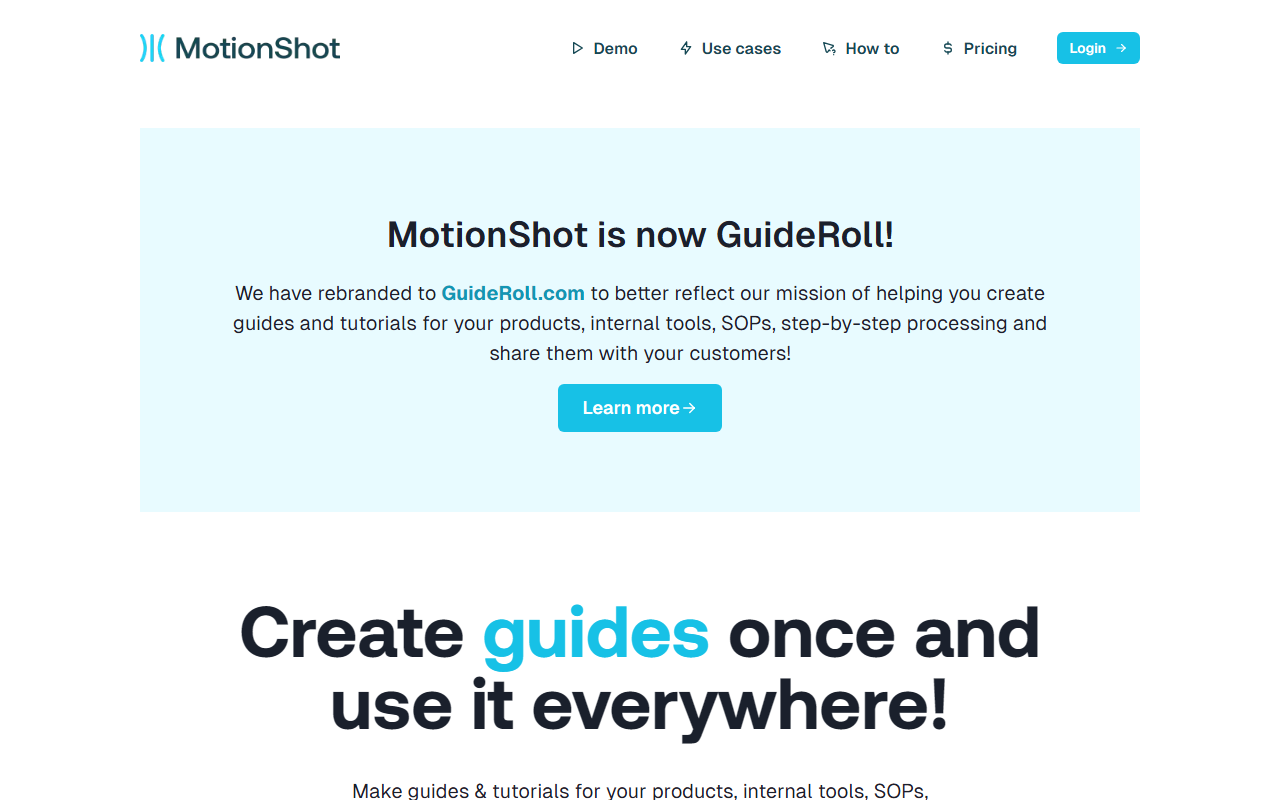
Upon visiting motionshot.app, I noticed the banner announcing the rebranding to GuideRoll.com. The landing page is clean, with a prominent “Make yours now” call-to-action. I clicked “Start for free” and was taken directly to the dashboard without requiring an email—a welcome surprise. The dashboard shows a simple interface: a list of existing guides (none initially) and a “New Guide” button. I uploaded three screenshots by dragging and dropping them into the upload area. The process was instantaneous.
Core Features and Workflow
MotionShot solves a specific problem: turning a sequence of screenshots into a step-by-step tutorial that can be exported or embedded. The workflow is intuitive: after uploading images, you click on each screenshot to add a step. Each step lets you draw a highlighted rectangle, add text annotations, and customize colors. I tested the annotation tools—they are responsive, and you can adjust the size and position of the highlight. The guide also supports voice-overs, though the free tier does not include that feature. Once done, you publish the guide and receive a shareable link. I exported my test guide as a PDF; it listed all steps as images with captions. The embed option provides an iFrame snippet, which I tested on a local HTML page—it worked seamlessly.
Pricing and Market Position
MotionShot offers a free tier with two guide generations, watermarked output, no voice-over, no embedding, and no PDF/image export. The paid plan is a lifetime deal: $147 one-time payment (listed as $168 but discounted to $147). This includes 300 guide generations per month, voice-over (22,000 characters per month), video export, PDF and image export, custom branding, custom domain, analytics, Chrome plugin, and “Read mode.” There is no monthly or annual subscription listed. Compared to Loom, which focuses on video screen recording, MotionShot is better suited for creating static, annotated guides. Snagit (by TechSmith) offers similar screenshot annotation and video capture but requires a desktop app and costs $62.99 one-time for a single license. MotionShot’s web-based approach and lifetime deal make it attractive for small teams who need quick, shareable tutorials.
Strengths, Limitations, and Verdict
Strengths: The biggest advantage is the ease of use. No installation, no learning curve—just upload, annotate, and share. The export options (MP4, GIF, PDF, embed) cover most use cases. The Chrome plugin for capturing screens is a nice addition for power users. The lifetime pricing model is budget-friendly for startups.
Limitations: The free tier is extremely limited (only two guides, watermarked). The lack of a monthly subscription means users who want to try the full features must commit to the lifetime purchase. Voice-over character limit (22,000 per month) may be insufficient for longer tutorials. Also, the tool only works with uploaded screenshots—it cannot record live screen actions like Loom or Snagit. The rebranding to GuideRoll is recent, and the website still uses the MotionShot domain, which could cause confusion.
Who should use MotionShot? It’s ideal for product managers, customer support teams, and content creators who need to quickly create annotated walkthroughs for software, SOPs, or onboarding. If your primary need is live screen recording or video-heavy tutorials, look elsewhere. For static step-by-step guides, it’s hard to beat the simplicity and value of the lifetime plan.
Visit MotionShot at https://motionshot.app/ to explore it yourself.













Comments