

First Impressions and Interface
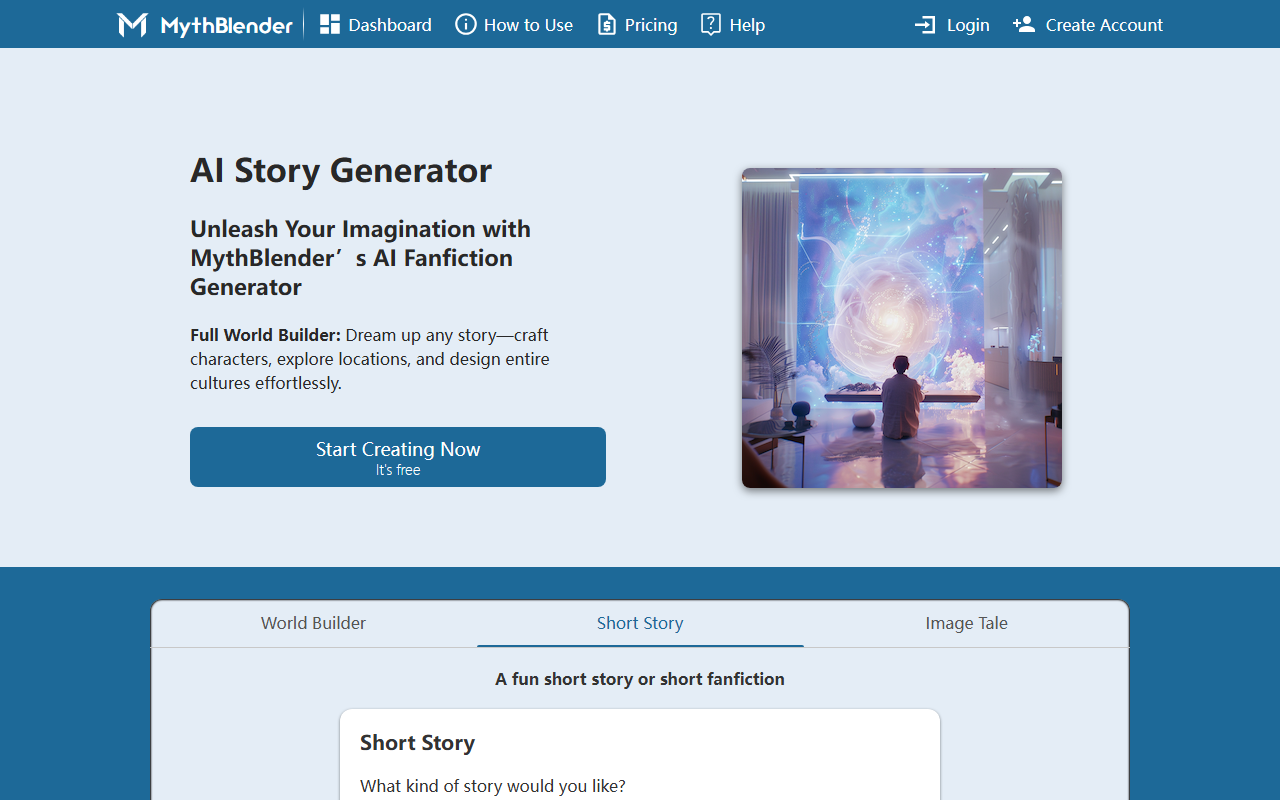
Upon visiting MythBlender, the landing page immediately presents a clean, modern dashboard with a clear call to action: "Start Creating Now." The tool is divided into three main sections: World Builder, Short Story, and Image Tale. I created a free account in seconds—no credit card required. The interface is intuitive, with dropdowns for genre, time period, and tone, plus an option to use advanced settings. When testing the free tier, I generated a fantasy world by selecting a few parameters and clicking "Generate World." The process took about ten seconds, and the result was a moderately detailed paragraph describing a realm called "Eryndor" with unique cultural traits. However, the output felt generic, lacking the nuance that experienced writers crave. The Image Tale feature requires an account, but the drawing tool is playful—though the AI-generated images from uploaded sketches were underwhelming in my tests.
Features and Functionality
MythBlender positions itself as an AI fanfiction generator and story idea starter. Its core features include a World Builder that creates settings from scratch based on genre, theme, and audience; a Short Story generator that offers multiple genres and tones; and an Image Tale that combines user drawings or uploads with narrative. Notably, the tool also supports fanfiction by letting you select an existing world before generating. The generator uses unspecified AI models, and the website claims to partner with leading image models. However, I found no mention of specific models like GPT-4 or Stable Diffusion. The tool lacks API access and integrations with platforms like Google Docs or Scrivener. Pricing is not publicly listed on the website; after creating an account, I still found no upgrade options, suggesting it remains fully free for now—though this may change. Compared to competitors like Sudowrite (which offers deeper story development) or NovelAI (which focuses on assisted writing), MythBlender is lighter, more starter-focused, and accessible to casual users.
Strengths and Limitations
MythBlender’s greatest strength is its simplicity and zero-cost entry. It lowers the barrier for new writers who feel intimidated by a blank page. The world-building presets are genuinely helpful for brainstorming, and the fanfiction mode lets users play in familiar universes without legal worry. The tool also includes a brief FAQ addressing authenticity, reassuring users that AI is only a spark—not a replacement. On the downside, the generated content is short and often cliché. My test of the Short Story feature produced a two-paragraph tale with an abrupt ending, lacking character depth. The Image Tale feature struggled with my uploaded photo, generating a story that barely related to the image. Additionally, the lack of pricing transparency and no mention of a community sharing feature (despite the homepage hinting at one) are notable gaps. The tool appears to be in early development—the FAQ section ends abruptly mid-sentence, and the language suggests ongoing iteration.
Who Should Use MythBlender?
MythBlender is best suited for hobbyist writers, content creators seeking quick world-building prompts, and fanfiction enthusiasts who want to jumpstart scenes. It is not ideal for serious novelists or professional authors who need robust editing tools, long-form story coherence, or advanced customization. If you need a structured narrative arc or full-length novel assistance, consider Sudowrite or Jasper instead. But for free, low-commitment creative play, MythBlender delivers. I recommend signing up, generating a few worlds for fun, and seeing if the sparks align with your vision. There is no harm in exploring a free tool that might unlock unexpected ideas. Just manage expectations—it’s a brainstorming companion, not a ghostwriter. Visit MythBlender at https://mythblender.com/ to explore it yourself.











Comments