
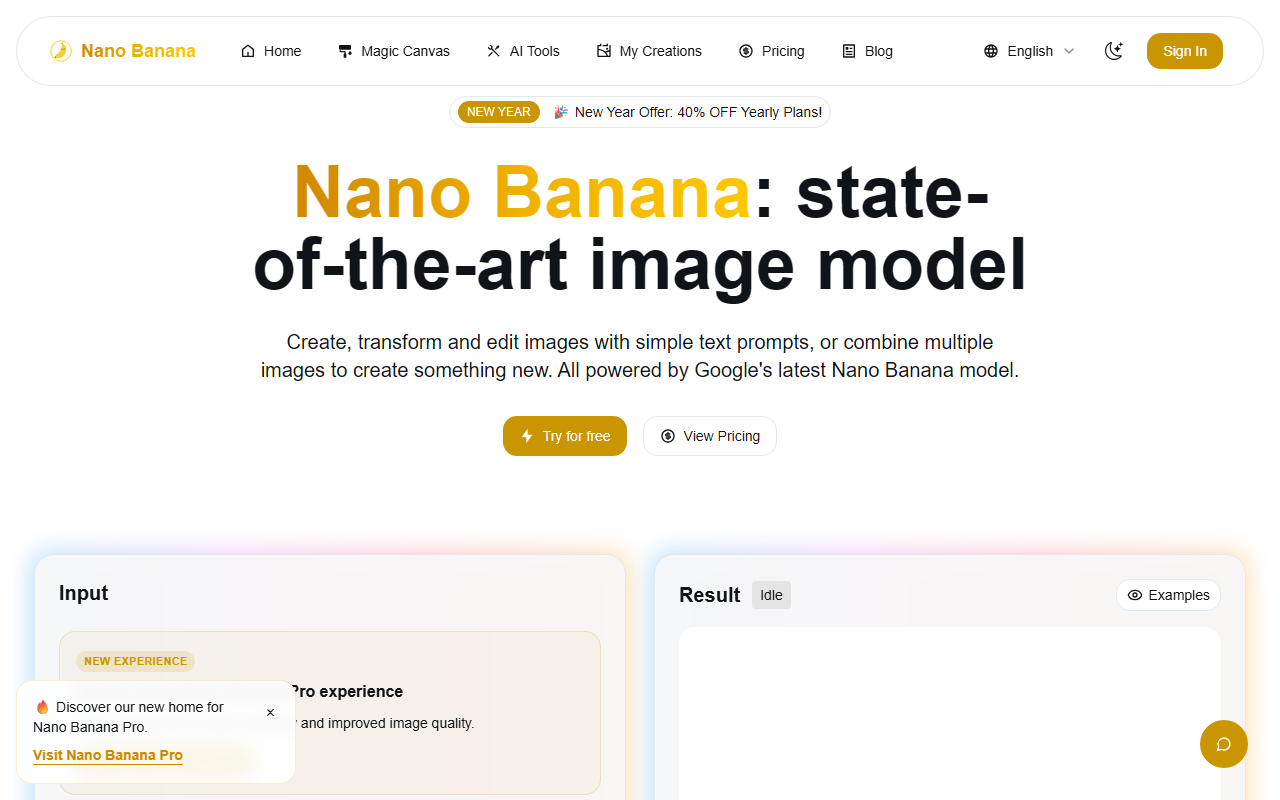
Upon visiting the Nano Banana website, I was greeted by a clean, modern interface that immediately puts the editor front and center. The tool presents itself as an all-in-one AI image generator and editor, powered by what it calls “Google’s latest Nano Banana model.” The homepage promises blazing speed, high fidelity, and granular control through natural language prompts. After signing up for a free trial, I spent a few hours putting the editor through its paces.
First Impressions and Onboarding
The dashboard is straightforward: a left panel for input parameters (model selection, prompt, image uploads, aspect ratio) and a central workspace showing the generated image and a history of “My Creations.” You can choose between “Nano Banana” and “Nano Banana 2” models, though the exact differences aren’t explained. Uploading images works via drag-and-drop, and you can reorder multiple images before combining them. There’s also a “Prompt Templates” dropdown—helpful for newcomers. I tested the free tier, which gave me a few credits to experiment. The speed was indeed impressive; most images rendered in under five seconds.
Core Features and Performance
Nano Banana’s standout feature is its multimodal understanding. I uploaded a photo of a cat and prompted: “Turn the cat into a cyberpunk robot in a neon city.” The result retained the cat’s pose and fur texture while convincingly adding metallic elements and a glowing background. The character consistency claim held up: when I asked to “change the cat’s jacket to leather,” the new image kept the exact same cat while altering only the outfit. Multi-image fusion works by dragging two or three images into the upload area; I combined a landscape shot and a portrait to create a person standing on a mountain—seamless blending.
The tool also offers dedicated AI tools like Clothes Changer, Face Swap, Background Remover, and even a GTA Style Converter. These are essentially prompt templates that simplify common edits. During testing, the AI Hairstyle Changer changed a model’s hair from straight to curly with natural-looking results. However, I noticed that detailed prompts sometimes needed multiple attempts to get the desired composition—prompt adherence was good but not perfect. The underlying technology appears to be a custom variant of Gemini, given the language about “real-world knowledge” and “conversational inputs.”
Pricing and Limitations
Pricing is credit-based: Starter at $11.9/month (100 credits, roughly 100 images), Standard at $23.9/month (300 credits, “unlimited” mention seems like a marketing gimmick), and Premium at $34.9/month (500 credits). Annual plans offer 40% off. The “unlimited images” label on the Standard tier is misleading—you’re capped at 300 credits per month. For heavy users, the credit system can become expensive. Notably, the website does not mention API access or enterprise plans; as of now, there’s no public API endpoint (one user testimonial hints at “when public endpoints are available”). Another limitation: the platform lacks advanced features like inpainting with masks or negative prompts—editing is purely text-driven. Also, the model choice (“Nano Banana” vs “Nano Banana 2”) is unclear in its impact. For context, competitors like Midjourney and DALL·E 3 offer similar capabilities but with different pricing models (subscription-based without per-image credits) and often stronger composition understanding.
Who Should Use Nano Banana?
Nano Banana is best suited for casual creators, social media managers, and small business owners who need quick, good-enough image edits without technical skills. The speed and character consistency make it a strong choice for iterative design. However, professional artists or studios requiring precise masking, batch processing without credit limits, or API integration should look elsewhere. The tool is promising but still maturing. I’d recommend trying the free tier if you want fast AI image editing with decent control. Visit Nano Banana at https://nanobananax.com/ to explore it yourself.













Comments