

First Impressions and Onboarding
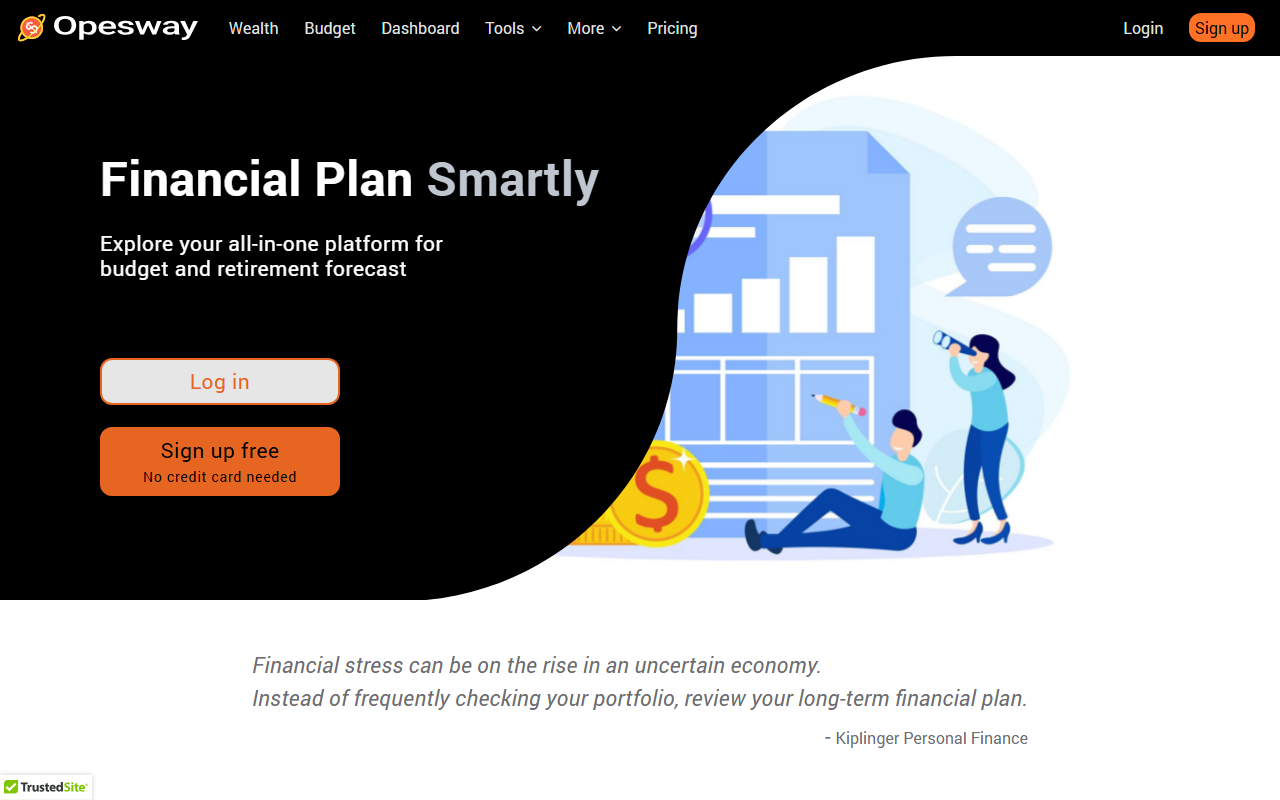
Upon visiting Opesway's website, I was greeted with a clean, modern interface that immediately focuses on financial planning — budgeting, net worth tracking, and retirement forecasting. The homepage prominently offers a free sign-up with no credit card required, which lowers the barrier to entry. After creating an account, the onboarding process asks you to link your financial accounts via Plaid (connecting to over 12,000 institutions) or enter details manually. I chose to test the manual entry to avoid syncing my bank data, and the process was straightforward: step-by-step forms for assets, debts, income, and expenses. The dashboard loads quickly and presents a net worth summary, cash flow diagram, and budget overview. The layout is intuitive, with clear navigation tabs for budgeting, net worth, retirement, and cash flow. One standout feature is the personalized AI chatbot, powered by ChatGPT, which is available on the Plus plan. During testing, the chatbot answered basic questions about my financial projections, though it felt like a novelty rather than a core necessity.
Core Features and AI Integration
Opesway's core functionality revolves around three pillars: net worth tracking, lifetime budgeting, and retirement forecasting. The net worth calculator aggregates assets and liabilities to provide a real-time snapshot. The budget template is integrated and updates automatically based on imported spending history — a time saver compared to manual budgeting in spreadsheets. The retirement forecast allows you to set a target age, asset allocation, and debt elimination plan, then projects future wealth with visual charts. What sets Opesway apart from basic budgeting apps is its emphasis on long-term forecasting: you can model “what-if” scenarios for major life events. The AI chatbot, labeled as “Personalized AI chatbot” on their pricing comparison, uses OpenAI's ChatGPT. I found it capable of explaining financial concepts (e.g., “What is asset allocation?”) but limited when asked to adjust my actual budget — it could only provide advice, not execute changes. For power users, Opesway offers an optional stock picks list called “Opes 15” (15 high-potential stocks), though this feels tangential to the core planning tools.
Pricing and Comparisons
Opesway offers two tiers: a free plan and a Plus plan at $6.99/month after a 7-day free trial. The free plan includes asset and net worth tracking, efficient budget planning, cash flow projection, and retirement insights — but notably lacks the AI chatbot, auto budget feeding (though free users can manually enter), and the Opes 15 stock list. The Plus plan adds automated bank sync, auto budget feeding from transaction history, the AI chatbot, and the stock picks. Compared to similar tools, Opesway sits between Mint (free with ads) and Personal Capital (free wealth management tools with paid advisory). Unlike Mint, Opesway focuses on forecasting and retirement rather than day-to-day transaction tracking. Unlike YNAB, which uses zero-based budgeting, Opesway is more flexible and future-oriented. The $6.99/month price is reasonable for a premium financial planning tool, especially with Plaid integration. However, the free tier is surprisingly generous for basic tracking and budgeting.
Strengths, Limitations, and Verdict
Opesway's greatest strength is its all-in-one approach: you can track net worth, manage a budget, and forecast retirement in one place without needing multiple apps. The Plaid integration works reliably, and the auto-budget feeding (in Plus) saves significant time. The AI chatbot, while not revolutionary, is a nice touch for answering general questions. However, there are limitations. The AI currently cannot take direct actions within the platform; it's more of a glorified FAQ. The free tier lacks automated sync, requiring manual data entry, which is tedious. Additionally, Opesway does not offer investment management or automated rebalancing — it's a projection tool, not a robo-advisor. The Opes 15 stock list feels like an upsell and may not suit every user. Overall, Opesway is best suited for individuals who want a comprehensive, long-term financial planning dashboard without the complexity of a full-fledged advisor. If you need day-to-day transaction tracking or investment execution, look at Mint or Betterment. For budget-focused users, YNAB remains stronger. Opesway fills a niche for proactive forecasters. I recommend trying the free tier first, then upgrading to Plus if you value automated sync and the AI chatbot. Visit Opesway at https://opesway.com/ to explore it yourself.










Comments