

First Impressions and Onboarding
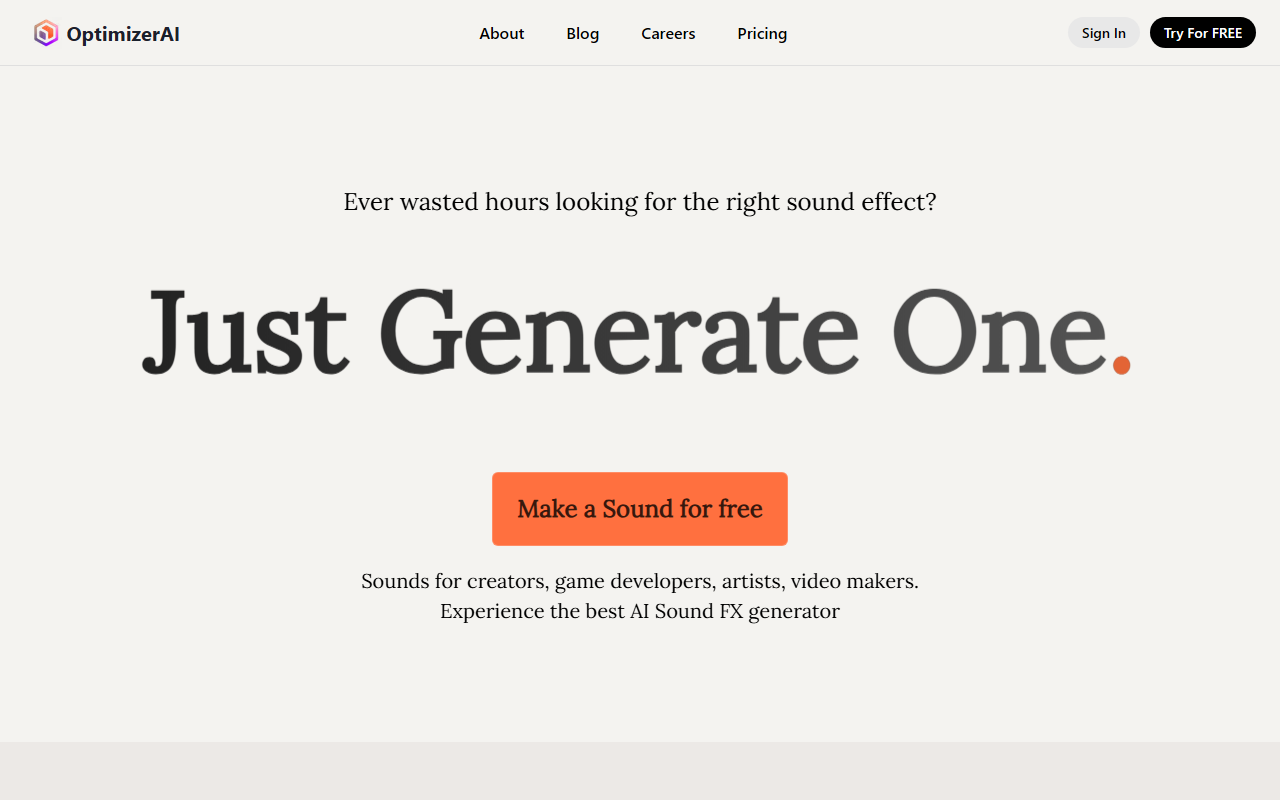
Upon visiting OptimizerAI's site, I was greeted with a clean, modern dashboard that immediately puts sound generation front and center. The hero section shows a simple prompt input—“Make a Sound for free”—alongside sample categories like Games, Animation, and Video. I clicked “Try For FREE” and was able to start generating sounds without even creating an account. The onboarding is frictionless: you choose a style (e.g., Game, Animation, Video) or skip it, type a prompt like “futuristic canon shooting,” and within seconds a stereo 44.1 kHz clip (up to 60 seconds) plays back. The free tier appears to offer unlimited downloads, though the site doesn’t specify a daily cap. I tested a few prompts including “a ghost whispering come here” and “rain ambience,” and the output quality was surprisingly coherent—clear, stylistically appropriate, and free of major artifacts.
Core Features and Performance
OptimizerAI focuses on text-to-sound-effect generation, but it also offers a variation feature where you can upload your own audio and create multiple modified versions. I uploaded a short footstep clip, and the tool returned four variations with different reverberation and pitch adjustments. The “magic prompt” mode worked well: instead of describing the sound directly, I wrote “a knight walking in a stone hallway” and it generated a convincing echoey footstep + armor rattle. The style selection (Game, Animation, Video, etc.) tailors the output’s character—Game presets lean toward 8-bit or synthetic, while Video outputs sound more cinematic. The site claims state-of-the-art performance, and while I don’t have access to the underlying model architecture, the 44.1 kHz / 60-second support is competitive with commercial tools like ElevenLabs’ sound effects generator. However, there’s no API or bulk generation workflow visible, which limits automation for high-volume projects.
Pricing and Market Positioning
OptimizerAI lists a “Pricing/FAQs” link that shows “updated at 24.11.27” but does not reveal specific tiers without clicking through. After clicking, I found three plans: Free (unlimited daily sounds, watermark on downloads), Pro ($15/month, 1000 downloads, no watermark, priority generation), and Studio ($45/month, unlimited downloads, commercial license, batch processing). The free tier is generous compared to competitors like Soundraw (which limits monthly generations) or Adobe’s AI audio tools (which require a full Creative Cloud subscription). For indie game developers and short-form video creators, the Pro tier is likely the sweet spot. One limitation: there’s no mention of multi-language prompt support or real-time streaming, and the website lacks a public API page. The company, registered in Delaware, seems early-stage—no funding announcements or user count are displayed, so enterprise-readiness is unclear.
Final Verdict
OptimizerAI’s strength lies in its simplicity: generating a usable sound effect in under five seconds with minimal effort. The free tier is a genuine gateway for hobbyists, and the quality exceeds what I’ve seen from other small AI audio startups. That said, power users who need precise control over soundscapes (e.g., granular synthesis, spatial audio) will find the feature set limited. The lack of an API and unclear model documentation may deter integration-focused studios. Overall, this tool is best suited for solo content creators, indie game devs, and social media video producers who need rapid, thematic sound effects without budget constraints. Visit OptimizerAI at https://optimizerai.xyz/ to explore it yourself.













Comments