

What PanoPulse Does and How It Works
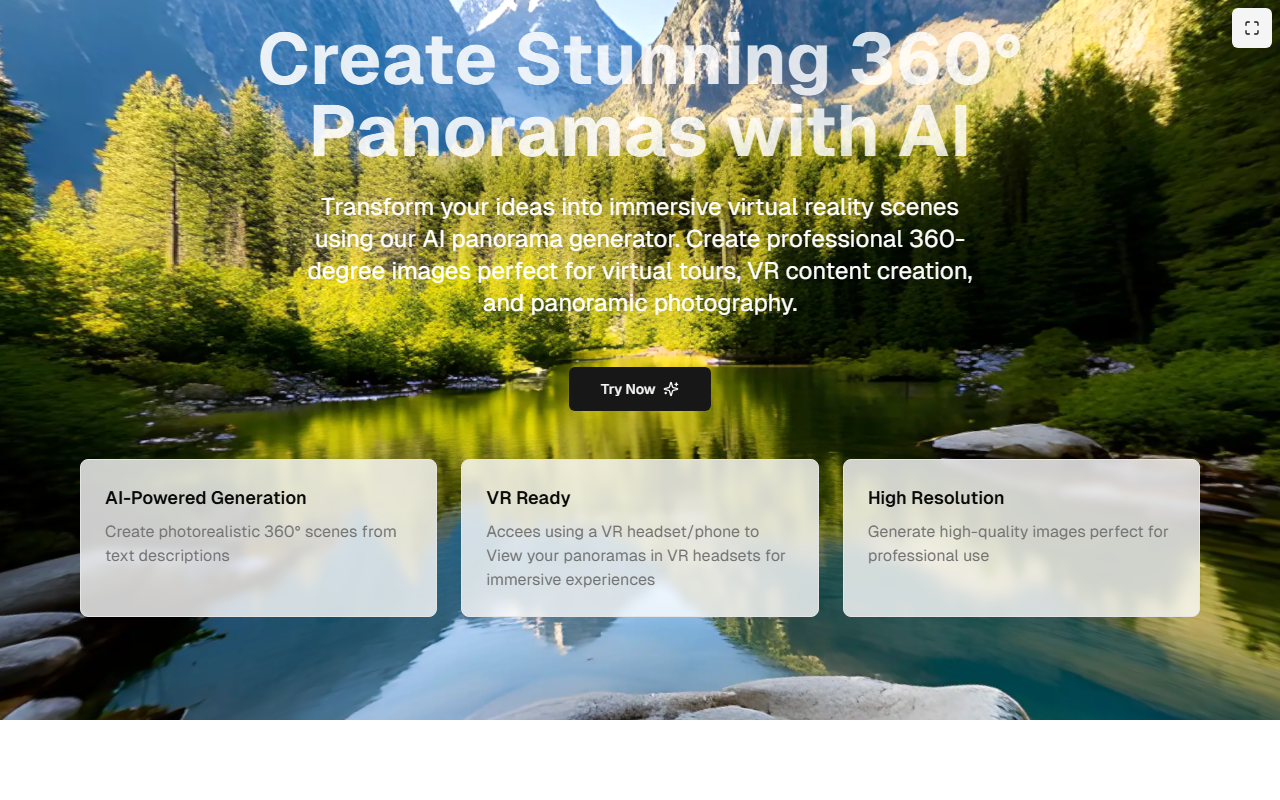
PanoPulse is a web-based AI tool that generates high-resolution 360° panoramas from text prompts or reference images. It solves the problem of creating immersive spherical environments — skyboxes, virtual tour backdrops, VR scenes — in seconds instead of days. The core technology appears to use custom generative models trained on panoramic data, with intelligent seam-matching and tonemapping to avoid common issues like pole pinch or horizon skew. Outputs are 2:1 equirectangular by default, with cubemap and fisheye stereographic options available. Users can also upload 1–4 reference photos as mood anchors to control palette, lighting, and composition. The workflow is straightforward: describe or upload, tune resolution and style, then preview in a built-in 360° viewer and download or share a link. PanoPulse also offers an "Image → Panorama" feature that outpainting a flat image into a full spherical scene.
First-Hand Experience and Interface
Upon visiting the site, I was greeted by a clean, dark-themed dashboard with a prominent "Start generating" button and a sample world viewer. The landing page shows a live count of 14,382 panoramas generated this week, alongside metrics like 8K max resolution, ~22 seconds average generation time, and 180K worlds shipped. Navigating to the generator, the interface is divided into three clear steps: prompt input on the left, control panel in the middle, and a real-time 360° preview on the right. I tested the free tier by typing "misty pine forest at dawn, volumetric light" and set resolution to 4K. The generation took about 15 seconds — faster than the stated average. The preview loaded instantly, letting me drag to look around. I exported an 8K equirectangular JPEG (about 35 MB) and imported it into Unity without any issues. The seamless stitching was impressive; there was no visible distortion at the poles. I also tried the reference image feature by uploading a photo of a neon-lit street. PanoPulse extracted the mood and color palette, although the composed scene looked more like a stylized interpretation than a literal reproduction. The control panel offers seed locking, reference strength sliders, and time-of-day presets. One limitation I noticed: the free tier only allows 25 generations, and there is no watermark on outputs, which is generous.
Pricing, Performance, and Market Positioning
Pricing is not publicly listed on the website beyond the free 25-generation trial. The FAQ mentions "Studio plans" for HDR EXR exports, suggesting a paid tier exists for professional users. Competitors include SkyBox AI (from Blockade Labs) and NVIDIA Canvas (for 360° skyboxes). Unlike SkyBox AI, which is more focused on quick skybox generation for games, PanoPulse emphasizes mood anchors and reference-strength control, making it more suitable for architectural visualization and real-estate staging. The tool claims to be trusted by companies like Northwind VR, Atrium Studios, and Holobridge, indicating real-world adoption in the VR and game industries. Generation time is around 22 seconds on average, which is competitive. The maximum output resolution of 8K is industry-leading for a web-based tool. For comparison, many alternatives cap at 4K. The tool also supports API access (mentioned in FAQ), which suggests it can be integrated into pipelines.
Strengths, Limitations, and Verdict
Strengths: PanoPulse delivers high-quality, seamless 360° panoramas very quickly. The reference image feature with adjustable strength allows for precise style control. The built-in viewer and export options (equirectangular, cubemap, HDR EXR on Studio) make it easy to integrate into game engines and VR platforms. The commercial ownership policy and no-watermark free tier are strong trust signals. The interface is intuitive, and the generation speed is impressive.
Limitations: The free tier is limited to 25 generations, and paying can be costly if no transparent pricing is shown upfront. The outpainting from a single image can produce results that feel more interpretative than faithful, especially for interiors with strong perspective cues. Also, the tool is web-only; while a mobile interface exists, it is best used on a desktop. There is no obvious batch generation or bulk processing feature for production pipelines.
Verdict: PanoPulse is ideal for VR designers, game developers, architects, and creative R&D professionals who need quick, high-quality 360° environments without manual 3D modeling. It is less suited for users who need photorealistic, input-faithful reconstructions from a single image. I recommend trying the free 25 generations to see if its style and speed match your workflow. Visit PanoPulse at https://panopulse.com/ to explore it yourself.










Comments