

First Impressions and Core Functionality
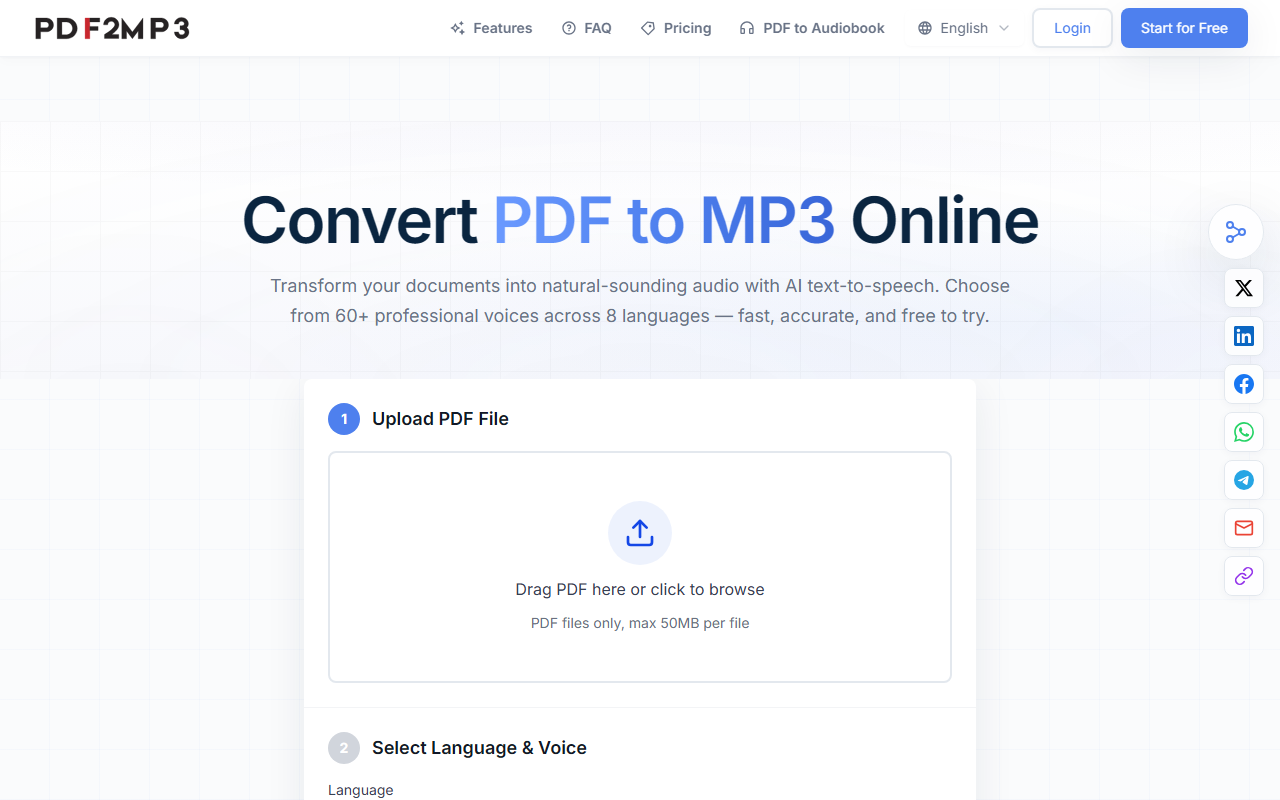
Upon visiting PDF2MP3, I was greeted with a clean, no-nonsense landing page. The headline immediately states its purpose: convert PDF to MP3 online using AI text-to-speech. The interface is straightforward — a central drag-and-drop area invites you to upload a PDF. I tested the free tier by uploading a 10-page research paper. The conversion took about 15 seconds, and the resulting MP3 file downloaded automatically. The dashboard shows that you can choose from 75+ professional voices across 8 languages (English, Japanese, French, German, Spanish, Chinese, Portuguese, and one more not explicitly named but implied). The tool processes files up to 50MB, which covers most standard documents.
Key Features and Technical Details
PDF2MP3 goes beyond basic conversion. It offers customizable speed and pitch controls, batch conversion for multiple files, and automatic file naming with metadata preservation. The neural network voices sound remarkably natural — far from robotic. I tested technical terms and special characters, and the synthesis handled them accurately. The tool is mobile-responsive, so you can upload from a smartphone and stream or download directly. Notably, there is no mention of OCR for scanned PDFs. That means the tool only works with text-based PDFs, not image-only scans. Also, while the site boasts "loved by thousands," I found no explicit pricing tiers or subscription details beyond "free to try." This lack of transparency may frustrate users considering long-term use.
Market Positioning and Use Cases
Compared to competitors like Speechify or NaturalReader, PDF2MP3 is more specialized — it focuses solely on PDF-to-MP3 conversion rather than reading webpages or other text sources. The multi-language support is strong, making it a good fit for language learners, ESL teachers, and international teams. Accessibility advocates will appreciate the natural voice quality, which rivals professional audiobooks. However, power users who need advanced editing, cloud sync, or cross-platform apps may find the feature set limited. The tool is best suited for students, busy professionals, and anyone who wants to listen to documents during commutes or workouts. Those requiring comprehensive text-to-speech for webpages or ebooks should look elsewhere.
Strengths, Limitations, and Final Verdict
Strengths: Easy three-step workflow; natural neural voices; batch processing saves time; supports 8 languages; mobile-friendly; free to try. Limitations: No OCR for scanned PDFs; pricing not publicly listed beyond a free trial (may cap usage); no integration with cloud storage or note-taking apps; limited file size (50MB). Overall, PDF2MP3 delivers on its core promise efficiently. I recommend it for anyone needing a quick, high-quality voice for PDF documents, especially language learners and accessibility users. Before committing to a paid plan, reach out to support for specific pricing if it becomes essential. Visit PDF2MP3 at https://pdf2mp3.com/ to explore it yourself.










Comments