

First Impressions and Interface Design
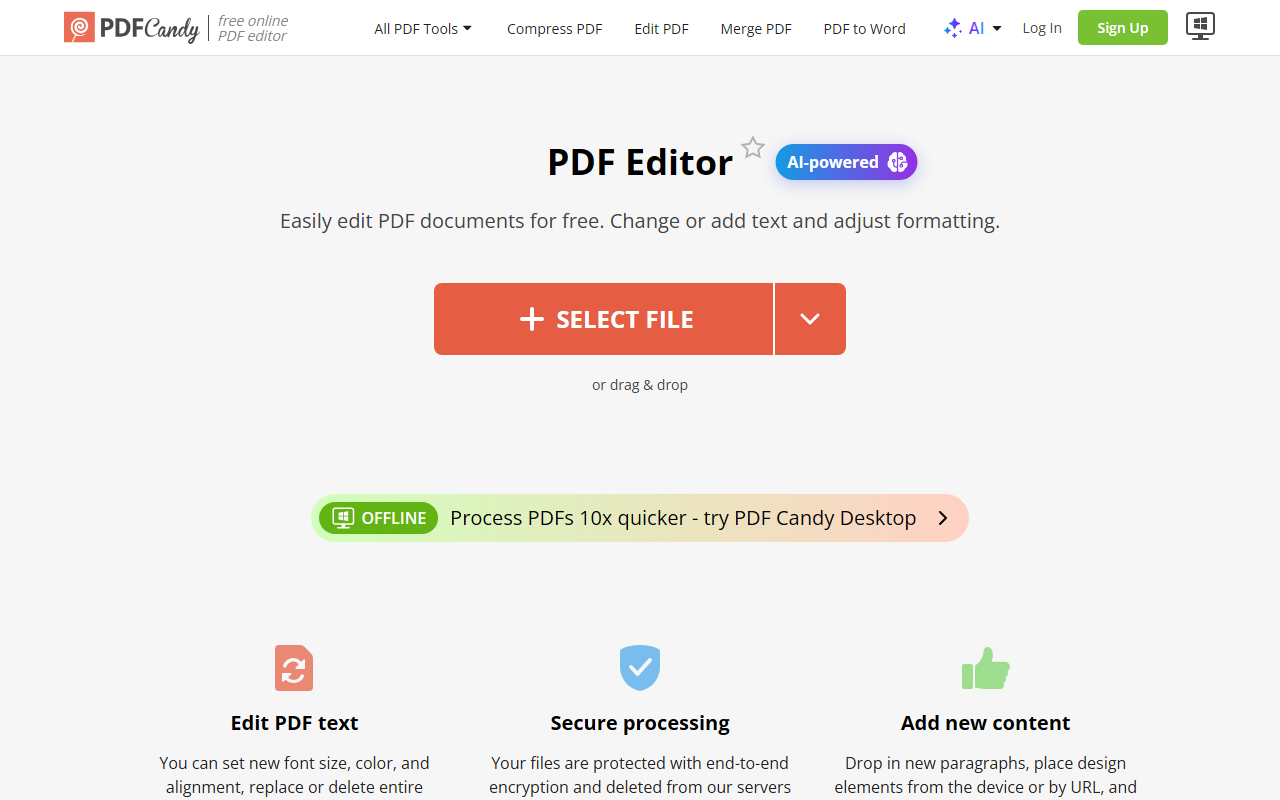
Upon visiting PDFCandy, I was greeted by a clean, modern dashboard that immediately showcases its core promise: over 90 free PDF tools. The homepage presents a large file upload area with drag‑and‑drop support, alongside a scrolling carousel of popular tools like Edit PDF, Compress PDF, and Merge PDF. A prominent “AI” section highlights three new features: Summarize PDF, Chat with PDF, and Translate PDF, suggesting the platform is evolving beyond simple file manipulation. Sign‑in options include Google, Apple, or email, but I noticed I could start using many tools without an account—a welcoming touch for first‑time visitors. The top navigation bar is divided into logical categories: Manage PDF Files, Convert to PDF, Convert from PDF, and AI, making it easy to find specific functions even amid the sheer volume of options. A language selector supports 19 languages, indicating strong global reach.
Core PDF Tools and AI Features in Action
I decided to test the PDF Summarizer, one of the AI‑powered tools. I uploaded a 10‑page research paper in PDF format. The processing was quick—roughly 8 seconds—and the output returned a bullet‑point summary that captured the document’s key arguments. The Chat with PDF feature is similarly impressive: you upload a file and then ask natural‑language questions about its content. I asked “What are the main findings?” and received a concise, accurate answer. The Translate PDF tool supports dozens of languages and preserves formatting well. Beyond AI, the traditional toolset is enormous. I tried Merge PDF and Edit PDF (adding text to a page); both worked without issues. The free tier imposed a 50 MB file size limit and placed my tasks in a queue, though wait times were under 30 seconds. For general use, the free offering is generous, but power users will eventually hit the constraints on file size and processing speed.
Pricing and Value Proposition
PDFCandy offers three paid plans. The Web Monthly plan costs $6/month and removes hourly limits, increases file size to 500 MB, and gives high‑priority processing (no queue). The Desktop + Web Yearly plan is discounted to $4/month (billed annually at $48), which includes the same web benefits plus a desktop app and access to Video Candy and Image Candy. For those who prefer a one‑time payment, the Desktop + Web Lifetime plan costs $99. All paid plans include a 30‑day money‑back guarantee. Compared to competitors like Smallpdf (which charges $12/month for Pro) or ILovePDF (starting at $6/month), PDFCandy’s pricing is competitive, especially considering the breadth of tools and the inclusion of AI features. However, the free tier is already quite capable for occasional use, making the paid plans most attractive to heavy users who need high‑volume processing or offline access.
Who Should Use PDFCandy?
PDFCandy’s strength lies in its sheer variety of tools: from basic editing to advanced AI summarization, it covers nearly every PDF need in one place. The interface is intuitive, and the free tier lets you accomplish many tasks without spending a dime. However, there are limitations. The free version’s file size cap (50 MB) and queue delays can frustrate users working with large documents. Additionally, the AI features, while useful, may not match the depth of dedicated tools like ChatGPT‑powered PDF readers. I also found that some advanced operations (e.g., OCR accuracy on scanned documents) are acceptable but not best‑in‑class. This tool is best suited for students, freelancers, and small teams who frequently handle PDF conversions, edits, and light analysis. Enterprises with strict security requirements or high‑volume workflows should look elsewhere, as PDFCandy processes files on its servers (though it claims GDPR compliance and auto‑deletion after two hours). Overall, PDFCandy delivers excellent value, especially on the free and low‑cost paid tiers, making it a strong addition to any online PDF toolkit.
Visit PDFCandy at https://pdfcandy.com/ to explore it yourself.













Comments