

First Impressions: A Password Manager That Feels Like a Game
Upon visiting pickey.ai, I was immediately struck by the bold claim: “Tired of remembering passwords?” The homepage is visually clean but relies heavily on video demos that my browser didn’t support — a minor letdown. Still, the text and images clearly explain the core premise: you log in using a photograph (a “Memory”) combined with a 3D collectible (a “Collectable”). There’s no master password to type. The interface offers a “Create a Master Key” section with two dropdowns — one for your chosen memory image and one for a collectible. This playful approach feels more like setting up a screensaver than configuring security, which may be exactly what some users need.
How PicKey Works: AI Visual Recognition and MagicPass
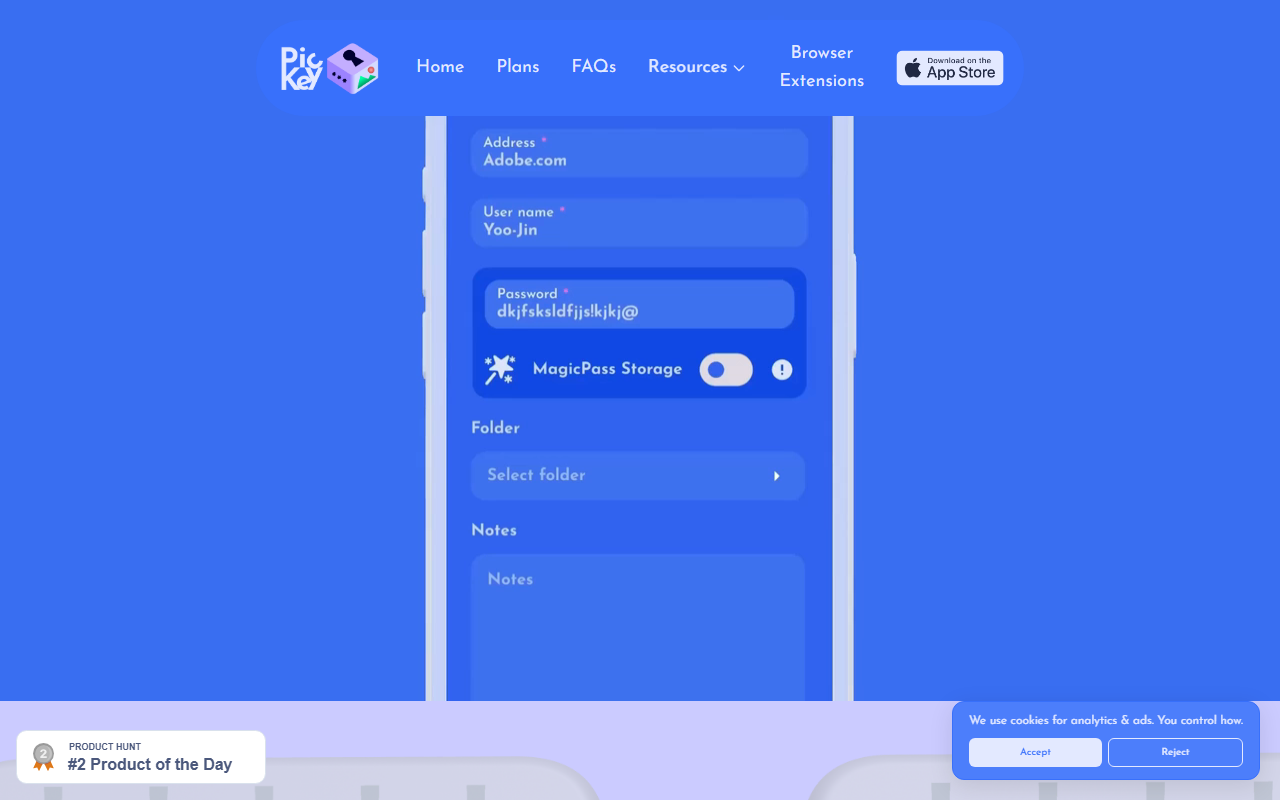
PicKey uses advanced AI to recognize your unique visual world — your phone camera captures your chosen image, and the system is robust enough to handle objects moving around. For extra security, the patented MagicPass algorithm replaces the traditional password database. Instead of storing full passwords, it stores only a unique index per site and regenerates the correct password when needed. This means your actual passwords never reside on a server. The app also offers three levels of security: your phone, your biometrics (fingerprint or face), and your environment through the camera. Additionally, you can share passwords with family via Share, Next of Kin, or Living Will features, controlling access duration.
Pricing and Market Position
Pricing is not publicly listed on the website. The homepage mentions “Pricing Plans” in the footer, but no details are provided. A Pro subscription is offered as a reward for improving your security score, but its standalone cost is unclear. This opacity makes it difficult to compare head-to-head with traditional managers like LastPass or 1Password, which have clear free and paid tiers. PicKey’s value proposition is unique: it replaces the text-based password paradigm with visual memory. For people who struggle with alphanumeric passwords, this could be a game-changer. However, for users who rely on browser autofill or need enterprise features, PicKey may feel too niche.
Strengths, Limitations, and Final Verdict
Strengths: The visual login system is genuinely innovative and eliminates the need to remember complex strings. The MagicPass algorithm offers a theoretical security boost by never storing plaintext passwords. Gamification elements — badges, collectibles, and a free Pro subscription through learning — encourage ongoing engagement with security best practices.
Limitations: The heavy reliance on camera and biometrics raises privacy concerns for some users. Without public pricing, evaluating the value proposition is difficult. The experience may also require a smartphone with a good camera, excluding desktop-only users. Initial setup and habit change could be a barrier for non-technical users.
Bottom line: PicKey AI is a refreshing, visual take on password management best suited for individuals who find traditional managers tedious and want a more intuitive, memory-based system. If you’re privacy-conscious about biometric data or prefer a well-established manager with transparent pricing, look elsewhere. But for those open to rethinking login security, PicKey is worth a test drive.
Visit PicKey AI at https://pickey.ai/ to explore it yourself.













Comments