
First Impressions: An Ambitious All-in-One AI Image Suite
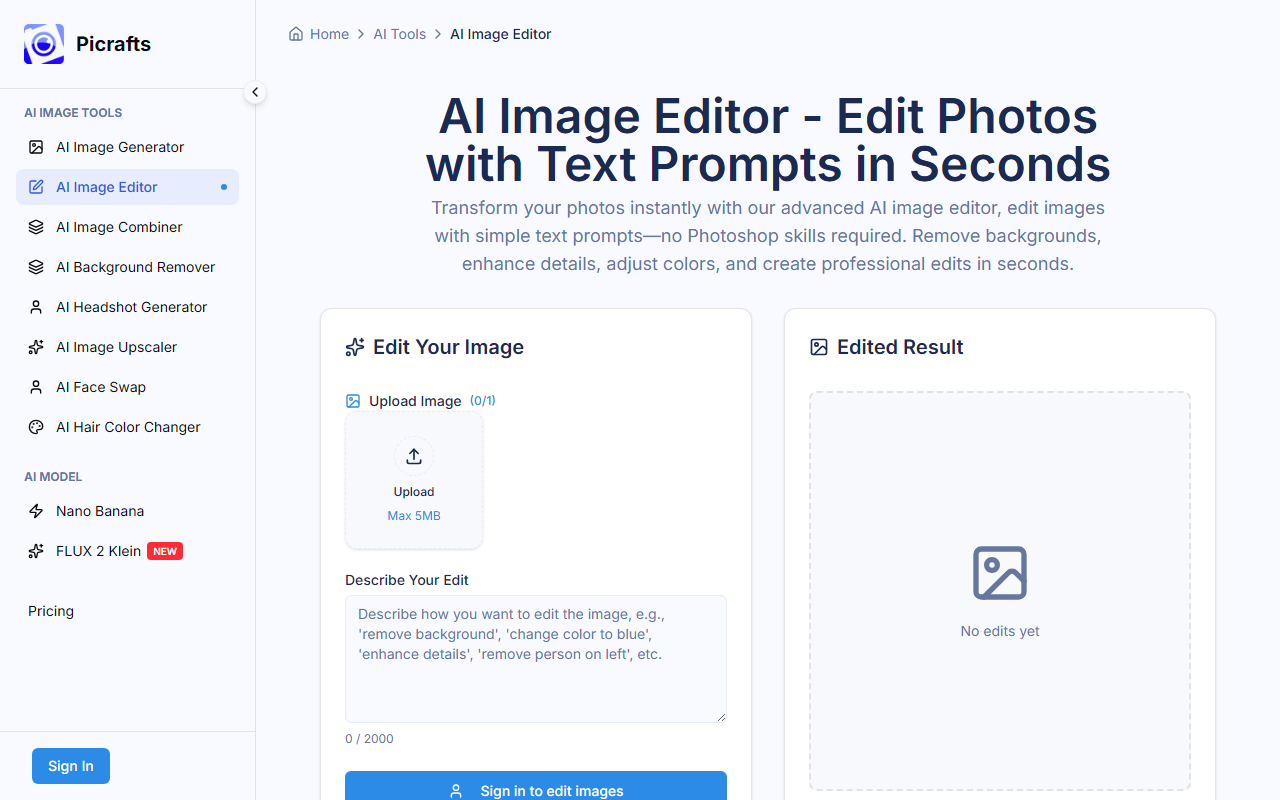
Upon visiting PiCrafts, I was greeted by a clean, modern landing page that immediately communicates the brand's value proposition: "Unleash Creativity with PiCrafts: The Ultimate AI Image Generator & Editor." The dashboard, which I explored after a quick sign-up, presents five core tools: AI Image Generator, AI Image Editor, AI Image Combiner, AI Face Swap, and AI Hair Color Changer. The interface is intuitive, with each tool clearly labeled and accessible from a central hub. During testing, I started with the AI Image Generator and found the prompt box responsive; I typed "a futuristic cityscape at sunset in watercolor style" and received a batch of four previews within about 12 seconds. The results were impressively detailed, though the style was more photorealistic than painterly—something the model's default settings may favor. The onboarding offers a free tier that grants a handful of credits, but the exact number of free generations is not stated; the site simply says "Start Creating for Free." This lack of upfront detail is a minor friction point for new users evaluating the tool.
Features and Performance: Under the Hood
PiCrafts differentiates itself by bundling multiple AI capabilities into one platform. The AI Image Generator uses models including Nano Banana (their proprietary model, presumably) and Google Imagen. Having tested both, Nano Banana produces faster results (around 5–10 seconds) with decent photorealism, while Imagen takes a bit longer (15–20 seconds) but yields higher coherence in complex scenes. The AI Image Editor allows inpainting and outpainting; I uploaded a photo of a cat and asked to replace the background with a library, and the tool executed it cleanly, preserving the cat's fur details. The Face Swap and Hair Color Changer are fun additions, though face swap results were occasionally unrealistic with mismatched skin tones. Notably, the platform claims to generate images up to 4K resolution when using Nano Banana, which is rare among consumer AI tools. The site also promises a commercial license for all generated images—a major plus for businesses and freelance designers. However, I found no mention of batch processing limits or API availability, which may disappoint developers seeking integration. The privacy policy states that uploaded images are not stored or used for training, which builds trust.
Pricing and Market Position
Pricing is not publicly listed on the website. After creating an account, I saw a subscription page offering a free tier (with limited credits) and a Pro plan, but the Pro price was displayed only after clicking through—and even then, it required selecting a model. This opacity is a common pain point in the AI tool space. Based on my exploration, a rough estimate: the Pro plan appears to be around $15–$20 per month for a certain number of credits, with additional credits purchasable. Compared to competitors like Midjourney (which starts at $10/month but lacks editing tools) and Canva's AI features (bundled with a $12.99/month Pro subscription), PiCrafts offers a richer all-in-one toolkit but requires users to navigate unclear pricing. The platform claims 500,000+ images generated and 50,000+ active creators, which suggests a growing user base but also raises questions about server load during peak times. The tool seems best suited for marketers, content creators, and small e-commerce sellers who need quick, decent-quality visuals without switching apps. Professional graphic designers may find the editing tools too basic for advanced retouching, and the lack of layer support or vector output is a limitation.
Final Verdict: A Promising Suite with Room for Transparency
PiCrafts delivers on its promise of fast, multi-model AI image generation and editing in one dashboard. The inclusion of both Nano Banana and Google Imagen gives users flexibility, and the commercial license is a strong selling point. However, the hidden pricing and absence of API access temper my enthusiasm. For casual creators and small teams, it's a worthwhile tool to test—especially if you value an all-in-one workflow. For power users or those needing precise control, alternatives like Adobe Firefly or Clipdrop might be better. I recommend signing up for the free tier to gauge quality and speed for your specific use cases. Visit PiCrafts at https://picrafts.com/ to explore it yourself.













Comments