

First Impressions and Interface
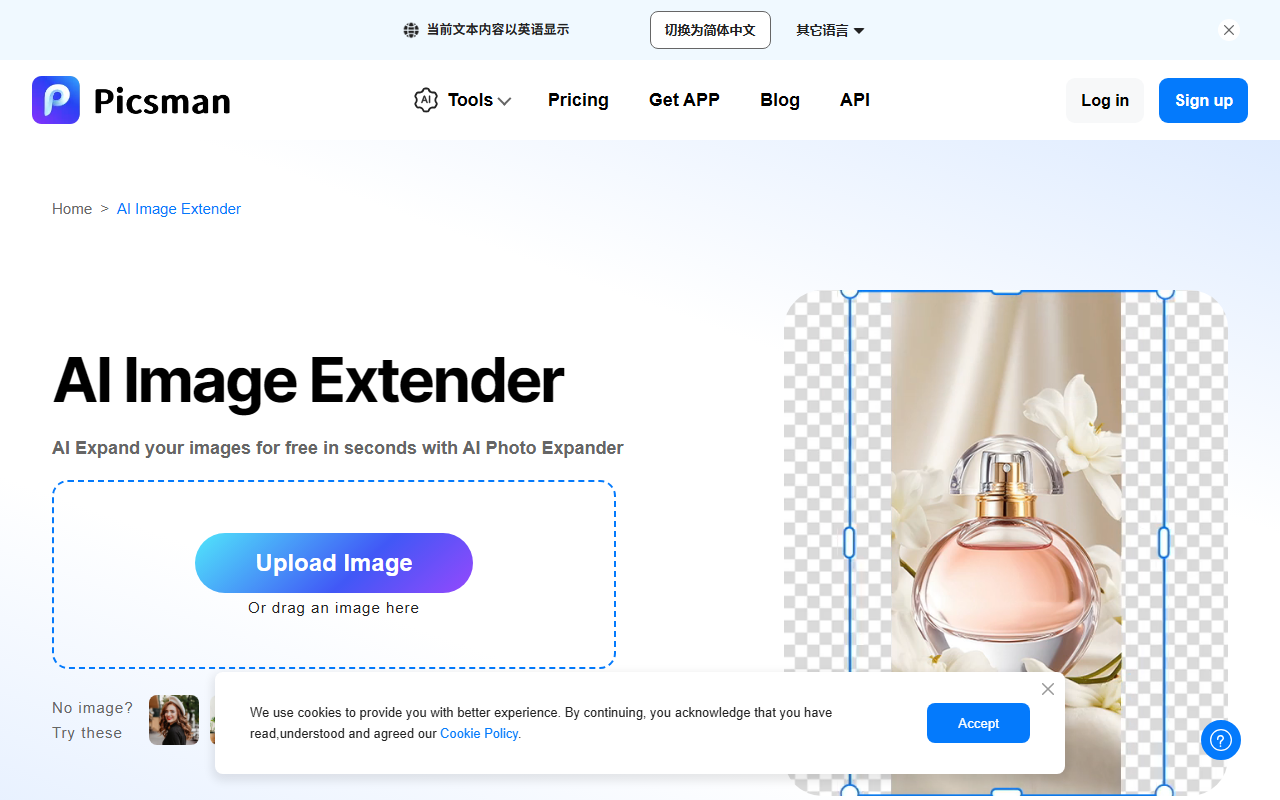
Upon visiting Picsman, I was greeted by a clean, modern landing page that immediately showcases a suite of AI-powered tools. The dashboard is organized into clear categories: Image Editing, Video Editing, and AI Generator. The navigation bar includes a prominent “Pricing” link as well as options to download the mobile app and access an API. The sheer number of tools is impressive—over 30 at first glance. The onboarding flow is minimal; you can start creating for free without signing up, though some tools prompt a login after a few uses. I tested the AI Image Editor with Prompts by uploading a photo of a parked car and typing “change the car to red.” The tool processed the request in about 10 seconds and delivered a 4K result that was convincing but slightly rough around the edges.
Core Features and Workflow
Picsman positions itself as an all-in-one creative suite. The AI Image Generator supports both text-to-image and image-to-image workflows, offering styles like realistic, anime, and painting. I tested the text-to-image feature by entering “a futuristic city at sunset” and received four variations in under 15 seconds. The quality was decent but not as refined as dedicated generators like Midjourney. The AI Video Generator claims to use models like Sora and Gemini to turn text, images, or clips into videos. I tried a simple prompt: “a cat walking on a beach.” The output was a 4-second clip with passable motion but noticeable artifacts. Other notable tools include the AI Clothes Changer, which lets you upload a clothing photo and virtually try it on a model image, and the AI Image Extender, which expands images without cropping. The Magic Eraser and Background Removal tools work well for quick edits, though fine details sometimes get lost. All outputs can be saved in 4K resolution, and there is a built-in library of stock photos, stickers, and text art effects.
Technology, Pricing, and Market Position
Picsman leverages multiple backend models—including Sora and Gemini for video—but does not specify which text-to-image model it uses (possibly Stable Diffusion or a proprietary variant). The platform offers an API for developers, which is a plus. However, pricing is not publicly listed on the website. The “Pricing” page requires a sign-up or login to view, which is a transparency issue. Competitors like Canva and Adobe Firefly offer similar tools with clearer pricing tiers (freemium, then monthly subscriptions). Picsman’s strength lies in its breadth: it covers photo editing, video generation, and design assets in one place. The biggest limitation is the lack of transparency around credits or subscription costs. For free users, there are watermarks on some outputs and likely daily limits, but the site doesn’t specify. The tool is best suited for social media managers, small businesses, and casual creators who need a versatile, no-skill-needed editor. Professional designers or studios requiring high-fidelity results should look elsewhere, as the AI’s quality does not match top-tier solutions.
Verdict and Recommendation
Picsman is a genuinely useful Swiss Army knife for AI-assisted image and video editing. Its wide feature set reduces the need to juggle multiple apps, and the inclusion of a mobile app and API extends its usefulness. The free tier is generous enough for light use, but the hidden pricing model is frustrating. Strengths: vast tool selection, 4K output, and support for multiple AI models. Limitations: opaque pricing, occasional glitchy results, and competition from polished alternatives. I recommend Picsman for anyone who wants to experiment with AI editing without committing to a paid platform, or for small teams that need a quick turnaround on promotional graphics and short videos. For serious design work, consider Canva Pro or Adobe Firefly instead.
Visit Picsman at https://picsman.ai/ to explore it yourself.













Comments