

First Impressions and Onboarding
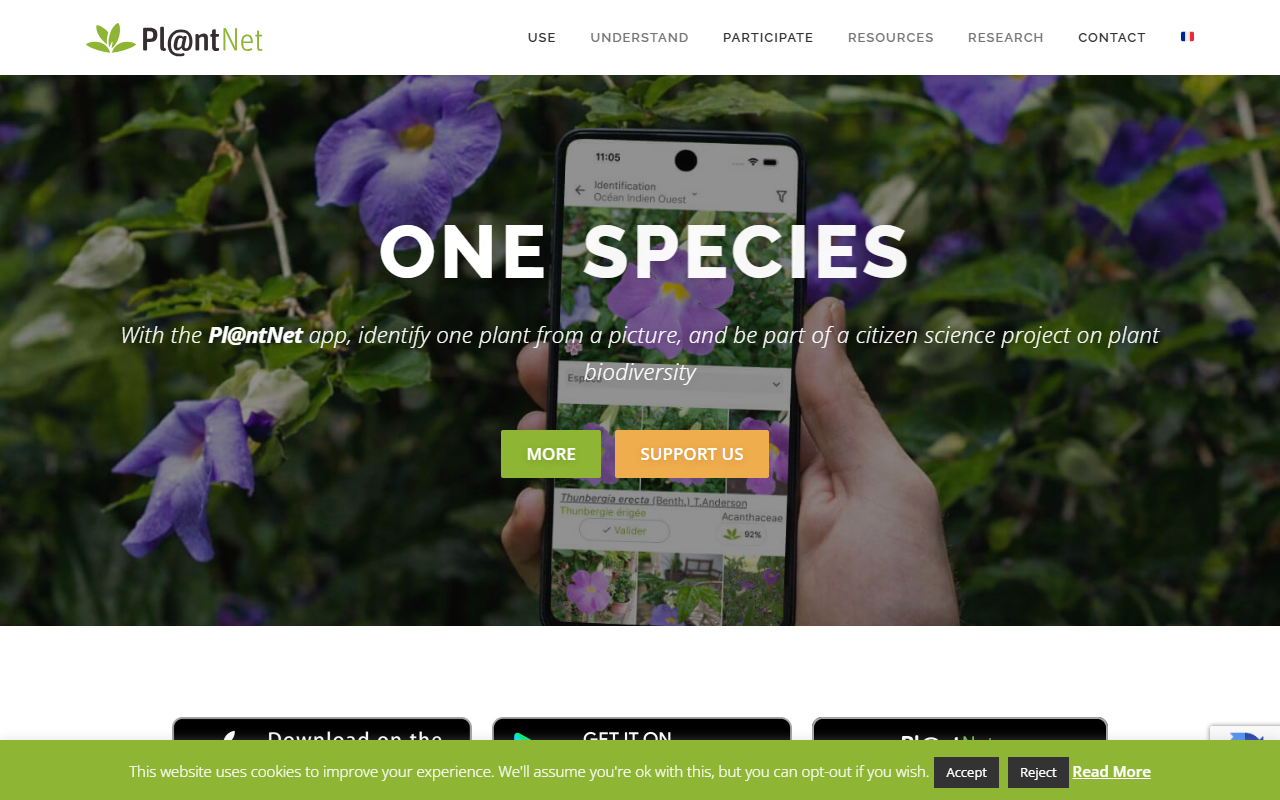
Upon visiting the Pl@ntNet website at plantnet.org, I immediately noticed a clean, visual design centered around a single call to action: identify a plant from a photo. The homepage is mostly in French, but the interface is intuitive enough for non-French speakers. The mobile app is available for iOS and Android, and the web version offers a simple upload-and-identify flow. During my test, I uploaded a photo of a common daisy. Within seconds, the system returned a top match with a confidence score and links to species details. The dashboard shows your observation history and lets you browse the community’s contributions. Onboarding is minimal—no account required for basic identification, though creating one allows you to save observations and participate in research projects.
How It Works and Technology
Pl@ntNet is more than a simple image recognition tool; it is a participatory science project. The underlying AI uses a deep neural network trained on over 1.4 billion images covering 84,710 species. The system compares your photo against this massive database, considering features like leaf shape, flower color, and bark texture. The project also offers a public API, which recently surpassed 100 million identifications, making it a valuable resource for developers and researchers. The technology is optimized for plants native to Europe, but the platform includes 77 regional floras (e.g., West Africa, Useful Plants) to improve accuracy elsewhere. Unliked general-purpose tools like Google Lens, Pl@ntNet focuses exclusively on flora and integrates citizen science—each identification you submit helps train the model further.
Pricing and Accessibility
Pricing is not publicly listed on the website because Pl@ntNet is free for individual use. The project is funded by donations and institutional partners. A prominent donation button appears on every page, encouraging users to support the platform. For professionals, a separate service called my.plantnet offers advanced features like batch processing and custom projects, though its pricing is not detailed on the main site. The core identification tool remains completely free, with no ads or paywalls. This makes it exceptionally accessible for educators, hobbyists, and researchers in biodiversity. Mobile apps are also free, though some advanced features like offline identification require a paid subscription (the website does not specify cost).
Strengths and Limitations
Strengths: Pl@ntNet’s biggest asset is its scale—over 1.4 billion images and 84,000 species. The citizen science model means the model improves continuously with user contributions. The API is robust, allowing integration into larger research projects. The tool is genuinely free and ad-free, which is rare in the AI space. Limitations: The user interface is primarily in French, which may deter English-speaking users. Accuracy varies by region; species outside Europe or North America often yield lower confidence matches. The web app lacks a crop or edit feature for photos, forcing users to upload raw images. Additionally, the donation-dependent model raises questions about long-term sustainability. For casual plant hunters, Pl@ntNet is excellent; for botany experts requiring precise identification, it may not replace a field guide.
Visit Pl@ntNet at https://plantnet.org/ to explore it yourself.










Comments