

First Impressions and Onboarding
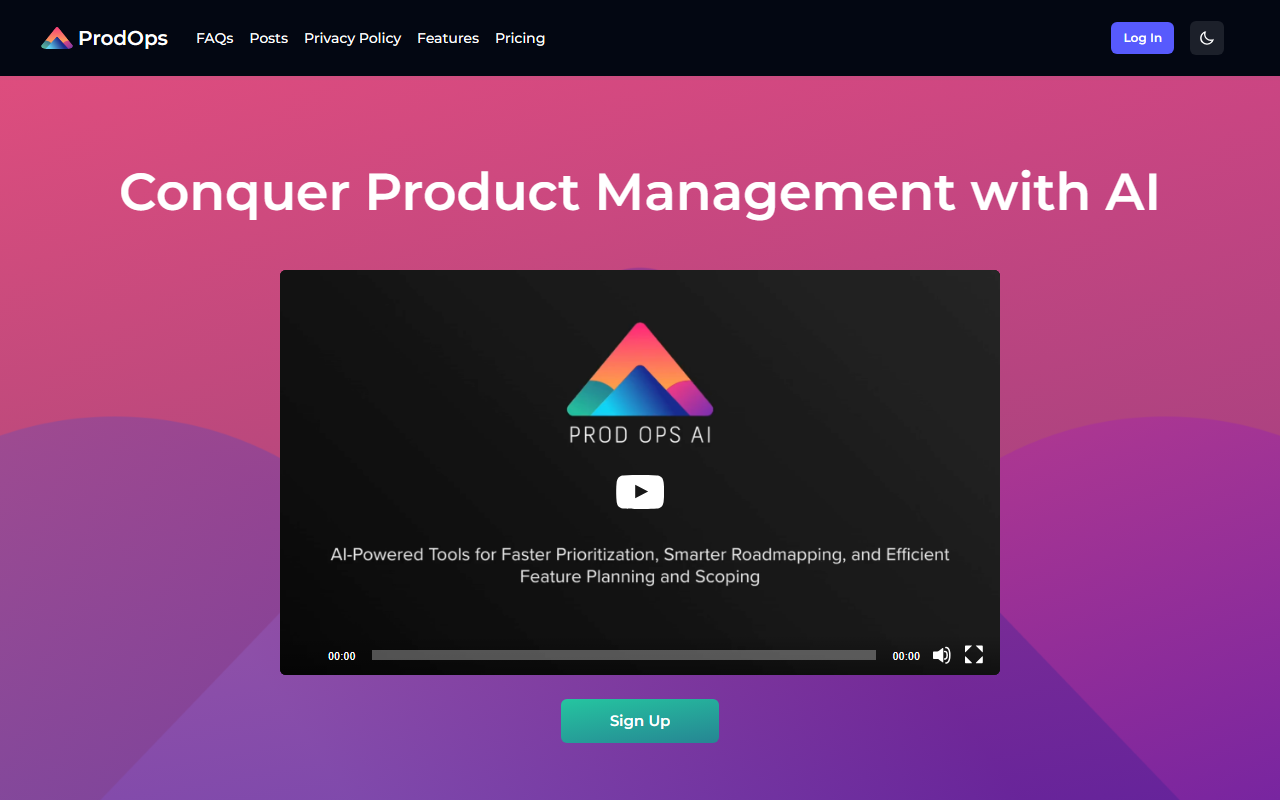
Upon visiting the ProdOps website, I was greeted by a clean, modern interface that immediately conveys its focus on product management. The hero section prominently displays a signup call-to-action and a short explainer video. Navigation is intuitive, with clear links to features, testimonials, and pricing. The dashboard, which I accessed via the free trial, presents a project hub where you can create new artifacts like user stories, PRDs, and competitive analysis reports. The onboarding flow includes a guided tour that highlights key integrations and prompt templates. I tested the user story generator by entering a brief feature description, and within seconds the tool produced a structured story with acceptance criteria—nicely formatted and ready to paste into Jira.
Core Features and AI Capabilities
ProdOps positions itself as an end-to-end AI assistant for product management. Its core features include AI-powered generation of user stories, PRDs, release notes, market analysis, risk assessments, and meeting notes. The tool claims to save up to 60% of time on user stories and 40% on release notes. Behind the scenes, ProdOps is LLM-agnostic, meaning you can select the underlying AI model (e.g., GPT-4, Claude) at runtime. For enterprise clients, custom or private LLMs can be integrated. The platform also offers an Open API for direct integration into existing workflows. During my testing, I created a multi-step workflow—first analyzing a competitor’s website, then drafting a PRD, then generating a risk assessment—all without leaving the platform. The consistency and quality of outputs were impressive, though complex prompts required some fine-tuning.
Pricing, Integrations, and Market Position
ProdOps offers three tiers. The Individual plan is free and includes a single user, limited monthly usage, integrations with Jira, GitHub, Notion, and Google Sheets, plus product-focused prompt templates. The Team plan costs $50 per user per month, supports up to 10 users, unlimited usage, and guided onboarding. The Organization plan requires contacting sales for custom pricing and provides unlimited users, custom workflows, and open API access. A free trial is available for all subscriptions. Integrations are a strong point: direct connections to GitHub, Jira, Notion, and Google Sheets ensure you can import existing data and push generated artifacts back. Compared to competitors like Notion AI (which offers broader assistance but less product-specific templates) and ClickUp AI (which focuses on task management), ProdOps is more specialized for product managers. It is best suited for product teams with 1–10 members who want to automate documentation and backlog management. Larger enterprises will need the Organization plan for custom workflows.
Strengths, Limitations, and Verdict
ProdOps’ genuine strengths lie in its specialization and time-saving capabilities. The AI-generated outputs are highly relevant to product management, and the LLM-agnostic architecture future-proofs the tool. The integration pipeline is seamless, and the guided onboarding reduces friction. However, the free tier is quite limited (single user, capped usage), and the tool assumes you already have product management processes in place—it may overwhelm absolute beginners. Also, while the Open API is available for Organization plans, smaller teams may lack the resources to leverage it. For solo product managers or small teams using Jira/Notion, the Team plan offers excellent value. If you’re a product leader tired of repetitive documentation, ProdOps is worth a serious look. For companies seeking a general-purpose AI assistant, alternatives like Notion AI might be better. Recommendation: Sign up for the free trial and test it with your real product backlog. The time savings are real, especially if you manage multiple projects simultaneously.
Visit ProdOps at https://prodops.ai/ to explore it yourself.













Comments