

First Impressions and Onboarding
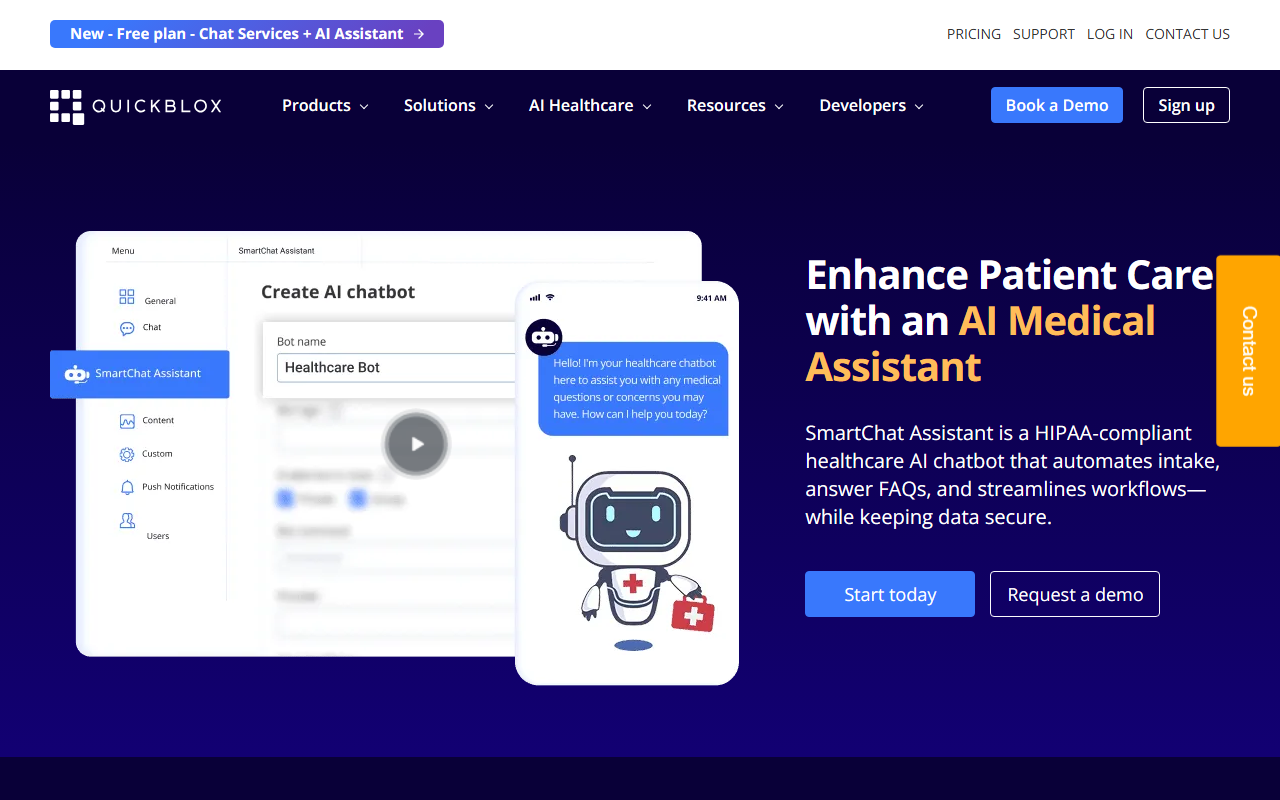
Upon visiting QuickBlox's website, I was immediately struck by the clarity of its messaging: "Smart Communications Starts Here." The home page presents a clean layout with navigation to products, solutions, and developer resources. A prominent call-to-action offers a free trial alongside a “Free plan” badge that includes Chat Services and an AI Agent. This setup suggests the team understands that developers want to test before committing. I signed up for the free tier to explore the dashboard. The registration flow is straightforward—email, password, and a quick account verification. Within minutes, I landed in a dashboard that displays your application credentials (App ID, Auth Key, Secret) and a step-by-step guide to integrating the Swift or Android SDK. The onboarding wizard includes sample code snippets and links to documentation, which feels polished for a developer-first tool.
Core Features and Technical Depth
QuickBlox is more than a simple chat API; it's a full-stack communication platform. At its heart are real-time messaging, voice and video calling, and—newly highlighted—AI assistant capabilities. The platform offers SDKs for iOS, Android, JavaScript, React Native, and Flutter, plus UI Kits for those who want pre-built components. During testing, I examined the iOS SwiftUI integration snippet from their docs. The code initializes the QuickBlox SDK with app credentials, then authenticates a user using QBRequest.login. Once authenticated, the UI Kit shows a dialogs view out of the box. This is a huge time-saver for developers who need a functional chat interface without building from scratch. The platform also supports white-label solutions like Q-Consultation (turnkey video consultations) and SmartChat Assistant (trainable AI chatbot). Under the hood, QuickBlox relies on its own infrastructure—cloud, on-premises, or HIPAA-compliant hosting. This makes it a strong choice for regulated industries. I noted that the AI assistant can be trained on custom data, suggesting integration with a vector database or LLM, though the site does not specify which model is used. The developer experience is enhanced by code samples, video tutorials, and a Discord community.
Market Position and Pricing
QuickBlox positions itself between raw SDKs like Twilio and all-in-one platforms like Sendbird or Stream. Unlike Twilio’s granular API, QuickBlox offers ready-made UI and white-label apps, reducing development time. Compared to Sendbird, QuickBlox emphasizes HIPAA compliance and on-premises deployment, making it particularly attractive for healthcare and finance. Pricing—surprisingly—is not publicly listed on the website. The nav bar has a “Pricing” link, but clicking it leads to a contact form or a call-to-action to book a demo. The homepage highlights a free plan with chat and AI, but for production scale, you must reach out to sales. This is common for enterprise SaaS but can frustrate indie developers who want upfront costs. However, the free tier is generous enough to build a prototype. QuickBlox claims over 30,000 developers and organizations, 200 million chats per day, and 1 billion requests per month—impressive uptime and scale indicators. The company has been around for years and is trusted by healthcare and banking clients, lending it authority.
Strengths, Limitations, and Final Verdict
Strengths: QuickBlox excels in security and compliance. HIPAA-compliant hosting with a signed BAA is a significant differentiator. The white-label solutions (Q-Consultation, Q-municate) allow for rapid deployment of branded apps. The AI assistant feature is forward-thinking and can handle translation, rephrasing, and assisted answers. Developer tooling is solid—SDKs for multiple platforms, clean documentation, and UI Kits that actually work. The free tier lowers the barrier to entry.
Limitations: Lack of transparent pricing is a major drawback for independent developers or small startups. The AI assistant is still evolving—specifics about model choice and customization depth are vague. The platform’s web SDK is JavaScript only, no Python or other languages for backend integration. Additionally, the UI Kits, while helpful, may require heavy customization to match a unique brand identity. The community is active on Discord, but official support response times may vary depending on plan.
Who should try it? QuickBlox is best suited for developers and enterprises building HIPAA-compliant communication apps, especially in telehealth, finance, and customer support. It’s also a good fit for anyone needing a turnkey white-label solution. Indie developers or hobbyists on a tight budget might find the opaque pricing frustrating, but the free plan is worth exploring first.
Visit QuickBlox at https://quickblox.com/ to explore it yourself.










Comments