

First Impressions: A Lighthearted Onboarding to AI Data Collection
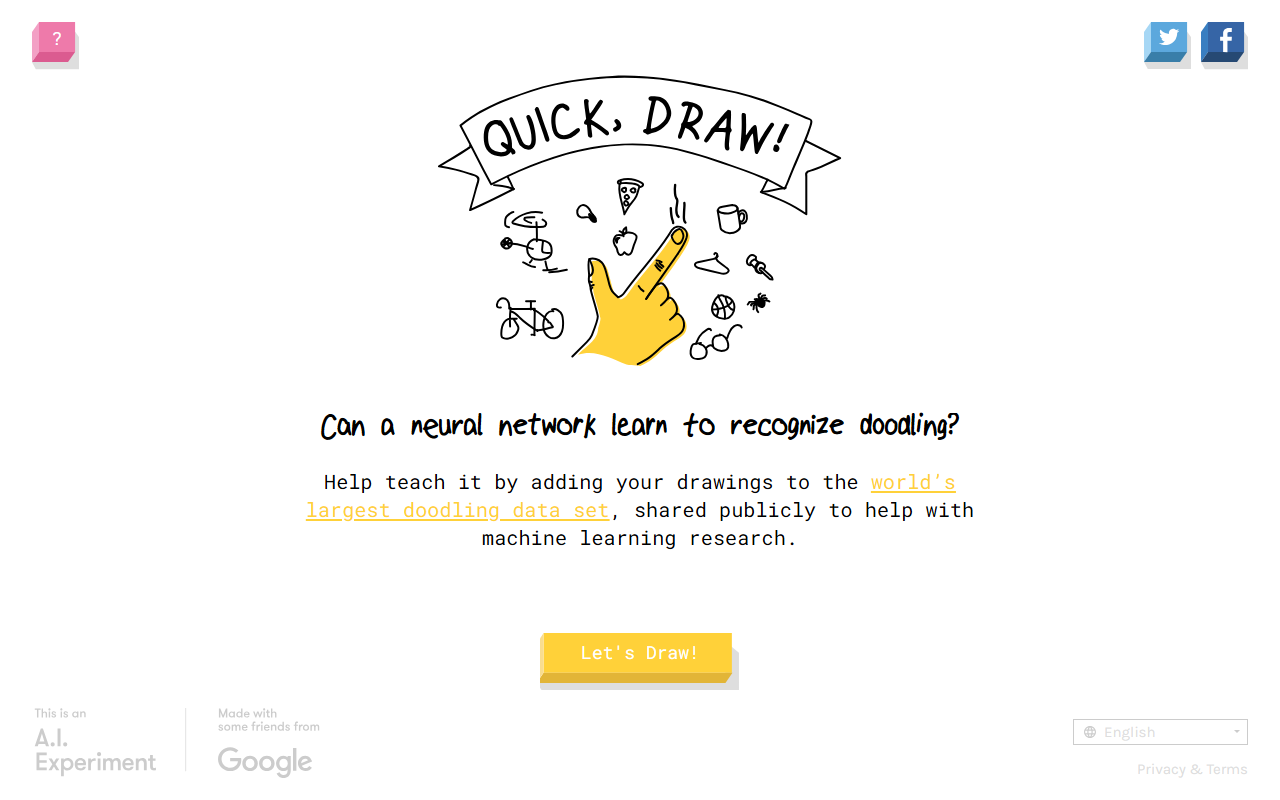
Upon visiting Quick, Draw! at quickdraw.withgoogle.com, I was greeted by a clean, minimalist interface with a single prompt: "Can a neural network learn to recognize doodling?" The game asks you to draw a given object in under 20 seconds while a neural network attempts to guess your drawing in real time. I selected English from the generous list of over a dozen language options and clicked "Let's Draw!" The first prompt was "bicycle." I hastily sketched a crude two-wheeled shape, and the network made three guesses. It correctly identified my drawing as a bicycle, showing confidence with a correct match and two close alternatives. The entire interaction took less than a minute, and I was immediately drawn into the loop of drawing, seeing if the AI recognizes it, and then contributing to its training.
The dashboard is essentially the drawing canvas, a timer, and a "Got It!" button after the round ends. There is no sign-up or account creation—your contributions are anonymous. This frictionless design lowers the barrier for participation and makes it ideal for casual users. After each round, you can optionally provide feedback via a short survey, which asks if you've played before and collects basic interaction data for Google's research. A video on the "About this game" page explains how the neural network works, though it is not mandatory viewing. The interface also includes a "Try this one instead" option if you dislike the assigned prompt, and a "Skip" button for the survey, giving users full control over their experience.
How Quick, Draw! Works: Behind the Neural Network
At its core, Quick, Draw! is a data collection tool disguised as a game. Trained on hundreds of concepts, the neural network improves as more users contribute doodles. Google Creative Lab and Data Arts Team built it, and the resulting dataset is made publicly available to advance machine learning research. The technology is likely based on a convolutional neural network (CNN) trained on vectorized drawings. When you draw, the network processes the strokes in real time and outputs its top three guesses. If it fails, your drawing is added to the dataset as a new example of that concept. If it succeeds, it reinforces existing knowledge. The game also shows you the second and third closest matches, providing insight into what the model thought your drawing looked like—an educational touch that demonstrates probabilistic thinking.
There is no API, no pricing model, and no user accounts—this is purely a public experiment. The game runs entirely in the browser with no backend requirement beyond logging doodles. Alternatives like Google's Teachable Machine offer more hands-on model training, and TensorFlow Playground lets you tweak neural network parameters, but Quick, Draw! excels in making AI accessible and fun without any technical prerequisite. It also supports multiple languages including Arabic, Korean, and Chinese variants, broadening its global reach.
Accessibility and Audience: Who Should Play and Why
Quick, Draw! is best suited for anyone with a few minutes and a curiosity about AI. Teachers can use it to introduce machine learning concepts; students can see immediate feedback on how a neural network interprets their drawings; and casual users can simply enjoy the interactive game. The multilingual support and low cognitive load mean it works across age groups. The game is also a subtle recruitment tool for machine learning—it practically begs you to think about how models are trained and what constitutes a recognizable pattern.
However, if you are a developer looking to integrate similar recognition capabilities into an app, this tool offers no API or exportable model. Data scientists who want to analyze the doodle dataset can download it separately from Google's research site, but the game itself is not a learning platform for building your own models. For those deeper use cases, you would turn to alternatives like TensorFlow.js or Teachable Machine. Additionally, the neural network sometimes fails on clear drawings, which can be frustrating but highlights the current limits of AI—a valuable lesson in itself.
Final Verdict: Strengths, Limitations, and Recommendation
Strengths: Quick, Draw! is free, requires no sign-up, supports multiple languages, and directly contributes to a public machine learning dataset. Its gamified approach demystifies AI and shows how neural networks learn from data. The feedback after each round (showing what the network guessed) is educational and engaging. The dataset has been used in numerous research papers, making it a meaningful contribution to the ML community.
Limitations: The tool is intentionally simple. There is no way to track your history, no API for developers, and no deep customization. The neural network occasionally misinterprets drawings, which can be frustrating but also highlights the current limits of AI. Additionally, the dataset's scope is limited to the predefined concepts (a few hundred), so you cannot draw arbitrary objects for recognition. The game also lacks any form of leaderboard or competitive element, which might reduce long-term engagement for some users.
Overall, Quick, Draw! is an excellent gateway into machine learning for the general public. I recommend it to educators, students, and anyone curious about AI in a playful context. If you are a developer seeking robust image recognition APIs, look elsewhere—but for a quick, fun, and educational experience, it is hard to beat. Visit Google Quick Draw at https://quickdraw.withgoogle.com to explore it yourself.













Comments