

First Impressions: Onboarding and Interface
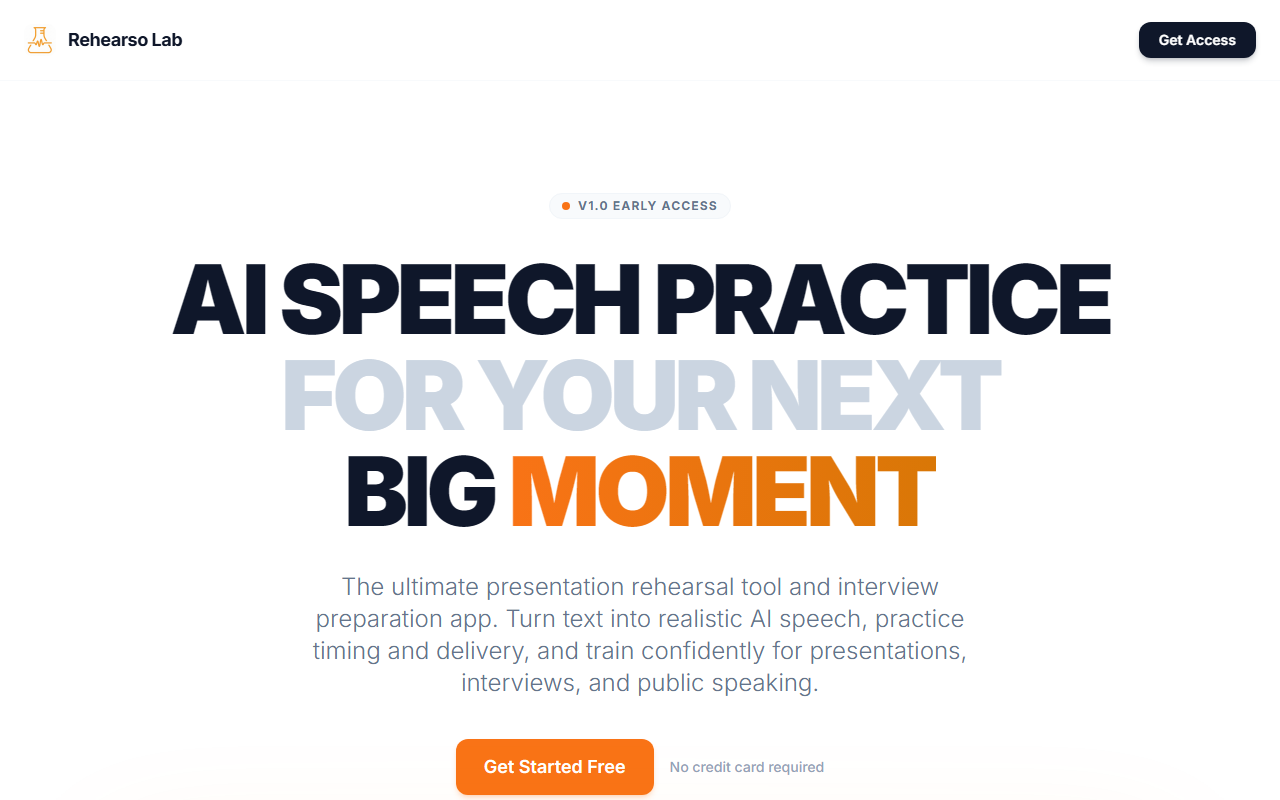
Upon visiting rehearsolab.com, I was greeted by a clean, minimal landing page that immediately communicates the tool’s purpose: AI speech practice for interviews and presentations. The “Get Started Free” call-to-action is prominent, and signing up required no credit card. The onboarding flow is straightforward — you paste your script or upload a document, choose a language from 32+ options, and generate AI speech in seconds. The dashboard is sparse but functional, showing your recent projects and credits remaining. For an early-access v1.0 product, the experience is polished, though I did notice occasional loading delays when generating longer scripts.
Core Features and Technology
RehearsalLab combines text-to-speech generation with a segmented practice workflow. You upload a script, and the AI converts it into realistic speech with what the site claims is authentic native pronunciation. I tested the English voice default — it sounded natural, with good intonation and pacing, though it lacked the emotional nuance of a human speaker. The real value lies in the practice mode: you can record yourself speaking and compare your delivery against the AI reference audio segment by segment. This side-by-side comparison is excellent for identifying pacing issues, tone missteps, or unclear speech.
The tool supports 32+ languages including Spanish, French, German, Japanese, Mandarin, and Arabic, with auto-detection of script language. I pasted a mixed English and Spanish script, and the AI correctly switched accents mid-stream. This is a standout feature for multilingual presenters. However, the underlying AI model is not disclosed — likely a custom TTS engine — and there is no API access mentioned, limiting integration possibilities. Cloud storage keeps your scripts secure, and you can export audio files for offline practice. The tool is also mobile-ready, though I found the responsive design adequate but not optimized for small screens.
Pricing and Value
Pricing is transparently listed on the site. The Starter tier is free and includes limited credits — enough to test core features, but not for heavy practice. The Pro plan at $11.99 per month offers unlimited TTS credits, priority support, and custom voice options. The Lifetime Pro at $99.99 (one-time) is the best value if you plan to use the tool long-term — it includes all future updates and early beta features. There are also pay-as-you-go Credit Packs for occasional users, with no expiration. Compared to competitors like Yoodli (which focuses on real-time AI feedback with video recording) or simpler TTS tools like Murf, RehearsalLab carves a niche by pairing AI voice generation with deliberate rehearsal exercises. Still, the free tier’s limited credits may frustrate users who want extensive practice before committing.
Verdict: Who Should Use RehearsalLab?
RehearsalLab is best suited for job seekers preparing for interviews, students practicing presentations, and professionals who deliver regular client pitches. The segmented practice and reference audio comparison genuinely help improve delivery timing and confidence. Language learners preparing speeches in non-native tongues will also benefit from the multi-language support. However, the tool is in early access, so expect occasional rough edges — I encountered one instance where the generated speech had audio glitches during a long paragraph. Also, if you need real-time AI feedback like on-screen transcription or emotional analysis, look elsewhere. For its price point and focused feature set, RehearsalLab is a solid investment for anyone whose success depends on spoken communication. Start with the free tier to test your use case. Visit rehearsolab.com to explore it yourself.













Comments