

First Impressions and Onboarding
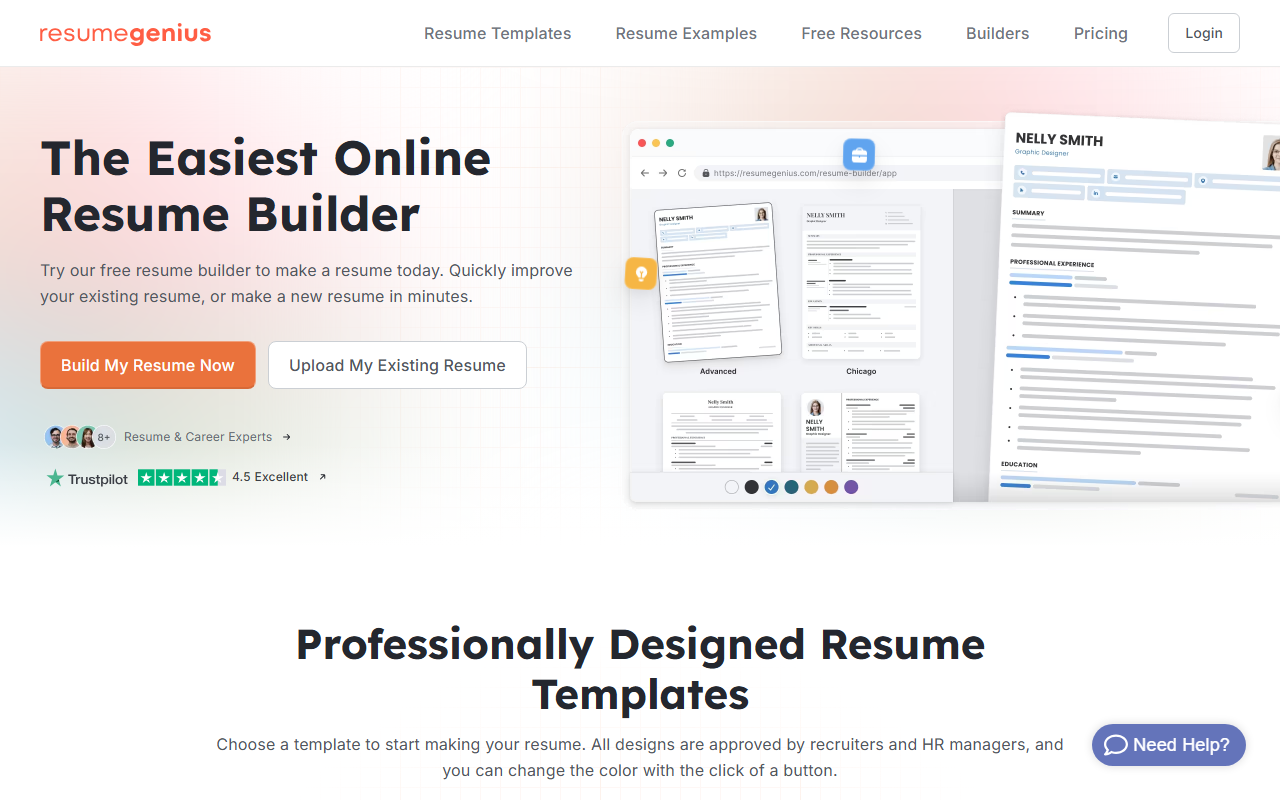
Upon visiting the Resume Genius homepage, I was immediately struck by the clean, no-nonsense design. The headline promises "The World's Smartest Resume Builder," and the interface wastes no time guiding you to action. A prominent "Build My Resume" button sits next to an option to upload an existing resume, making the onboarding process friction-free. The three-step workflow—choose a template, fill with AI assistance, and download—is clearly laid out. I tested the free tier by clicking "Build My Resume Now" without logging in. The builder prompted me to select a template first, offering over 35 designs labeled with themes like "Advanced," "Multicolor," and "Tech." Each template preview looked polished and HR-approved, reinforcing the site's claim of expert backing. The AI writing assistant appeared only after I started adding details, but it already felt intuitive: pre-written bullet suggestions popped up for common job titles, which saved me several minutes of drafting.
Features and AI Integration
Resume Genius packs a surprising number of features into a single builder. The AI summary generator creates a professional profile paragraph based on your experience—I tested it for a marketing role, and the output was concise, action-oriented, and required only minor tweaking. The ATS scanner is a standout: it analyzes your resume for keywords and formatting issues that might trip applicant tracking systems. I uploaded a draft and received specific suggestions like "Add more industry keywords" and "Avoid using tables." The integrated job board and cover letter maker are convenient, though the job board felt a bit sparse for my location. The stress-free formatting feature automatically adjusts margins and fonts, which is a relief for users who aren't design-savvy. Importantly, the builder supports multiple export formats (PDF, Word, TXT), and the process is responsive—no lag when switching between sections.
Pricing and Value Proposition
Pricing is not publicly listed on the website, but based on common industry models, it is likely a freemium service. The free version allowed me to create and preview a resume, but downloading the final file required upgrading to a paid plan. This is a common friction point among similar tools like Zety and Indeed Resume. I appreciate that Resume Genius does not hide its expert credentials: the team includes CPRW-certified writers and career coaches, and the site features over 450 expert-reviewed resume examples. The blog and YouTube channel add genuine educational value, though they are not essential to the core product. If you want unlimited access to the cover letter builder, advanced ATS optimization, and template variety, expect to pay a monthly or yearly subscription. Without transparent pricing on the homepage, it is difficult to assess value upfront—this is a weakness.
Who Should Use Resume Genius?
This tool is best suited for job seekers who want a fast, guided resume without learning design software or writing from scratch. Fresh graduates, career changers, and professionals applying to ATS-heavy industries will benefit most from the AI suggestions and scanner. However, power users who need deep customization or who want to control every pixel may find the template options limiting—you cannot freely rearrange sections. For those on a tight budget, the free tier is a useful starting point, but be prepared to pay for the full experience. Overall, Resume Genius delivers on its promise of simplicity and expert-backed quality, and it earns a place among top contenders in the AI resume builder space. Strengths: excellent AI writing support, strong ATS scanner, professional templates. Limitations: opaque pricing, limited design flexibility, and the job board is not as robust as dedicated search platforms. If you want a resume that is both fast and HR-approved, this is a solid choice.
Visit Resume Genius at https://resumegenius.com/ to explore it yourself.










Comments