

First Impressions and Onboarding
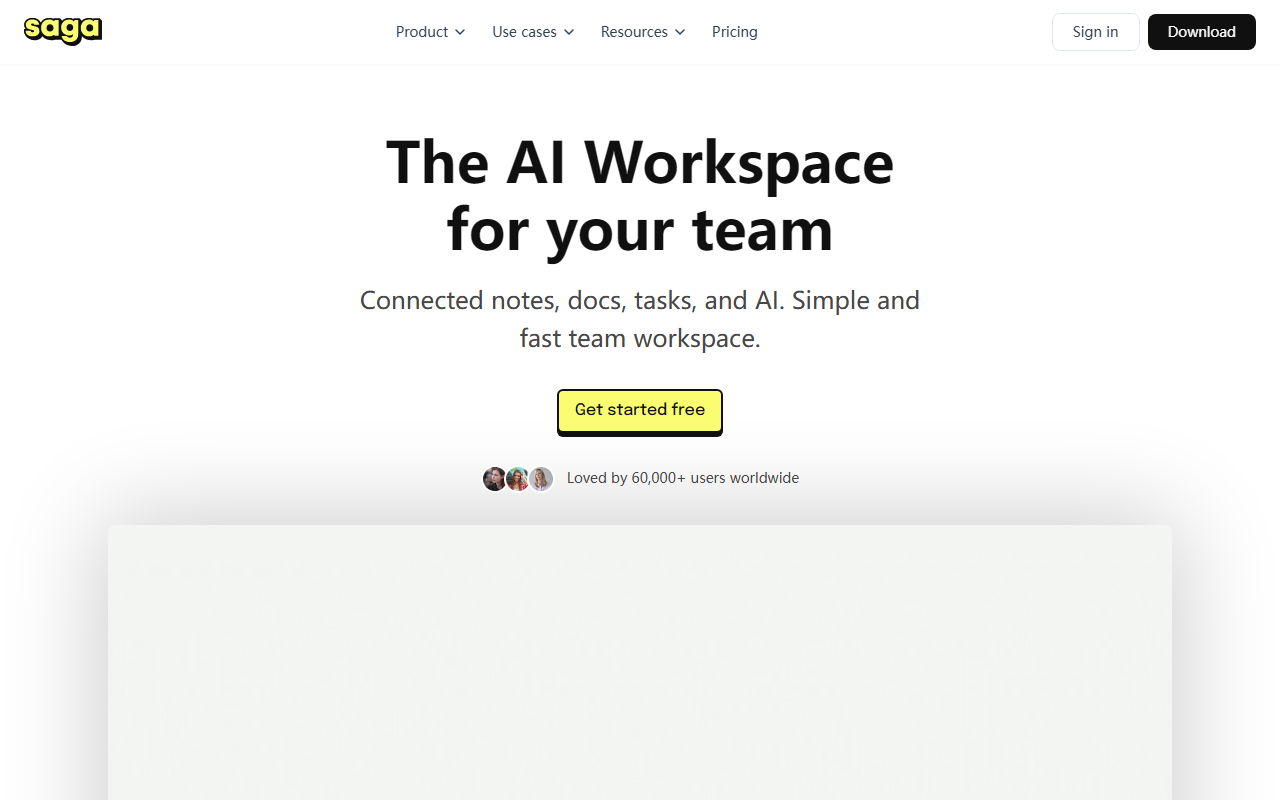
Upon visiting Saga’s landing page, I was greeted by a clean, modern interface emphasizing speed and simplicity. The headline reads “The AI Workspace for your team” and the page immediately offers two clear actions: sign up for free or download the desktop app. The keyboard shortcut hint “Search ⌘ K” suggests a command palette–driven navigation, which I found appealing for power users. I signed up for the free tier to test the core experience. The onboarding flow was frictionless: I created an account, named my workspace, and was dropped into a blank page with a toolbar and inline AI assistant. The editor felt snappy, with real-time sync already active. Saga is clearly designed to reduce learning overhead—you can start typing notes or creating tasks without any tutorial. The workspace shows a sidebar with pages, tasks, and search, and I immediately noticed the “Live blocks” and “References” features from the marketing, which I later tested to keep my notes updated automatically.
Core Features and AI Integration
Saga combines three core modules—notes, docs, and tasks—into one connected workspace. The notes and docs editor is responsive, supporting markdown shortcuts, images, and embeds. I especially appreciated the “Kanban view” for tasks, which lets you drag and drop items across stages directly from within a note page. The AI assistant is the standout feature: accessible via a slash command or button, it uses “the latest models” (as stated on the site) to generate text, summarize content, or autocomplete. When testing the free tier, I used the AI to rewrite a few paragraphs and expand bullet points. Results were coherent and context-aware, though the 5,000-word monthly limit for AI generation on the free plan is a clear constraint. Saga also boasts automatic linking and “References,” which surfaced related pages based on keywords—useful for knowledge management. Integration with Google Drive and Linear is available, allowing you to search and embed files side by side. The “Side by side” layout let me open a Google Doc next to a Saga page, which reduced context switching.
Pricing and Market Position
Saga’s pricing is straightforward. The Free tier ($0) includes unlimited pages and tasks, up to 3 members per workspace, and AI with 5,000 words per month. The Standard plan costs $8 per member per month and adds unlimited workspace members and unlimited Saga AI, making it a good value for teams relying on AI. There are no hidden fees for collaboration—real-time editing is included in the free tier for up to 3 people. Compared to competitors like Notion (which offers AI at $10/month per member) or Obsidian (free but with less built-in team features), Saga focuses on being simpler and more AI-centric. With over 60,000 users and trusted brands like CO2 AI and eHR listed on the site, the tool has gained early traction. However, it lacks the extensive database and template marketplace of Notion, and the 3-member cap on free plans may frustrate larger teams wanting to trial before committing.
Strengths and Limitations
Saga’s strengths lie in its speed, simplicity, and integrated AI. The interface is minimal yet powerful, and the automatic linking and references reduce manual organization. The real-time collaboration works flawlessly, and the AI assistant genuinely saves time by replacing the need to switch to ChatGPT. That said, there are limitations. The free tier’s AI word limit is restrictive for heavy users, and the tool is still young—missing features like advanced database views (e.g., calendar, timeline) and offline support. The website does not mention an API, so developers may need to wait for custom integrations. Additionally, the “Live blocks” feature, which automatically refreshes outdated notes, sometimes produced irrelevant suggestions during my testing. Overall, Saga is best suited for small teams or individual professionals who want a lightweight, AI-first workspace without the complexity of enterprise tools. If you need deep project management or heavy customization, consider Notion or Coda instead. Visit Saga at https://saga.so/ to explore it yourself.










Comments