

First Impressions: Security and Simplicity at the Forefront
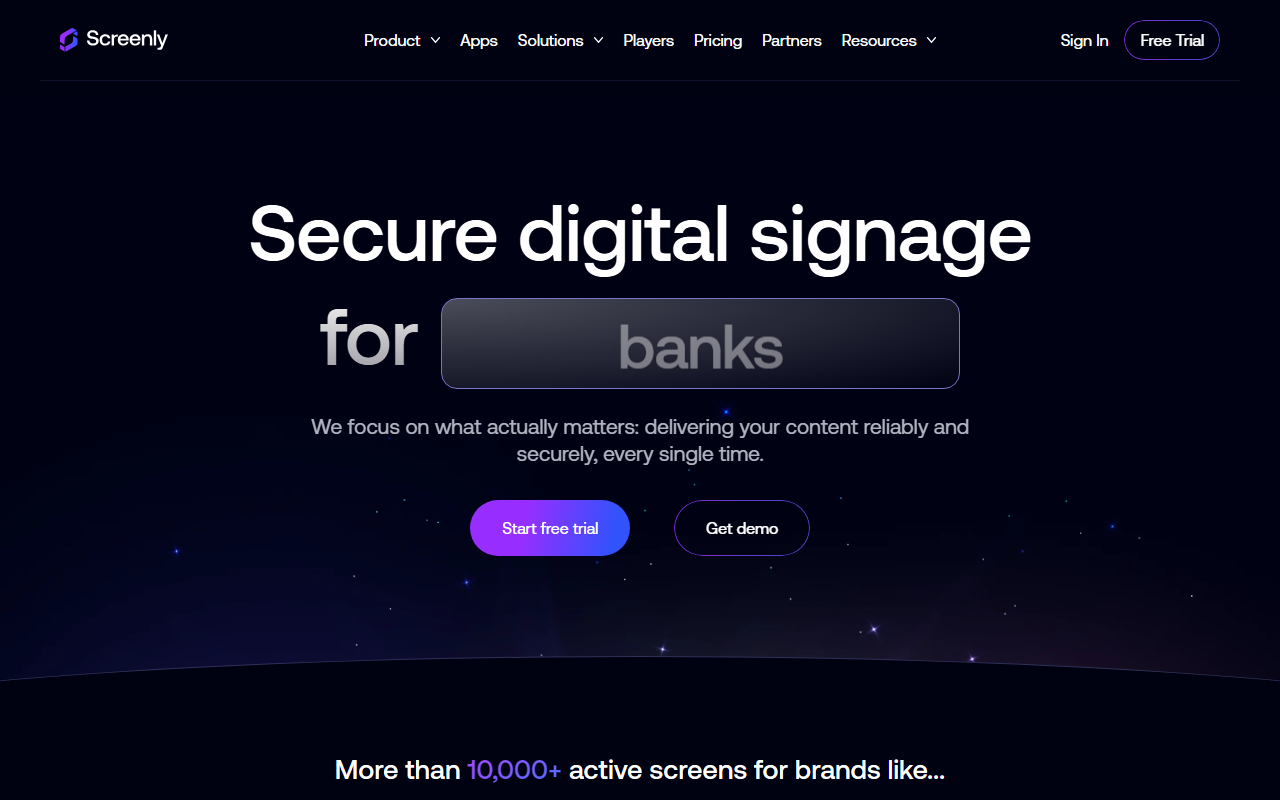
Upon visiting Screenly's website, the emphasis on security is immediate. The tagline “The Secure Digital Signage Company” sets the tone. The interface is clean, with clear navigation toward key features: security, ease of use, and stability. The site promotes a free trial and a demo request, but pricing is not publicly listed. From the homepage, I could explore sections on device lifecycle management, security, developer tools, and enterprise readiness. The dashboard (based on screenshots and descriptions) appears minimalistic, focusing on managing screens and content without clutter. Screenly offers dedicated hardware players (Screenly Player and Player Max Mk 3) and a software-only option called Screenly Anywhere for devices with a browser or supported OS like Android TV and ChromeOS. This dual approach caters to both plug-and-play users and those repurposing existing hardware.
What Screenly Does Well: Security, Developer Flexibility, and Enterprise Scale
Screenly solves the problem of managing digital signage across many screens securely and reliably. Unlike many competitors that pile on features, Screenly prides itself on doing fewer things exceptionally well. Its strongest asset is security: SOC 2 Type II certified, zero-trust architecture, end-to-end encryption, passwordless login, and automatic updates. For industries like finance, healthcare, and manufacturing where data integrity is critical, this is a major differentiator. During my exploration of the developer section, I found the RESTful API, CLI tools, Edge Apps SDK, and even an MCP Server. These allow developers to build custom, code-driven content and integrate with existing tech stacks. The API and CLI are well-documented, enabling automation of device management and content updates. For enterprise deployments, Screenly offers SSO/SAML, granular access controls, audit logs, dedicated support SLAs, and a dedicated account manager. The platform also boasts device agnosticism: you can use their hardware or any browser-enabled device. This flexibility reduces hardware lock-in. The claim of 10,000+ active screens and logos of brands like Digimarc and Cinergy add credibility. Testimonials highlight reliability in challenging environments (e.g., a ski lodge with intermittent connectivity) and ease of use for non-technical staff.
Limitations: Not an AI Design Tool, and Potential Overhead for Small Deployments
It's important to note that Screenly is not an AI design tool. There is no AI-powered content generation, image editing, or design automation. The category “Image AI > AI Design” might be a misclassification; this platform is strictly for displaying and managing existing content. While it offers a free trial, the lack of public pricing means small businesses or individuals may find it less accessible. The dedicated hardware players (Screenly Player and Max Mk 3) require upfront purchase, though the Anywhere software reduces that cost. For a single-screen coffee shop, simpler and cheaper alternatives like Google Slides or lower-cost signage platforms may suffice. Screenly's strengths in security and enterprise features could be overkill for basic needs. Additionally, the platform's focus on “fewer things” means it may lack advanced layout editors or templating systems found in some competitors.
Verdict: Who Should Use Screenly?
Screenly is best suited for IT managers, system administrators, and developers in organizations that need secure, reliable digital signage at scale. It is ideal for manufacturing, healthcare, banking, logistics, and the enterprise. Developers will appreciate the API and Edge Apps for custom integrations. Companies already concerned about cybersecurity compliance will find Screenly's zero-trust model a strong selling point. If you need a simple, free signage solution for a single screen, look elsewhere. But if you manage dozens or thousands of screens and cannot compromise on security or uptime, Screenly is a compelling choice. Alternatives like Yodeck, OptiSigns, or ScreenCloud offer similar features, but Screenly differentiates with its security-first architecture and developer-friendly toolchain. To assess whether the platform fits your workflow, take advantage of the free trial or request a demo. Visit Screenly at https://screenly.io/ to explore it yourself.










Comments