

First Impressions and Onboarding
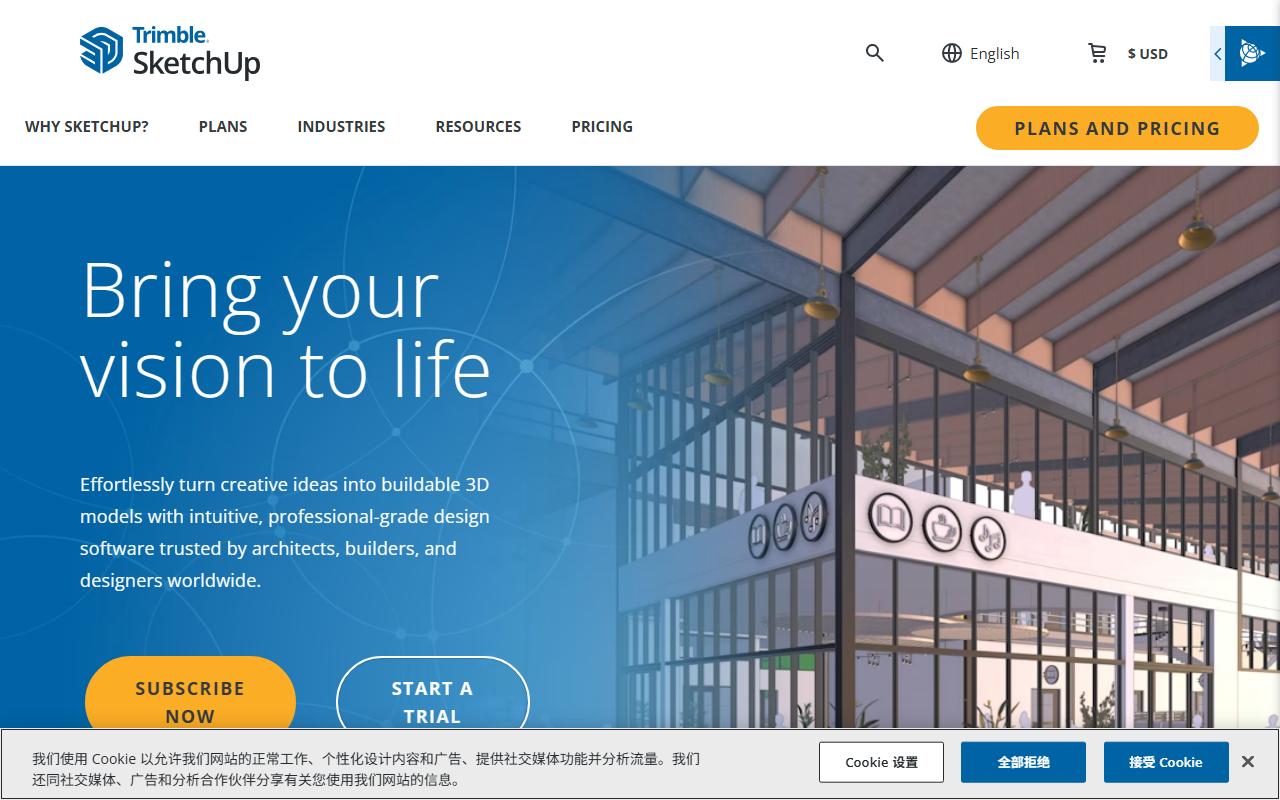
Upon visiting the SketchUp website, I was immediately struck by the clean, confidence-inspiring hero section: “Bring your vision to life.” The call to action offers both a “Subscribe Now” and a “Start a Trial,” making it easy to test the waters before committing. The site clearly targets architects, builders, and designers, with industry-specific carousels for landscape architecture, urban planning, interior design, and more. As someone who has spent years evaluating CAD and 3D tools, I appreciate that SketchUp immediately communicates its core promise: turning creative ideas into buildable 3D models without a steep learning curve.
Navigating to the “Compare plans” section reveals a pricing structure that is deliberately non‑transparent. The page shows only “Monthly” and “Annual” toggles with a “$ USD” label but no actual figures. This forces prospective users to either start a trial or contact sales. It is a minor friction point, though the availability of a free trial somewhat mitigates the lack of up‑front pricing. Overall, the onboarding flow is designed to get you into the software quickly, with ample links to learning resources like SketchUp Campus and the YouTube channel evident throughout the site.
Core Capabilities and Ecosystem
SketchUp is a 3D modeling platform that runs on Web, iPad, and Desktop. During my exploration, I focused on the ecosystem tools listed on the site: the Extension Warehouse (600+ extensions), 3D Warehouse (millions of pre‑built models), Scan Essentials (point‑cloud import), and Trimble Connect (cloud collaboration). These integrations form a genuinely connected workflow—something that many standalone 3D tools lack. For instance, being able to import real‑world point clouds directly into a model is a powerful feature for renovation or urban planning projects. The Developer Center also offers APIs, meaning teams can build custom automation or connect SketchUp to other enterprise systems.
From a technical standpoint, SketchUp is not a pure AI tool; it is primarily a manual modeling environment with some smart assist features, such as geo‑location for landscape projects and materials libraries. The “Product recommendation” area highlights photorealistic materials and environments, as well as 2D documentation via LayOut, which is a strong complement for architectural deliverables. The tool runs on Windows and macOS, with a mobile iPad version for on‑site sketching. While the website doesn’t specify the exact rendering engine or AI models used, the emphasis on “quick insights for design research” suggests some underlying intelligent analytics. I should note that the “AI Design” category label from 345tool.com seems a stretch—this is primarily traditional 3D modeling with a user‑friendly twist, not generative AI.
Pricing and Target Audience
As mentioned, pricing is not publicly listed on the website. Based on common industry knowledge, SketchUp offers a free web‑based version (SketchUp Free) with limited features, then paid tiers (typically SketchUp Shop, SketchUp Pro, and SketchUp Studio) that range from around $119 to $699 per year. However, since the official site does not confirm these numbers, I will stick to what is visible: the site prompts users to “Compare plans,” and a trial is available. For a senior journalist, this lack of transparency is a minor annoyance, but it is not unusual for enterprise‑oriented software.
SketchUp is best suited for architects, interior designers, landscape architects, and builders who need a quick, visual way to create and communicate 3D ideas. Its strength is speed and ease of use, not parametric precision. If you require full BIM (Building Information Modeling) capabilities, consider Autodesk Revit; for free, open‑source modeling, Blender is a strong alternative. SketchUp’s massive model library and extension ecosystem make it ideal for rapid concept design and client presentations. Conversely, if you work on highly complex engineering models or need advanced rendering out of the box, look elsewhere—SketchUp’s photorealistic output often requires third‑party renderers like V‑Ray.
Final Verdict
SketchUp delivers exactly what it promises: an intuitive, cross‑platform 3D modeling tool backed by a rich ecosystem. The strengths are clear—user‑friendly interface, massive model library, and strong collaboration features—while the limitations revolve around pricing opacity and the lack of advanced parametric modeling. Over a million industry professionals trust it, and the Trimble backing ensures long‑term development. I recommend starting a free trial if you are an architect, builder, or designer who values speed and accessibility over deep technical control. For teams already using Trimble solutions, SketchUp is a natural fit. Visit SketchUp at https://sketchup.com/ to explore it yourself.













Comments