

First Impressions and Setup
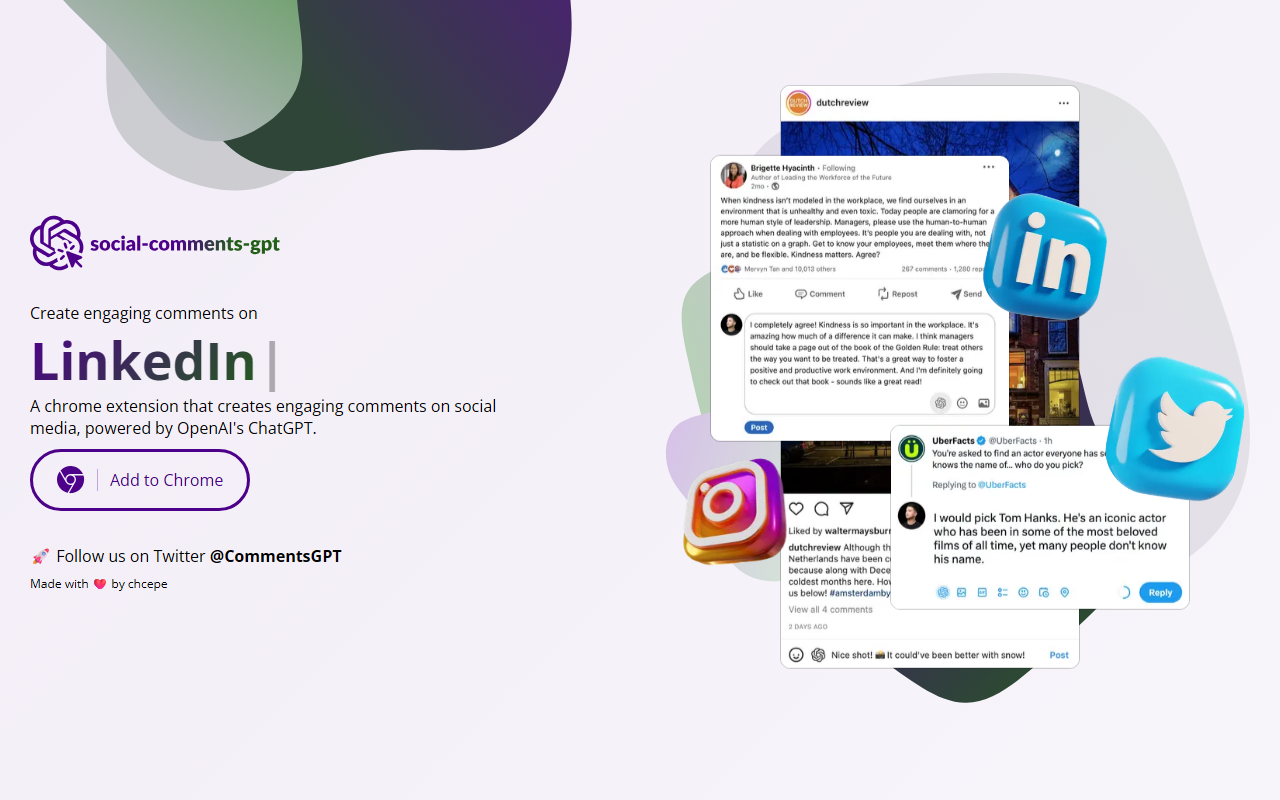
Upon visiting the Social Comments GPT website, I was greeted with a minimalistic page that immediately tells you what the tool does: 'A chrome extension that creates engaging comments on social media, powered by OpenAI's ChatGPT.' There is a clear 'Add to Chrome' button, and the page also links to a Twitter account and credits the developer 'chcepe'. Installation was straightforward: I clicked the button, and the Chrome Web Store extension page opened, where I could add it with one click. After installation, a small icon appeared in my browser toolbar. Clicking it opens a popup with a clean interface: a text area for pasting the social media post title or content, a dropdown for tone selection (options like 'Professional', 'Funny', 'Supportive', 'Curious'), and a 'Generate' button. There is no account creation required, which lowers the barrier to entry.
Core Functionality and Performance
To test the extension, I went to a LinkedIn post about AI trends. After copying the post text, I pasted it into the extension, selected 'Professional' tone, and clicked 'Generate'. The response appeared within about three seconds – a well-structured, thoughtful comment that acknowledged the post’s points and added relevant insights. I tried a more casual post on Twitter with the 'Funny' tone; the comment was light-hearted but still contextually appropriate. The tool uses OpenAI's ChatGPT model under the hood, which explains the natural-sounding output. However, I noticed that when the input post is too short or vague, the generated comment can feel generic. The extension does not integrate directly into social media pages (no inline popup when clicking a comment box); you must manually copy the post text and then paste the generated comment back. This extra step slightly breaks the workflow but is acceptable for a free tool. Overall, the quality is decent for saving time, especially for users who struggle with writer’s block.
Pricing, Limitations, and Alternatives
Pricing is not publicly listed on the website or the Chrome Web Store page. Based on the extension’s behavior, it appears to be free to use with no obvious rate limits during my testing. However, because it relies on OpenAI’s API, the developer may have imposed hidden limits or may introduce a subscription later. A clear limitation is the lack of multi-platform support: you have to manually copy-paste posts and comments, which can be tedious for heavy users. Also, the extension does not remember your tone preferences or allow you to save past comments. Competitors like ReplyGuy and CommentAI offer more advanced integrations – for example, ReplyGuy can auto-fill comment boxes on Twitter and LinkedIn. But those tools often come with a monthly fee. Social Comments GPT is simpler and, for now, free – making it an attractive option for casual social media users.
Final Verdict
Strengths: Super easy to install and use; generates context-aware, varied comments quickly; free with no registration. Weaknesses: No direct injection into comment fields; sometimes produces generic responses if input is sparse; pricing model is unclear and may change. Social Comments GPT is best suited for individuals or small business owners who occasionally need a quick, engaging comment on LinkedIn, Twitter, or Facebook. It’s not recommended for professional social media managers who need batch processing or deep platform integration. For those, paid tools like ReplyGuy offer a more polished experience. That said, if you just want to spice up your social media engagement without any cost, give this extension a try. Visit Social Comments GPT at https://social-comments-gpt.com/ to explore it yourself.













Comments