

First Impressions and Onboarding
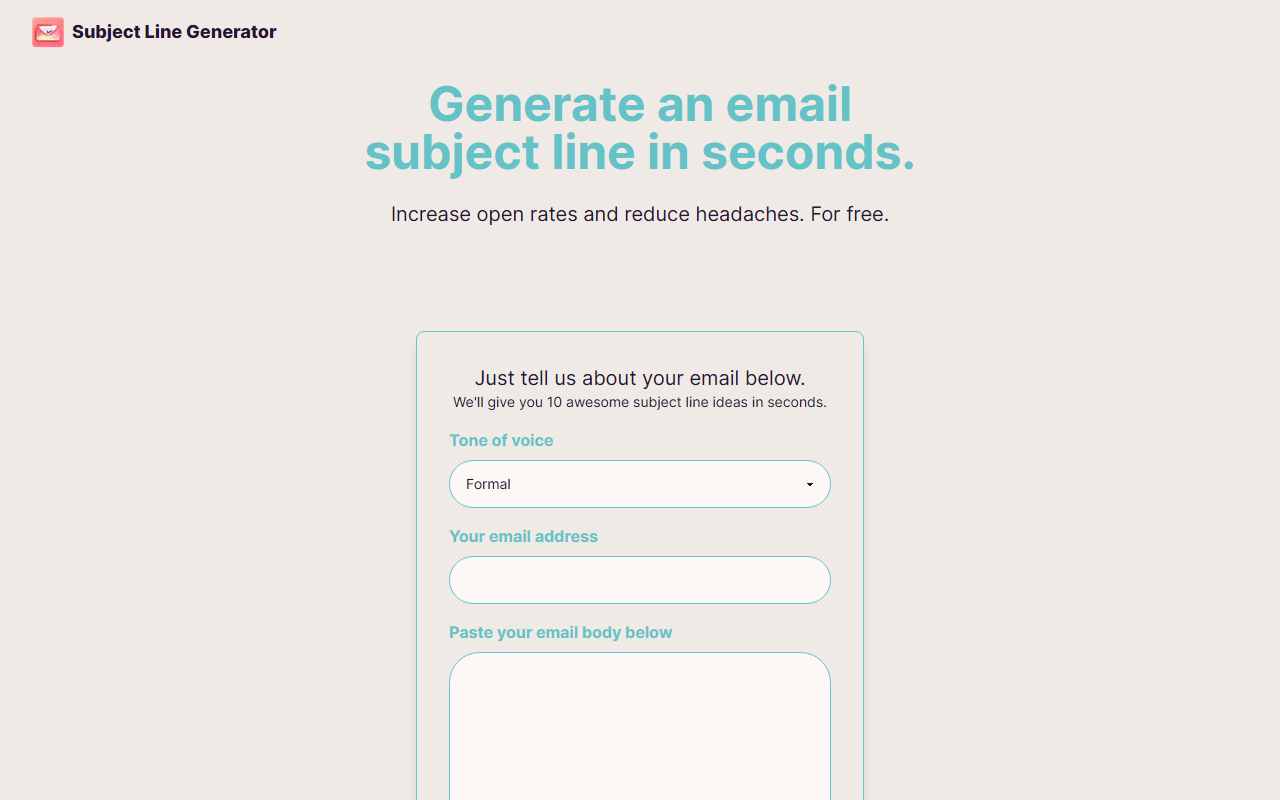
Upon visiting SubjectLineGenerator.com, I was greeted by a clean, single-purpose interface. No login wall, no clutter — just a simple form asking for my email address and the body of my email. The tone selector offers ten options including Formal, Humorous, and Motivating. I selected 'Conversational' and pasted a short promotional email about a new analytics feature. With a click on 'Generate My Subject Lines', the tool returned ten suggestions in roughly three seconds. The results appeared in a list with emoji options toggled on; each line was concise and matched the requested tone reasonably well.
How It Works and Technical Notes
The generator appears to use a large language model — likely GPT or a similar architecture — though no specific model is disclosed. It takes the pasted email body and applies tone instructions to produce subject lines. The 'Include Emoji?' toggle adds relevant emojis to some suggestions. There is no API listed, no account creation required, and no usage limits mentioned. The tool is entirely free, which is unusual for AI writing solutions. During my test, the output felt generic but solid — useful for inspiration rather than ready-to-send copy. No integrations with email platforms like Mailchimp or Outlook exist; it is purely a standalone web tool.
Pricing and Value Proposition
SubjectLineGenerator is completely free. There are no paid tiers, no credits, and no hidden charges. This immediately sets it apart from competitors like Copy.ai or Jasper, which offer similar subject line generators but within broader subscription plans starting at $49/month. HubSpot’s free Subject Line Generator requires a free account and drags in marketing context; this tool asks only for the email body. The value is clear: for zero cost, you get quick subject line ideas. However, the trade-off is depth — you won’t get A/B testing suggestions, performance predictions, or integration with CRM systems. For an individual blogger, freelancer, or small business owner who needs a quick creative spark, this tool is a perfect lightweight assistant.
Strengths and Limitations
The greatest strength is simplicity: no sign-up, no cost, and immediate results. The tone selection genuinely influences output — my 'Conversational' request yielded friendly, non-salesy lines, while a second test with 'Assertive' produced shorter, more direct options. A limitation is the lack of control over structure: you cannot specify character count, avoid certain words, or train the tool on your brand’s voice. Also, the generated lines sometimes feel too generic — for example, 'Check Out Our New Analytics Feature' versus something more intriguing. The tool also doesn’t explain why a subject line might work; you get ideas without strategy. It is best suited for users who need a quick starting point, not for email marketers needing data-driven optimization. In summary, SubjectLineGenerator is a useful free utility but not a comprehensive solution. Try it if you want a fast, no-commitment way to brainstorm subject lines.
Visit SubjectLineGenerator at https://subjectlinegenerator.com/ to explore it yourself.










Comments