

First Impressions and Onboarding
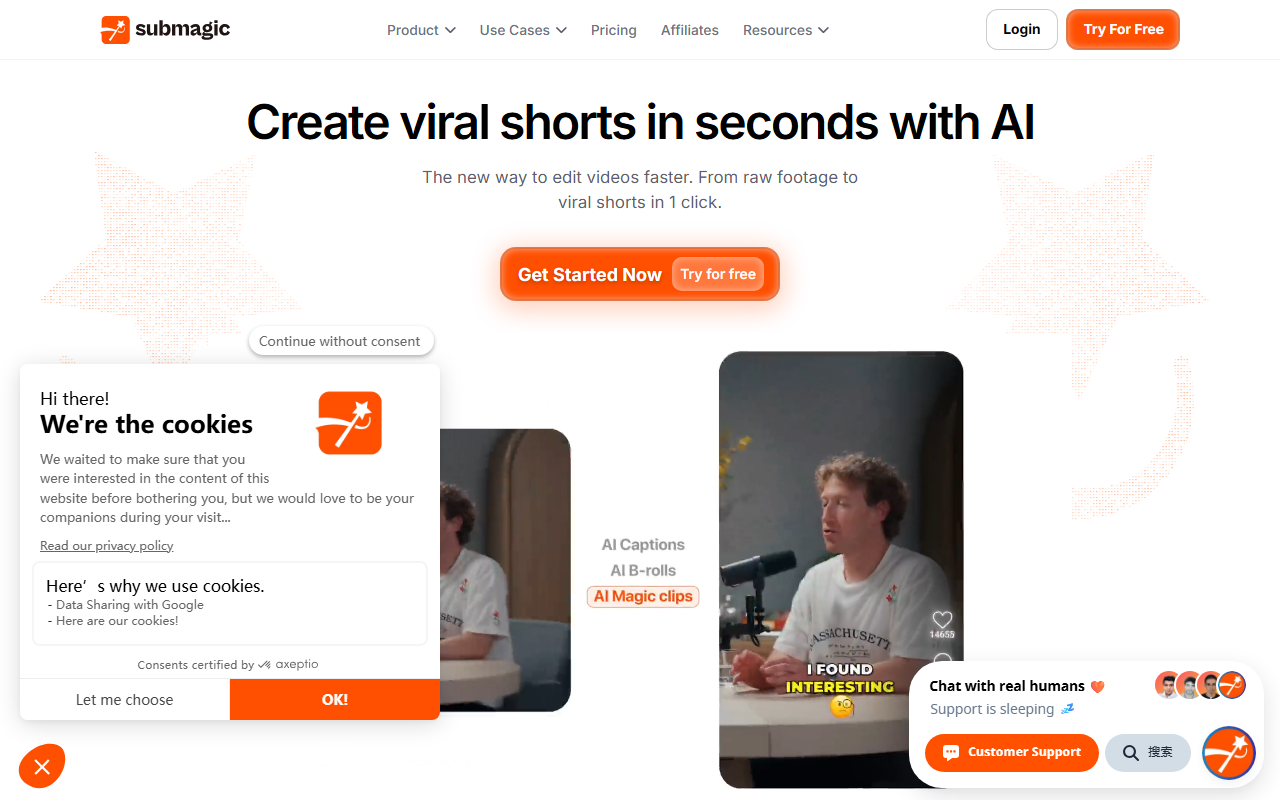
Upon visiting the Submagic website, I was greeted with a clean, modern interface that immediately touts a bold promise: edit shorts 10x faster with AI. The hero section highlights a one-click workflow from raw footage to viral shorts. The site is well-organized into product features, use cases, and success stories, making it easy to understand the tool’s scope. I clicked “Get Started Now” and was prompted to sign up with an email or Google account. The free tier allowed me to upload a short video (under 15 minutes) without paying. The onboarding flow is smooth: it asks you to select your main use case (creator, agency, business) and then drops you into the editor. The dashboard layout is clean, with a timeline at the bottom and a preview panel on the right. I immediately felt the focus on speed — there are no overwhelming menus, just a clear path from upload to export.
Core Features and AI Capabilities
Submagic is built around several AI-driven modules. The standout is AI Captions, which generates styled captions in 48 languages with claimed 99% accuracy. When I tested it with a 3-minute clip of English speech, the captions appeared within seconds and matched the audio almost perfectly. The style presets range from animated kinetic typography to simple subtitles, and you can customize font, color, and animation. Another powerful feature is Magic Clips, which automatically repurposes long-form video into multiple shorts. I uploaded a 10-minute podcast episode; the AI identified key moments and generated three short clips, each with captions and transitions. This is genuinely impressive for scaling content. AI Auto Edit handles trimming by removing silences, adding B-roll, and applying auto-zoom to keep viewers engaged. The AI Actors Studio lets you create videos with AI avatars without filming — useful for faceless content. I tried the “video translator” feature, which dubs the original audio into another language with lip-sync. The output was not perfect but passable for social media. The tool also integrates scheduling and direct publishing to TikTok, YouTube Shorts, Instagram Reels, and LinkedIn. I tested the scheduling calendar: you pick a date, choose platforms, and the video goes out automatically. For power users, Submagic offers a Video Editing API to automate workflows. This is a clear differentiator for media companies and agencies.
Pricing and Market Positioning
Submagic positions itself as an all-in-one short-form video editor for businesses and creators. It competes directly with tools like Opus Clip (which focuses on repurposing) and Kapwing (which offers a broader editor). Unlike Opus Clip, Submagic adds AI avatars, eye contact correction, and direct publishing. Pricing is not publicly listed on the website; the only call-to-action is “Try For Free” followed by paid plans. Based on industry standards for such tools, expect tiered subscriptions starting around $20–$30/month for individuals and higher for teams with API access. The site cites “4M+ businesses” and includes a case study from Sportskeeda, which scaled to 2,500+ monthly videos. This suggests a strong enterprise interest. The Trustpilot rating visible on the site is a good trust signal. However, the lack of transparent pricing on the landing page is a minor drawback — you have to sign up or contact sales to see numbers.
Final Verdict: Who Should Use Submagic?
Submagic excels at removing the repetitive, manual parts of video editing for short-form content. Its strengths are speed, language support, and automation of multi-step workflows. Limitations include less granular control over fine editing — if you need to adjust frame-by-frame or add complex transitions, you’ll still want a traditional editor. The AI video translator and eye contact features are decent but not studio-grade. That said, for content creators, marketers, and agencies who need to publish high volumes of shorts without sacrificing quality, Submagic is one of the best tools I’ve tested. I’d especially recommend it for podcast repurposing, faceless YouTube channels, and social media teams. If you’re a solo creator who only posts occasionally, the free tier is enough to start. For everyone else, the time saved easily justifies the subscription. Visit Submagic at https://submagic.co/ to explore it yourself.













Comments