

First Impressions and Onboarding
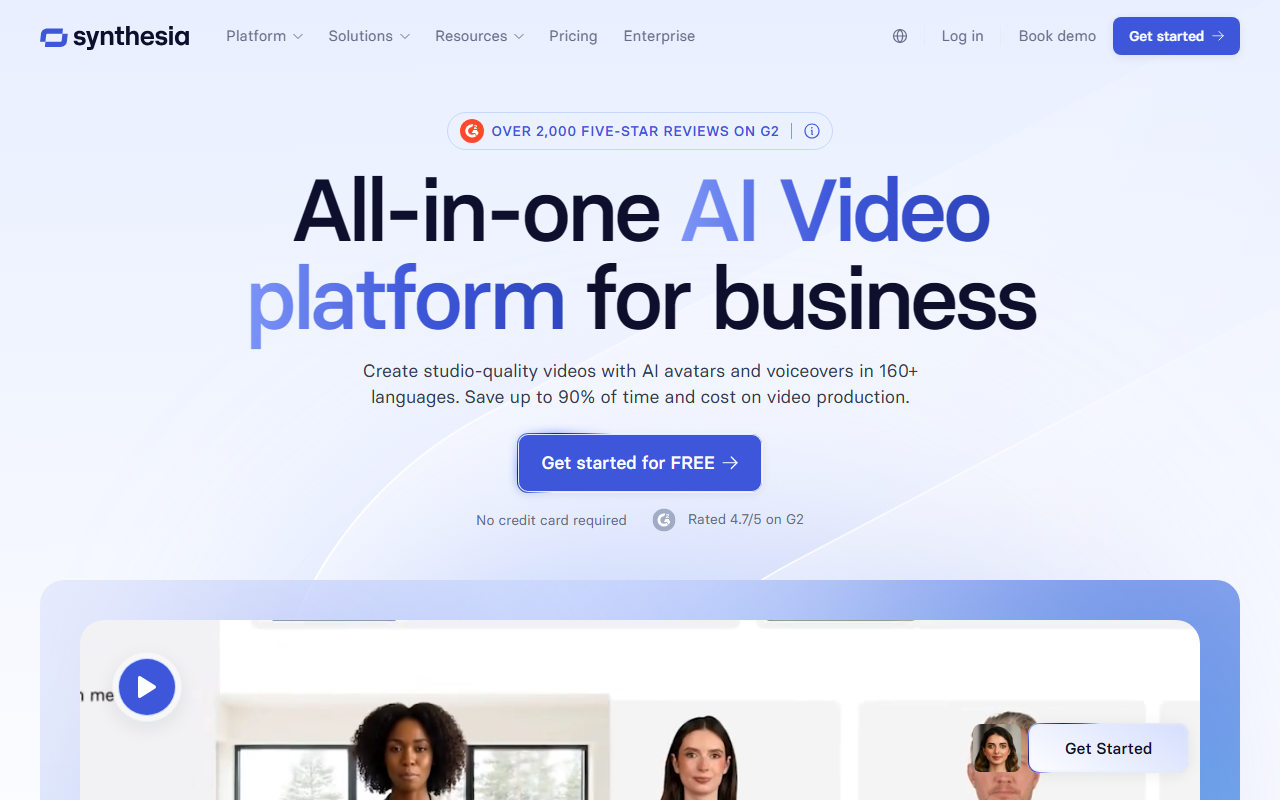
Upon visiting Synthesia's website, I was immediately struck by the clean, professional design and the clear emphasis on enterprise use cases. The landing page prominently displays customer testimonials from G2—over 2,000 five-star reviews—and claims to be the number one AI video platform for business. The call-to-action buttons are unmistakable: "Get started for FREE" and "Book demo." I clicked on the free tier to test the onboarding flow. No credit card is required, and within minutes I was greeted by a simple dashboard with a library of AI avatars, a script editor, and a preview window. The interface is remarkably intuitive; I could select an avatar, type a script, and generate a short video in under five minutes. The platform guides you through steps without overwhelming complexity. The free demo allowed me to export a watermarked video, which gave a genuine feel for the output quality.
Core Features and Workflow
Synthesia excels at turning text into video with human-like avatars. The standout feature is the ability to create a custom expressive AI avatar that speaks over 160 languages with natural lip-sync. During testing, I selected one of the pre-built avatars and typed a sales pitch; the voiceover was clear, and the avatar’s facial movements were impressively realistic, though I noticed a slight stiffness in eye movement. The platform also offers an AI Video Assistant that can transform documents, links, or ideas into videos automatically—I tried feeding a short blog link, and it generated a script draft that I could edit. Collaboration is built-in: you can invite team members to comment and review videos in real time. One-click translation is a game-changer; I translated my video into Spanish, and the avatar’s mouth movements adjusted seamlessly. Other useful tools include an AI screen recorder that removes pauses and filler words, a multilingual video player for centralized viewing, Brandkit for consistent branding, version control to sync updates, SCORM export for LMS integration, and detailed analytics on views and drop-offs.
Pricing and Market Comparison
Synthesia’s pricing is not publicly listed on the website. The site directs users to book a demo for custom pricing, implying a tiered plan for businesses. There is a free tier that allows creation of watermarked videos with limited features. For context, competitors like HeyGen offer similar AI avatar generation with public pricing starting around free/paid, while RunwayML focuses more on creative video editing. Unlike those tools, Synthesia is heavily geared toward enterprise training, sales enablement, and internal communications. The platform claims to be trusted by over 90% of Fortune 100 companies, which suggests high reliability and support for large-scale deployments. However, the lack of transparent pricing may be a hurdle for smaller teams or solopreneurs who need to budget upfront.
Final Verdict: Who Should Use Synthesia?
Synthesia genuinely delivers on its promise of saving time and cost—reducing video production from weeks to minutes. Its strength lies in its ease of use, extensive language support, and enterprise-grade features like SCORM and analytics. However, the AI avatars still have a slight uncanny valley effect, and advanced editing (e.g., timeline-based cuts) is absent. The platform is best suited for corporate teams in learning and development, marketing, and internal comms who need scalable, repeatable video content. Freelancers or small agencies may find the pricing opaque and the lack of granular editing limiting. I recommend trying the free tier to assess quality. Visit Synthesia at https://synthesia.io/ to explore it yourself.










Comments