
First Impressions: In-Context Localization Done Right
Upon visiting Tolgee’s homepage, the first thing that struck me was the clean, developer-oriented interface. A demo pizza app immediately showcases the core promise: you can edit translations directly inside your application without touching code. The “Quick translation” box and the “pizza” byte demo illustrate how context is extracted from UI elements—button keys, subtitles, and labels—so AI translations aren’t blind guesses. I clicked through the “Start now” flow, and within seconds I was signing up for a free account (no credit card required). The onboarding guided me to connect a project and showed the in-context editing mode, where hovering over any text string reveals a pencil icon. Clicking it opens an inline editor with auto-translated suggestions. This low-friction experience confirms Tolgee’s tagline: “no developer’s time wasted.”
How Tolgee Leverages AI and Developer Tools
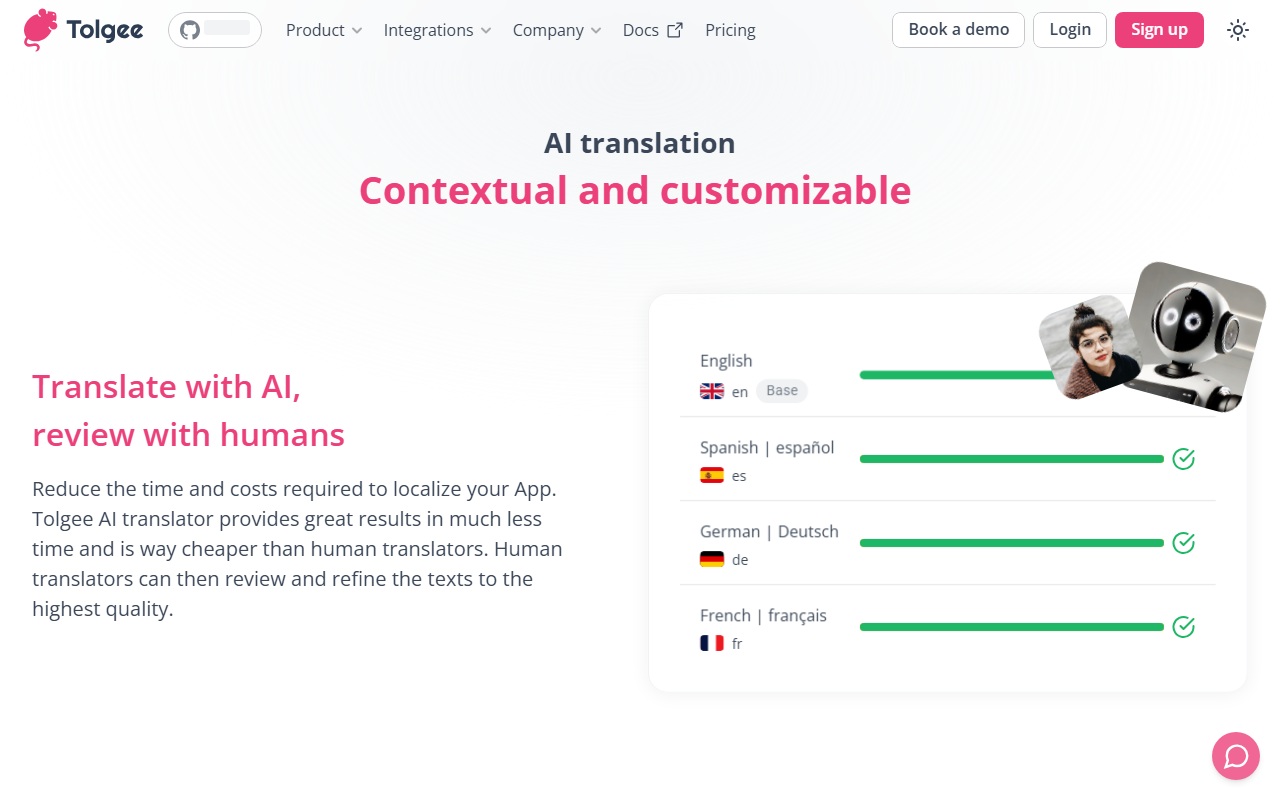
Tolgee is an open-source localization platform that combines an AI translator with developer-friendly SDKs. The magic lies in its ability to extract visual context (e.g., screenshot, element position) before sending strings to the AI. This context-aware translation produces more accurate results than raw machine translation. During testing, I added a new key via the JS SDK (the documentation is excellent and includes React, Angular, Vue, Svelte, and Next examples). The AI auto-translated it into French, German, and Japanese. I could then edit those translations in-context, see changes live, and approve them. The platform also includes a Rest API, CLI for import/export, and a Figma plugin for designers. This tool solves the specific problem of localization bottlenecks: product managers or clients can modify text without filing developer tickets. The four-step workflow (add strings, auto-translate, review, release) is clearly illustrated on the site.
Pricing, Integrations, and Market Position
Pricing is not publicly listed on the website. Tolgee offers a free tier (no credit card required) for small projects, and likely usage-based or self-hosted plans for larger teams. The site mentions “40,000+ users worldwide” and integrations with Slack, GitHub, and major frameworks. Compared to alternatives like Crowdin or Transifex, Tolgee differentiates itself with in-context editing and open-source availability. However, Crowdin has a larger marketplace of vetted translators, while Tolgee relies on AI and optional human review. A standout strength is the ability to delegate translation to non-technical stakeholders—anyone can edit text without touching the codebase. A limitation is that the AI translations, while context-aware, can still miss nuanced cultural tones; manual review remains important. Also, self-hosting requires DevOps effort. Tolgee is best suited for SaaS startups and agile teams that ship frequently and want to iterate on translations in real-time. It is less ideal for organizations needing certified human translators or heavy regulatory compliance.
Visit Tolgee at https://tolgee.io/ to explore it yourself.










Comments