

First Impressions and Onboarding
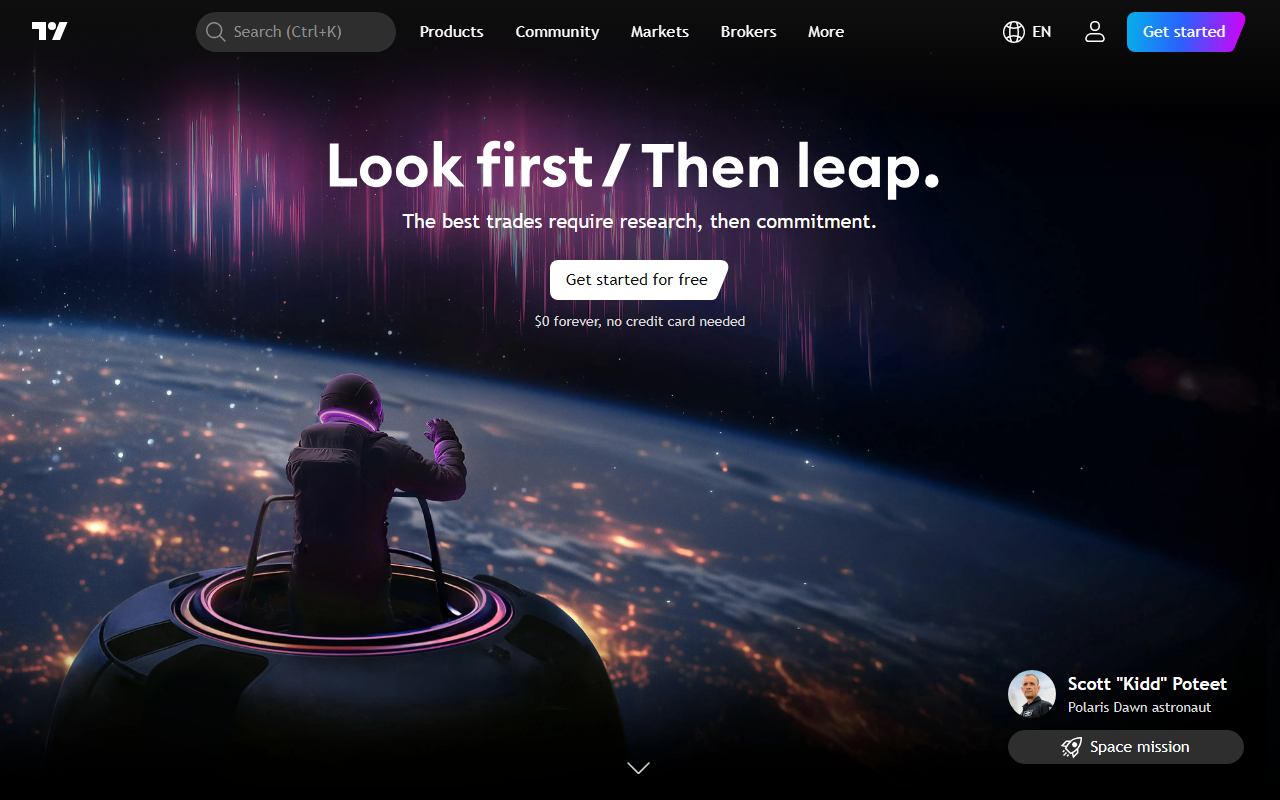
Upon visiting TradingView, I was greeted by a clean, dark-themed interface with a real-time market summary at the top—S&P 500, crypto market cap, gold, and more. The “Get started for free” prompt is prominent, and signing up required no credit card, which I appreciated. The onboarding flow is smooth: after a brief tutorial, I landed on the charting workspace. The default chart is a candlestick view of the S&P 500, but I quickly switched to Bitcoin. The dashboard is dense yet intuitive: a top toolbar with drawing tools, a side panel for watchlists, and a bottom pane for community ideas and indicators. Even for a newcomer, the layout feels familiar to anyone who has used trading platforms, but the social layer—comments and scripts—sets it apart. I tested the free tier by adding a simple moving average and noticed that indicator responses were near-instant, though data refresh occasionally lagged a few seconds. For a free plan, performance is solid.
Core Features and the AI Reading Angle
TradingView is, at its heart, a charting platform and social network for traders. But its “AI Reading” categorization becomes clear when you dig into the built-in tools. The platform lets you analyze price action, apply technical indicators, and read market sentiment from a community of 100 million users. The standout feature for AI-driven reading is the “AI Predictive Flow (Zeiierman)” indicator, available in the Pine Script library. This indicator uses an AI model to predict future price movement likelihood from historical patterns. When I applied it, it displayed a color-coded histogram estimating bullish or bearish probability. It’s not a black-box oracle—it gives traders a probabilistic edge. Additionally, the platform’s “Technical Ratings” aggregate multiple indicators into a single buy/sell signal, using a weighted algorithm. This is where the AI reading aspect shines: it helps filter noise and condense complex data into actionable insights. Unlike Bloomberg Terminal, which focuses on institutional news and data, TradingView democratizes technical analysis with an emphasis on community-driven signals.
Community, Indicators, and Customization
The community section is arguably TradingView’s greatest asset. Under “Community ideas,” I saw dozens of annotated charts from traders like “Setupsfx_” and “William_Playfair” discussing gold and silver setups. Each post includes a clear “Long” or “Short” label, along with reasoning. I found the quality varied—some ideas were rigorous, others speculative—but the sheer volume means you can always find fresh perspectives. The Pine Script language powers thousands of user-created indicators, strategies, and libraries. I explored “Pine3D: A Native 3D Graphical Rendering Engine” and “TASC 2026.05 The AutoTune Filter,” both of which showcase advanced algorithmic analysis. These scripts can be copied and modified, making TradingView a playground for quantitative minds. For readers, the platform also offers “Editors' picks” for both ideas and indicators, curated by the TradingView team. This helps filter the noise. However, the learning curve is steep: interpreting AI-driven indicators requires basic knowledge of statistics and trading concepts. The free tier limits you to one indicator per chart and delayed data, which can frustrate serious traders.
Pricing, Limitations, and Verdict
TradingView’s pricing is transparent: Free (basic features, delayed data, one indicator per chart), Pro ($49.95/month, real-time data, five indicators), Pro+ ($59.95/month, 10 indicators, multiple tabs), and Premium ($79.95/month, unlimited indicators, bar replays, priority support). Enterprise plans are also available. For the AI reading angle, the free tier is adequate to test the waters, but serious analysis demands at least the Pro plan. A major limitation is that the platform is not a dedicated AI reading tool like MarketSmith or Finviz Elite—it’s a generalist charting suite with AI overlays. The community ideas can be biased, and the AI predictive flow indicator is still a black box. Best suited for: active retail traders, technical analysts, and algo enthusiasts who want a social twist. Not ideal for: pure fundamental investors or those seeking automated AI trade execution. If you’re willing to learn Pine Script and spend time filtering community noise, TradingView offers unmatched flexibility. I recommend starting with the free tier, testing the AI Predictive Flow indicator, and then upgrading if you need real-time data and more indicators.
Visit TradingView at https://tradingview.com/ to explore it yourself.










Comments